Already recorded it? Make it a demo video and guide.
Upload any screen recording, from QuickTime, Zoom, OBS or Loom. Nook writes the script, voices it or tidies up yours, blurs private data and builds the step-by-step guide.
- First video free
- Plans from $9 a month
- No extension or recorder
Demo videos
A demo video, from the same recording.
Nook turns your recording, or just your website, into a demo video: headlines, your screens in a frame, a voiceover and music, in your brand's colours. Change the words or the look in a click, then make it tall for social or in another language.
This one is ours: Nook made it from usenook.live.
Who it's for
For the times you need to show someone how it works.
Most people don't need a video tool every day. They need one good demo, this week. Here's what people use Nook for.
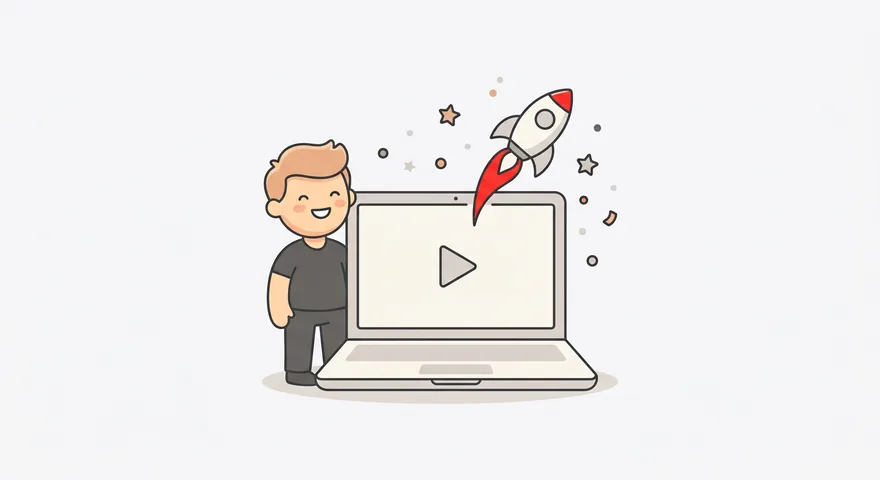
Your landing page, launch post or investor email needs a short demo. Click through your product once and Nook makes it watchable.
Learn more →You send: a 1 to 3 minute screen recording
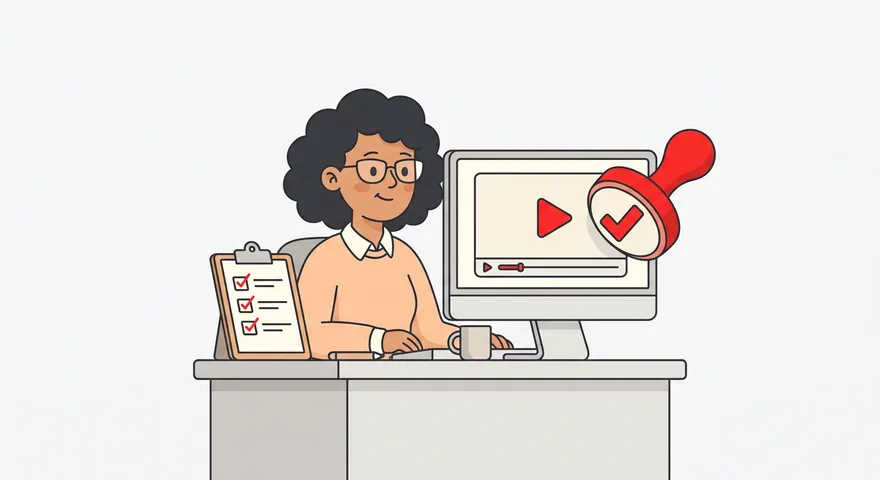
Shopify, Meta, Google and HubSpot want a screen recording before they approve your app. Record it once and get a clear English video with captions, plus written test steps.
Learn more →For: app and integration developers
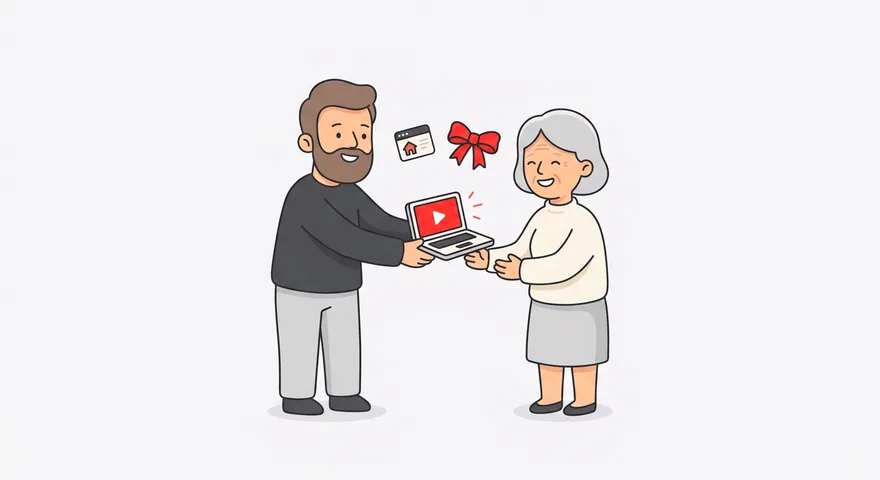
Built a website or set up a tool for a client? Give them a walkthrough video and a written guide they can come back to, instead of answering the same questions by email.
Learn more →For: web designers, agencies, freelancers, consultants
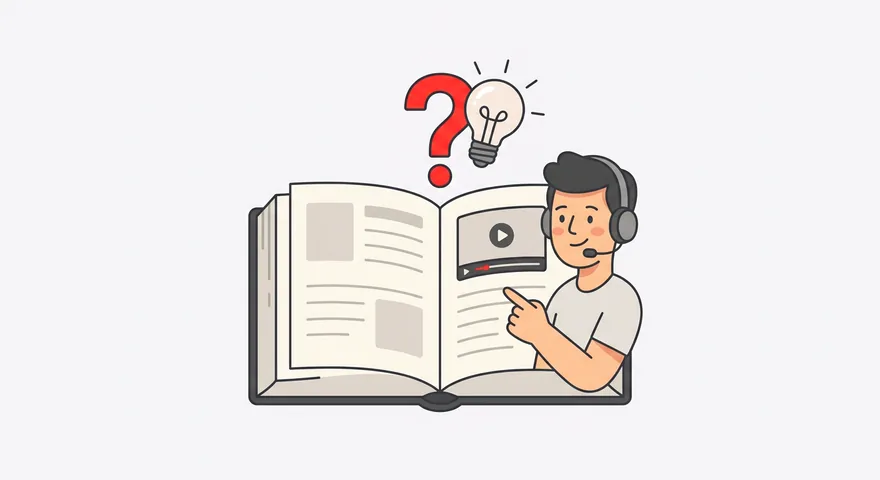
Turn the question you answer every week into a video and an article with screenshots. Link it instead of typing the steps again.
Learn more →You get: a share page, an embed and a written guide
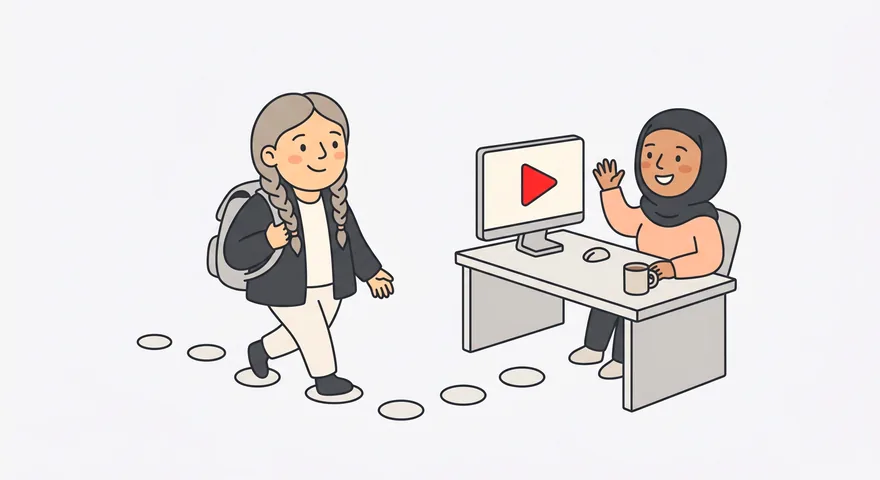
Record a process once. New hires get a video to watch and steps to follow. Export the guide to Word, PDF or Markdown for Notion or Confluence.
Learn more →For: ops, HR and team leads
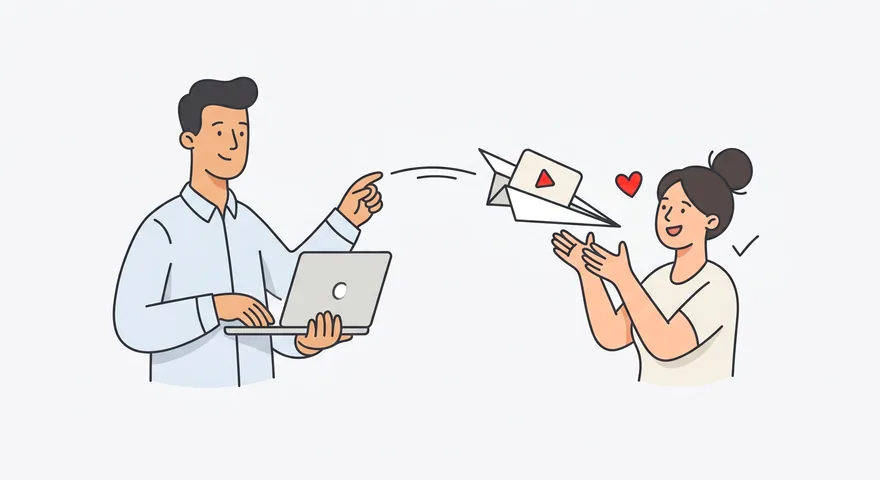
A prospect asked how a feature works. Send a short narrated walkthrough with chapters instead of booking another call.
Learn more →You get: a link they can forward to their team
The difference
Same recording. A world apart.
Drag the handle to compare a raw screen recording with what Nook makes from it. Nobody opens an editor.
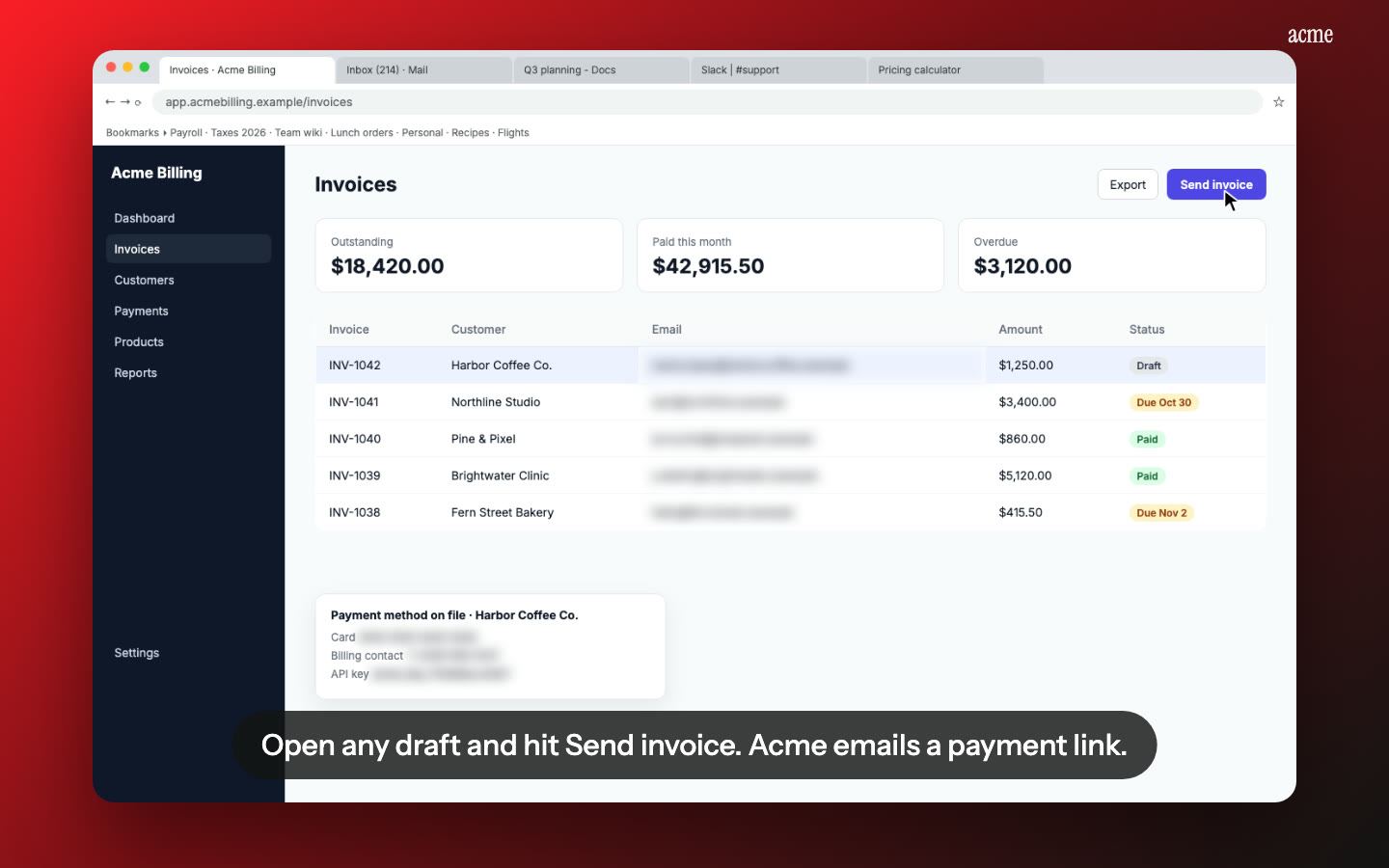
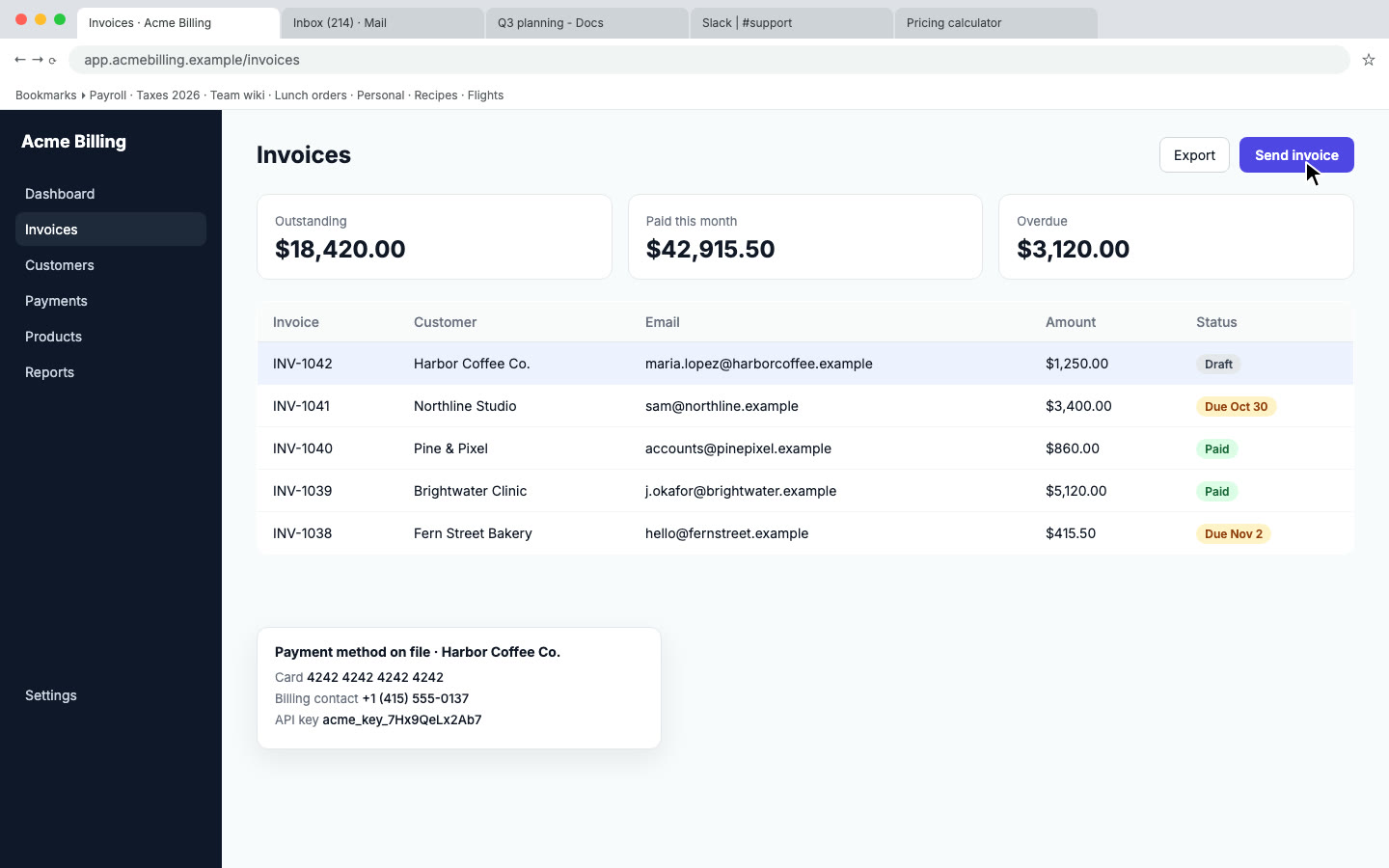 Your recordingWith Nook
How it works
Upload, check, share.
Any screen recording, up to 10 minutes (15 on Business). Talk over it or record in silence: Nook works from your words or from what's on screen.
Nook splits it into steps and writes one clear line for each. Change any line, pick a voice, set the pace.
Send a link, embed it in your docs, download the MP4, or export the guide as PDF, Word or Markdown.
What you get
One recording. A video, a guide and a page to share them.
A natural AI voiceover, captions, a clean frame, background music and your logo. Your own voice and "ums" never make it in.
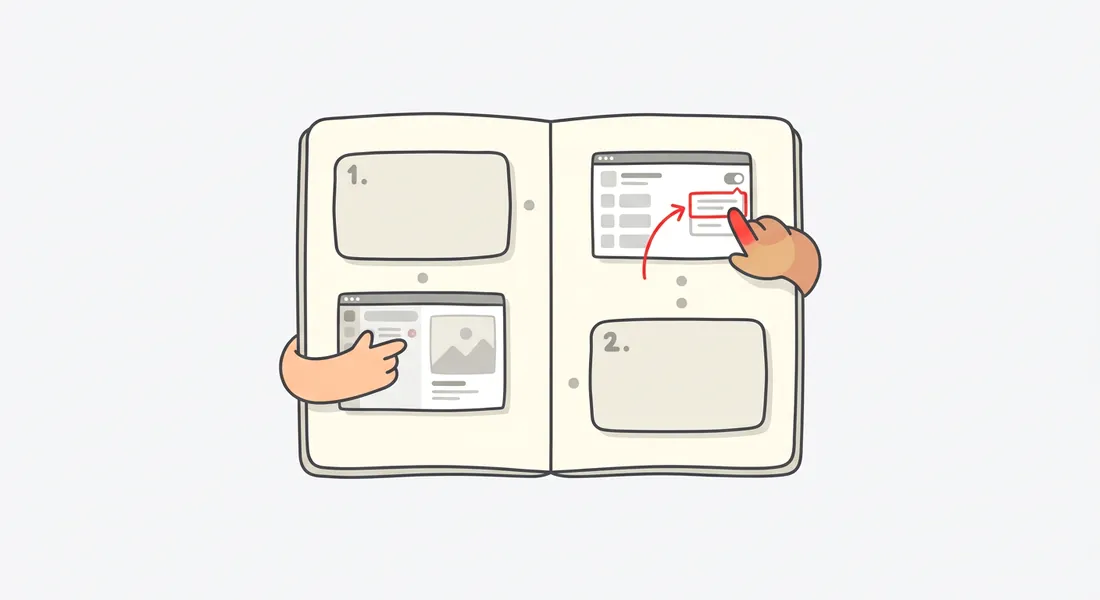
A heading, a short note and a screenshot for every step. Draw boxes and arrows on screenshots. Export to PDF, Word or Markdown.
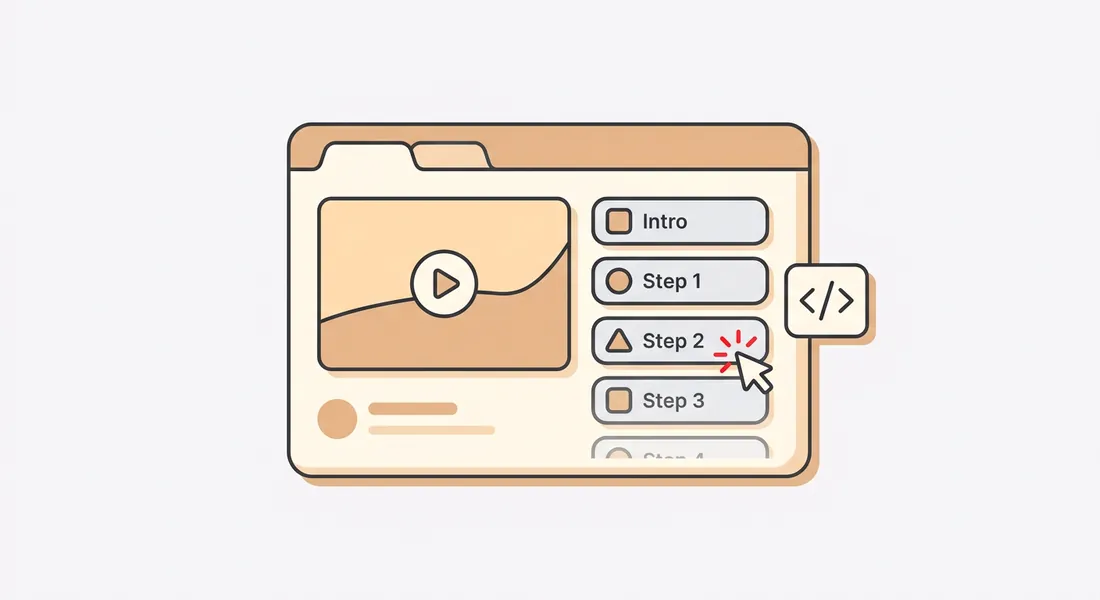
A clean page with chapters viewers can jump between, or an embed for your help center or docs.
14 languages besides English, from Spanish and German to Arabic and Japanese, each with a native voice.
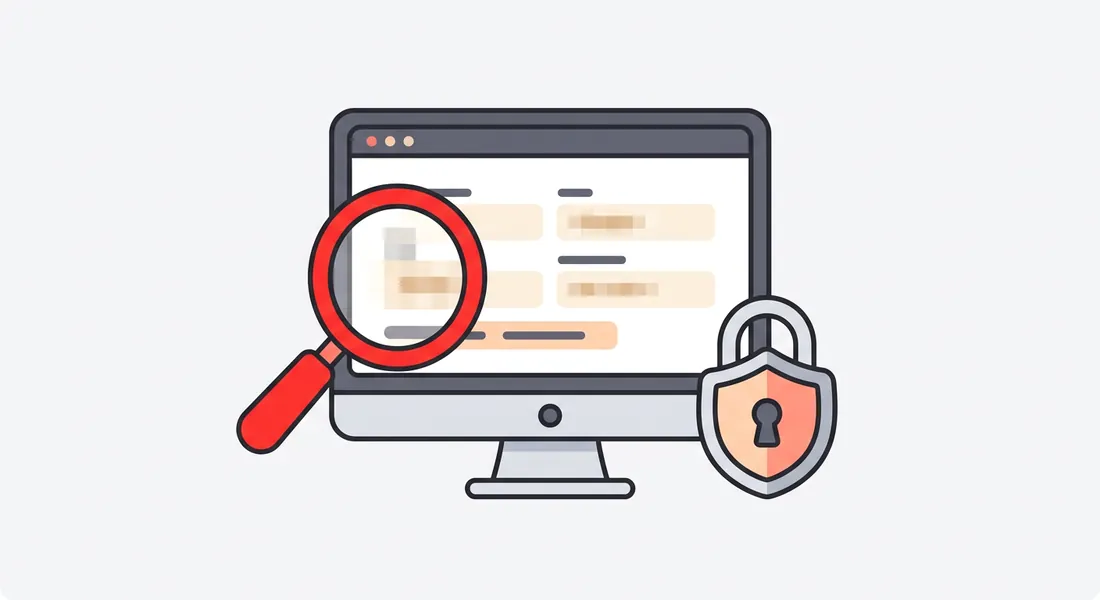
Customer emails, phone and card numbers and API keys on screen are found and blurred before anyone sees them.
Your logo, accent color, intro and outro cards, and background music.
Most demo and documentation tools charge every person on the team. Nook charges for the videos you make: 4 a month for $9, and anyone can watch them.
Nothing to install and no recorder to learn. Nook takes any file: QuickTime, Zoom, OBS, a Loom download, or last month's recording. No timeline to edit either.
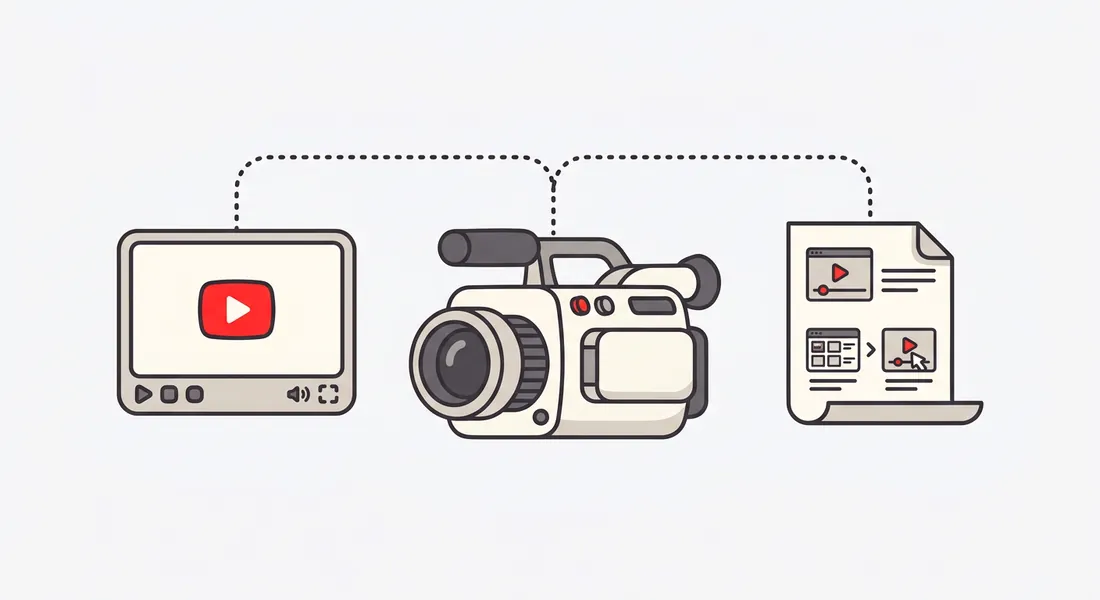
Some people watch, some people skim. Everyone gets what they prefer, and you only record once.
Prefer to sound like you? Nook keeps what you said, cuts the silences and dead time, and times the captions to your actual words. Or switch to an AI voice or captions only.
Presets and checklists for Shopify, Meta, Google OAuth and HubSpot reviews, with written test steps and private data blurred. See how.
Pricing
Pay for the videos you make.
Try your first video free. Pick a plan when you want to download, edit and share without a watermark. No per-seat pricing.
- ✓4 videos a month, up to 10 min each
- ✓MP4 and guide downloads, no watermark
- ✓4 translated videos a month
- ✓Extra videos: 4 for $9
- ✓8 videos a month, up to 10 min each
- ✓Every language, 12 translated videos a month
- ✓Your own cloned voice
- ✓Branded guides and handover kits
- ✓Extra videos: 4 for $9
- ✓16 videos a month, up to 15 min each
- ✓Everything in Pro
- ✓24 translated videos a month
- ✓Presenter on 7 videos a month
- ✓Your brand, not Nook's, on share and kit pages
- ✓Priority rendering
- ✓Extra videos: 4 for $9
Not sure yet? Make your first video free: up to 3 minutes, watermarked, no card needed.
Questions
What can I record with?+
Anything that saves a video file: QuickTime on a Mac, the Windows Snipping Tool, OBS, or a video downloaded from Loom. Upload MP4, MOV or WebM, up to 10 minutes (15 on Business).
Do I have to talk while recording?+
No. Nook reads what's on screen and writes the narration from it. If you do talk, it keeps what you meant and drops the ums, repeats and restarts.
How is this different from Loom?+
Loom records you. Nook edits what you recorded: it writes a script, gives it a clear AI voice or tidies up your own, adds captions and writes a step-by-step guide. Many people record in Loom and finish in Nook.
Can I change the result?+
Yes. Edit any line, its voice speed and effects, cut or skip steps, and update the video as often as you like on any plan.
Do I need a subscription?+
Your first video is free, so you can see the result on your own recording. To download it, remove the watermark and keep making videos, pick a plan: Starter is $9 a month for 4 videos, and you can cancel any time.
Is pricing per person?+
No. Nook doesn't charge per seat. Starter is $9 a month for 4 videos, Pro $19 for 8 and Business $49 for 16. Pay yearly and get 2 months free. Need more in a month? Add 4 videos for $9.
What about private data on my screen?+
Nook scans every screenshot for emails, phone and card numbers and API keys, and blurs them in the video and the guide.
What do I get at the end?+
A share link with chapters, an embed code, an MP4 download, and the written guide as PDF, Word or Markdown with screenshots.
From the blog
Make demos people watch.
A decision guide for founders, marketers, CS and support teams. What a demo video, a walkthrough video and a click-through demo each do, how long they run, where each one belongs, and how to make all three from one screen recording.
What the free plans of nine AI demo video tools really include, from watermarks and downloads to length caps, and the cheapest paid step up from each. Checked on each vendor's pricing page as of November 2026.
Make a product launch video from a screen recording of your app, without a motion designer. Pick the kind, structure it, write the headlines, set the look and sound, and export every size.
Create an interactive product demo step by step: plan the flow, record clean, pick a method, write step copy, place hotspots, add a call to action, embed, measure.
Got a screen recording in your Downloads folder?
Turn it into a demo video and a how-to guide in a few minutes. Your first one is free.
Make your first video free