Onboarding calls don't scale
Kickoff calls work, but they take an hour of your team's time per customer, and the people who join late or forget a step need them again. Customers who can't get set up quickly don't stick around.
Short videos, one task each, let customers set up at their own pace and come back when they're stuck.
One page for each new customer
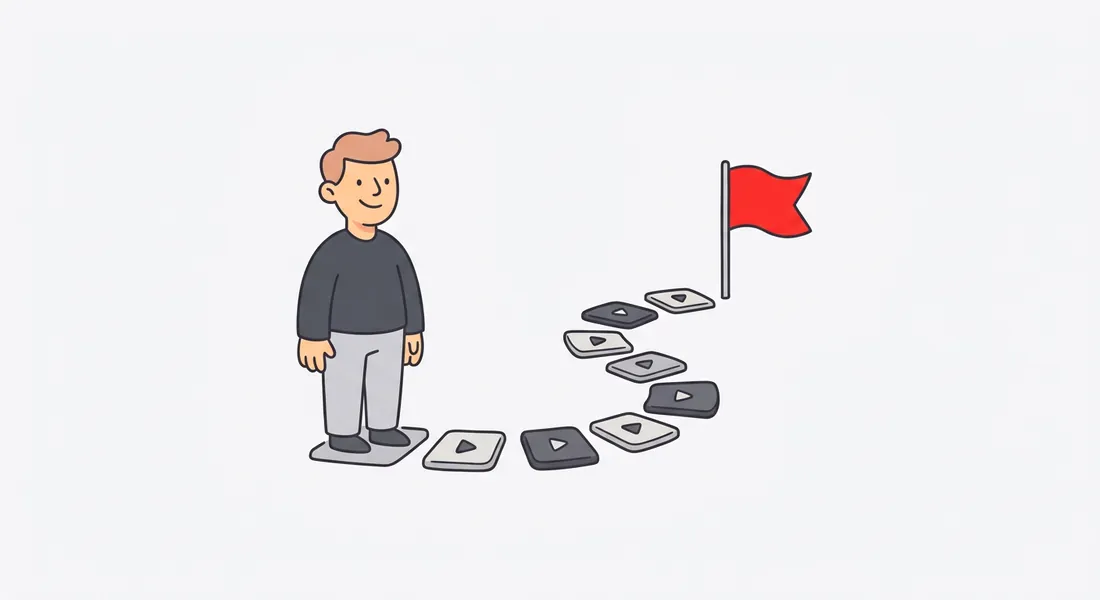
Put your setup videos into a kit: one page with the videos in order, a short note on each, and your logo. Send the link in your welcome email, or share it at kickoff.
A typical kit:
- Logging in and finding your way around.
- Connecting your data or your other tools.
- Inviting your team.
- Doing the one thing your product is for, start to finish.
- Where to get help.
Each video comes with written steps
Every video has a matching guide: a heading, a short instruction and a screenshot for each step. Customers who'd rather read can follow the steps while they click. Download the guide as PDF or Word, or copy it as Markdown.
See where customers get stuck
The Stats tab on each video shows views, how far people watched and where they stopped. If most people stop at "Connect your data", that's the step to simplify, in the product or in the video.
Built for customer-facing videos
- Your brand. Logo, accent color and intro card on every video.
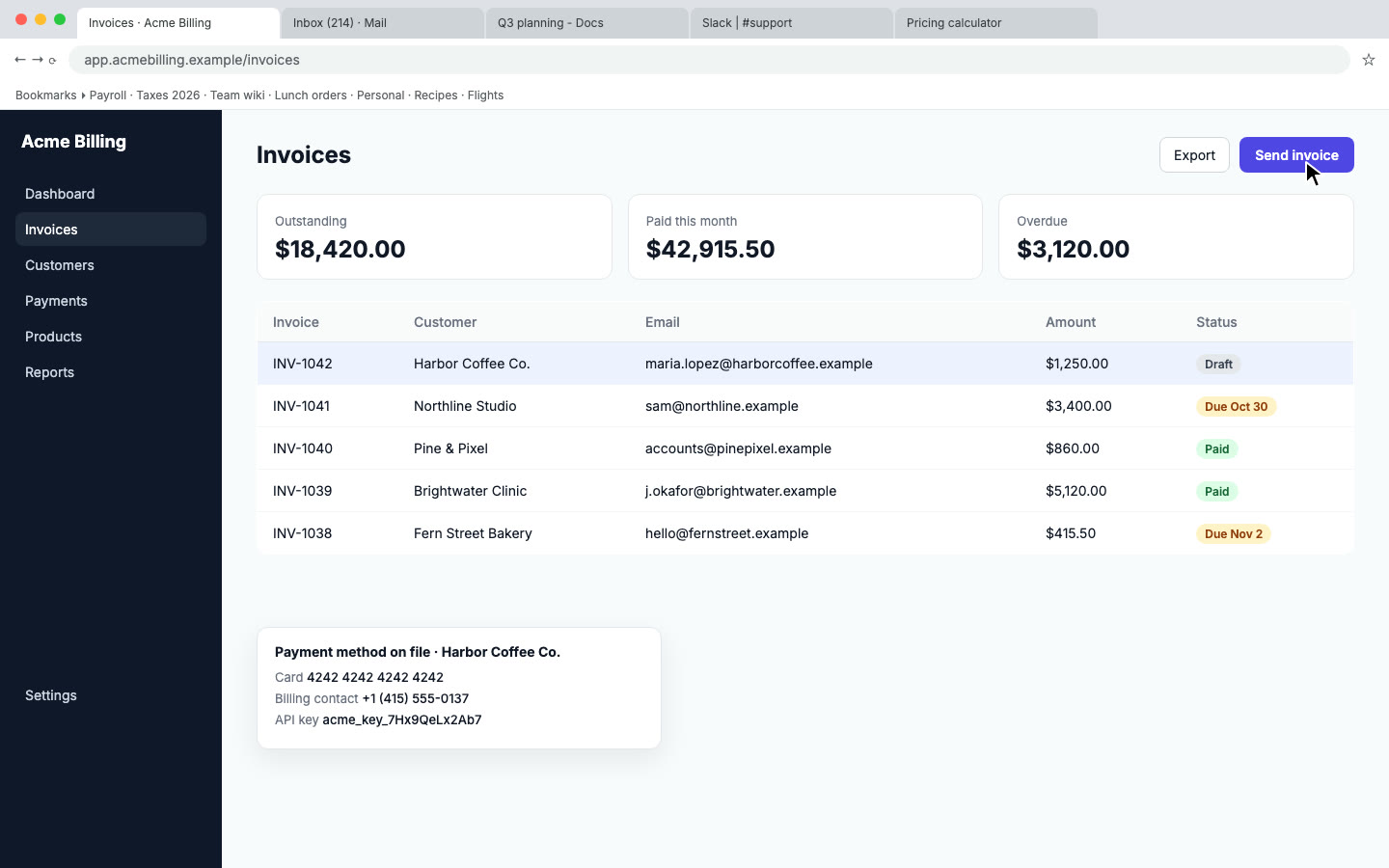
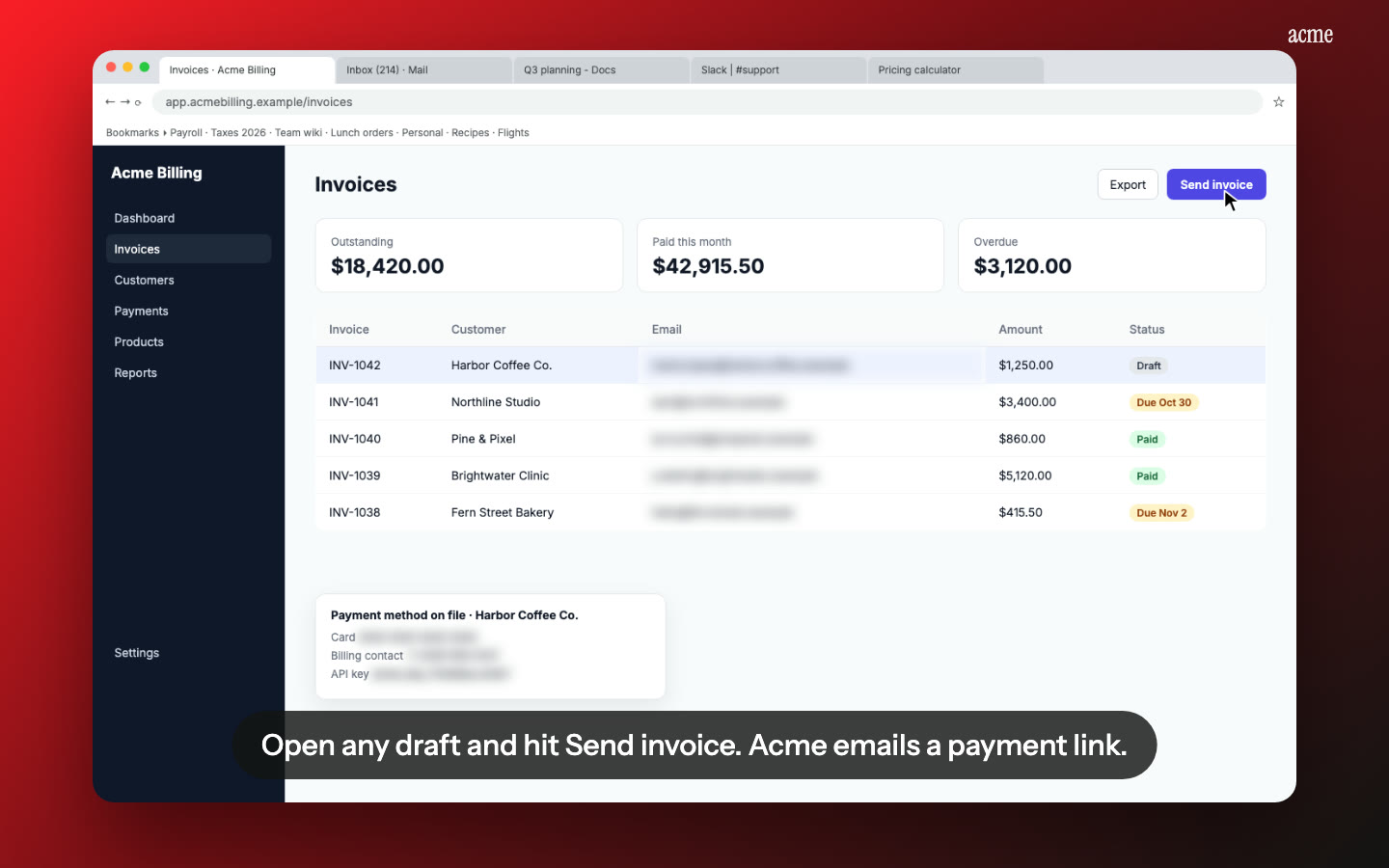
- Private data blurred. Record on a demo account, or let Nook blur the emails and keys it finds.
- Embed anywhere. Put a video inside your app's empty states or your docs with the embed code.
- Their language. Translate videos and guides into Spanish, French, Portuguese, Italian, Hindi, Japanese or Chinese.
- Product names said right. Teach Nook your product's pronunciation once.
Pricing
Your first video is free. After that it's $9 per video. Most onboarding sets are 4 to 8 short videos, so Pro, at $19 a month for 10 videos, usually works out cheaper. Pro includes every language. See pricing.
Questions
Can each customer get their own page?
You can make as many kits as you like, but they hold the same videos. Most teams send one onboarding kit to every customer, and make a custom video for big accounts.
Can I put the videos inside our product?
Yes. Every video has an embed code you can place in your app, docs or emails.
What happens when our UI changes?
Record the changed task again and swap the new video into the kit. The kit link stays the same.
Do customers need an account to watch?
No. Kit pages and share links open in any browser.
Make onboarding videos
Upload the recording you already have. Your first video is free, then $9 per video.
Start free