Why translated videos rarely get made
Translating a demo usually means a translator, a voice actor per language, and someone to re-edit the timing because German is longer than English. So most teams only ship English and hope customers cope.
Nook makes a translation a few clicks, from the video you already have.
What gets translated
- The narration, rewritten in the new language, not word-for-word.
- The voice, a native-sounding voice for each language.
- The captions, in the new language, timed to the new voice.
- The written guide, every step heading and instruction.
The screen recording stays the same, so your product appears exactly as it is.
Languages
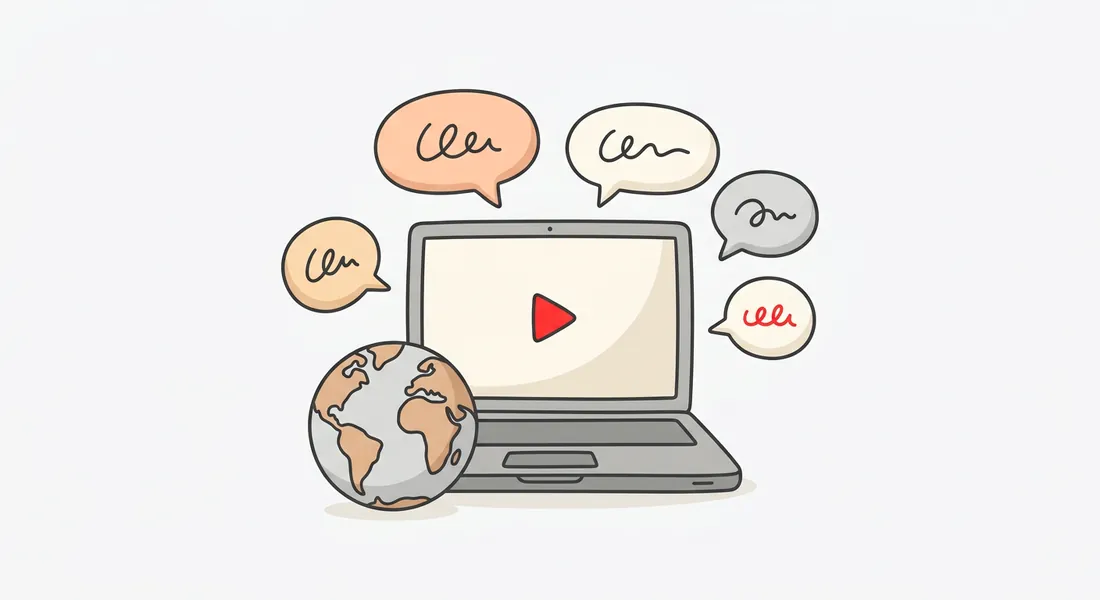
Spanish, French, German, Portuguese (Brazil), Italian, Dutch, Polish, Russian, Arabic, Hebrew, Hindi, Japanese, Korean and Chinese (Mandarin), on top of English. That is 15 languages in total, each with a native voice. Polish has a male voice only.
You can also narrate the main video directly in any of them. Pick the language on the upload page and Nook writes the script, voice, captions and guide in it, whatever language the recording is in.
One link for every language
The share page has a language switch, so you send one link and each viewer picks their language. Each translation can also be downloaded as its own MP4 with its own guide.
Your product names, said right
Product names and jargon trip up voices in every language. Add them to your pronunciation list once. Nook applies it before the voice speaks, in every language.
Who uses it
- SaaS companies selling into Latin America, Europe, India or Japan.
- Support teams whose help center serves customers worldwide. See help center videos.
- Companies with teams in several countries that need the same training material. See SOP videos.
- App developers whose review needs an English video, but whose users don't speak English.
Pricing
Starter, at $9 a month for 4 videos, includes 4 translated videos a month. Pro, at $19 a month for 8 videos, includes every language, with 12 translated videos a month. Your first video is free in English. See pricing.
Questions
How good are the translations?
They're written by an AI model that adapts the script to the language, not a literal word swap. For customer-facing videos, ask a native speaker to read the script once. You can edit any line before rendering.
Can I use my own voice in other languages?
No. Translations use a native AI voice. Your original video can keep your own voice.
Do translations take long?
A few minutes each. Nook doesn't re-record anything; it rebuilds the voice and captions on the same footage.
Is my language missing?
Tell us which one at support@usenook.live. We add languages based on requests.
Make a translated video
Upload the recording you already have. Your first video is free. Plans start at $9 a month for 4 videos.
Start free