Where a demo video earns its keep
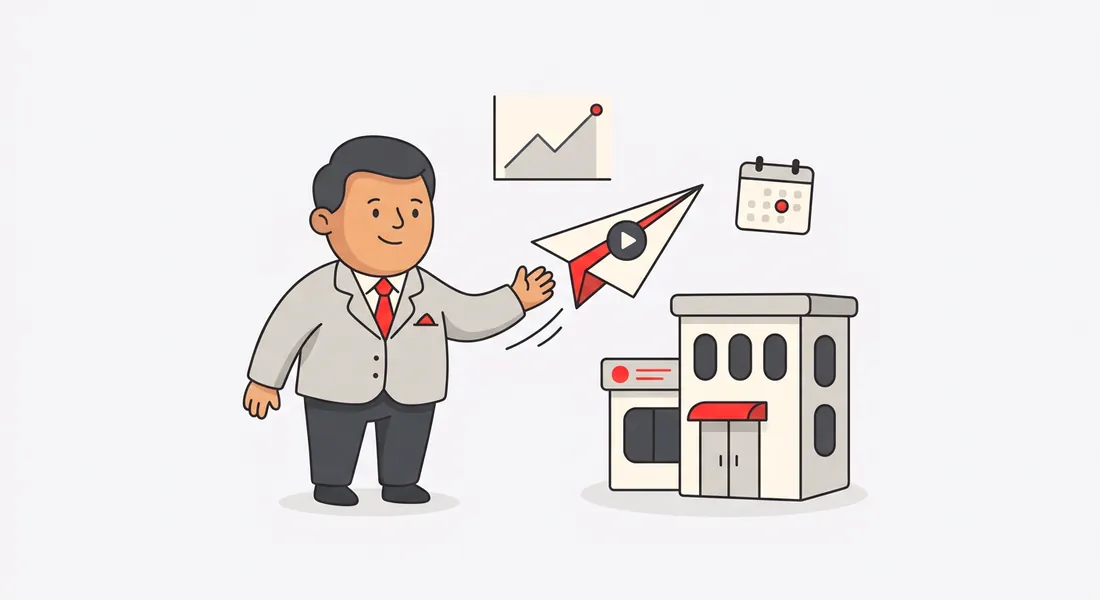
- The landing page hero. Visitors decide in seconds. A 60-second walkthrough answers "what does it actually do?" faster than any headline.
- Launch posts. Product Hunt, Hacker News, LinkedIn and X. A Product Hunt demo has its own page.
- Investor and accelerator applications. Many ask for a short product demo. A clean one shows the product is real.
- Cold emails and DMs. A link to a two-minute video gets watched more often than a request for a call.
The slow part isn't recording
Anyone can click through their own product. What takes a weekend is everything after: cutting the pauses, rewriting what you said, recording a voiceover until it sounds right, adding captions and zooms. Nook does that part.
It writes the script. Nook reads your screen and what you said, and turns it into short, plain sentences for each step. You can edit any line.
It picks the voice. A natural AI voice, your own voice tidied up, or captions only. With your own voice, Nook keeps your words and drops the long silences.
It cuts the waiting. Stretches where nothing moves, like a page loading, are skipped. Nook can also crop past the parts of your screen that never change, so the product fills the frame.
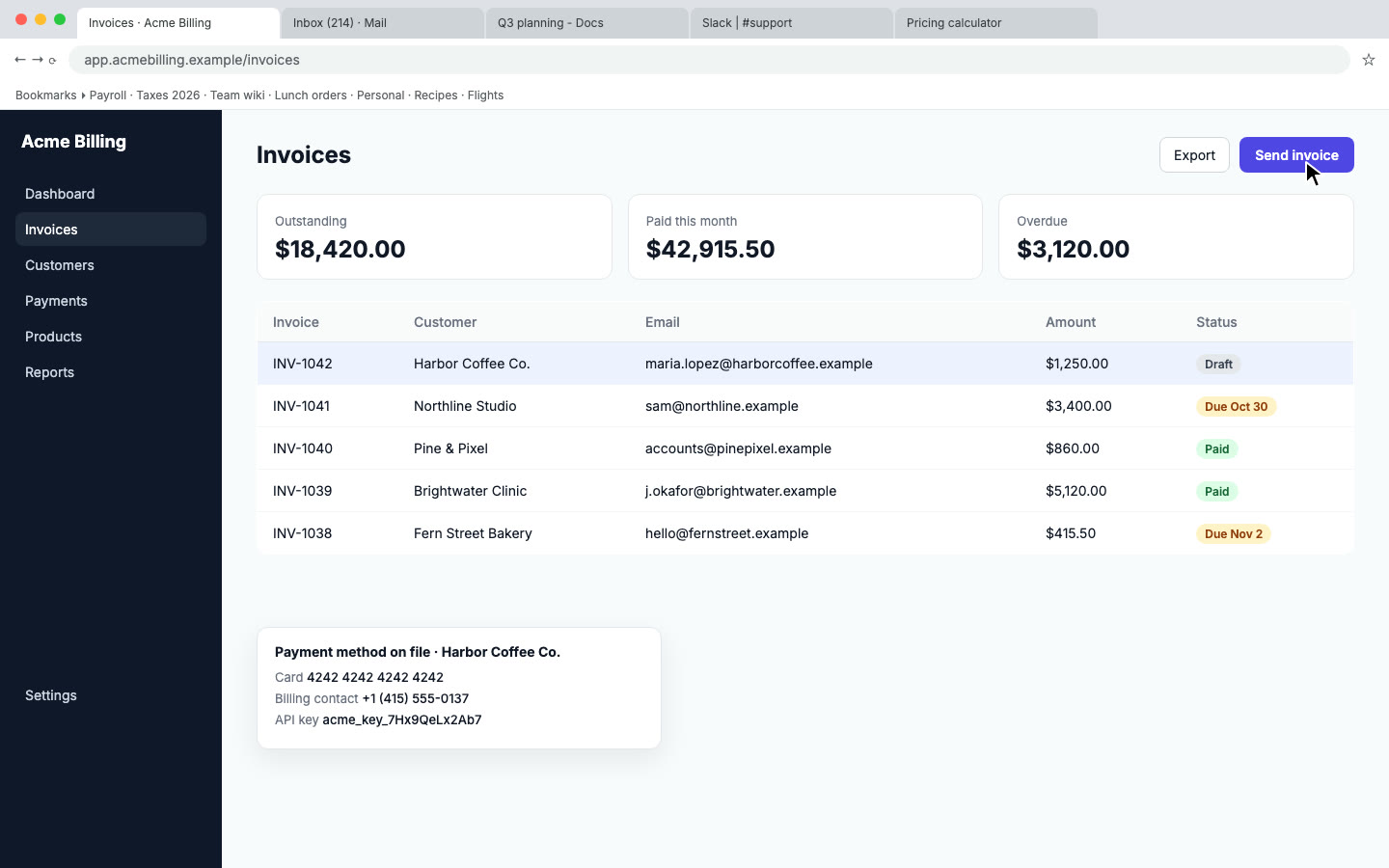
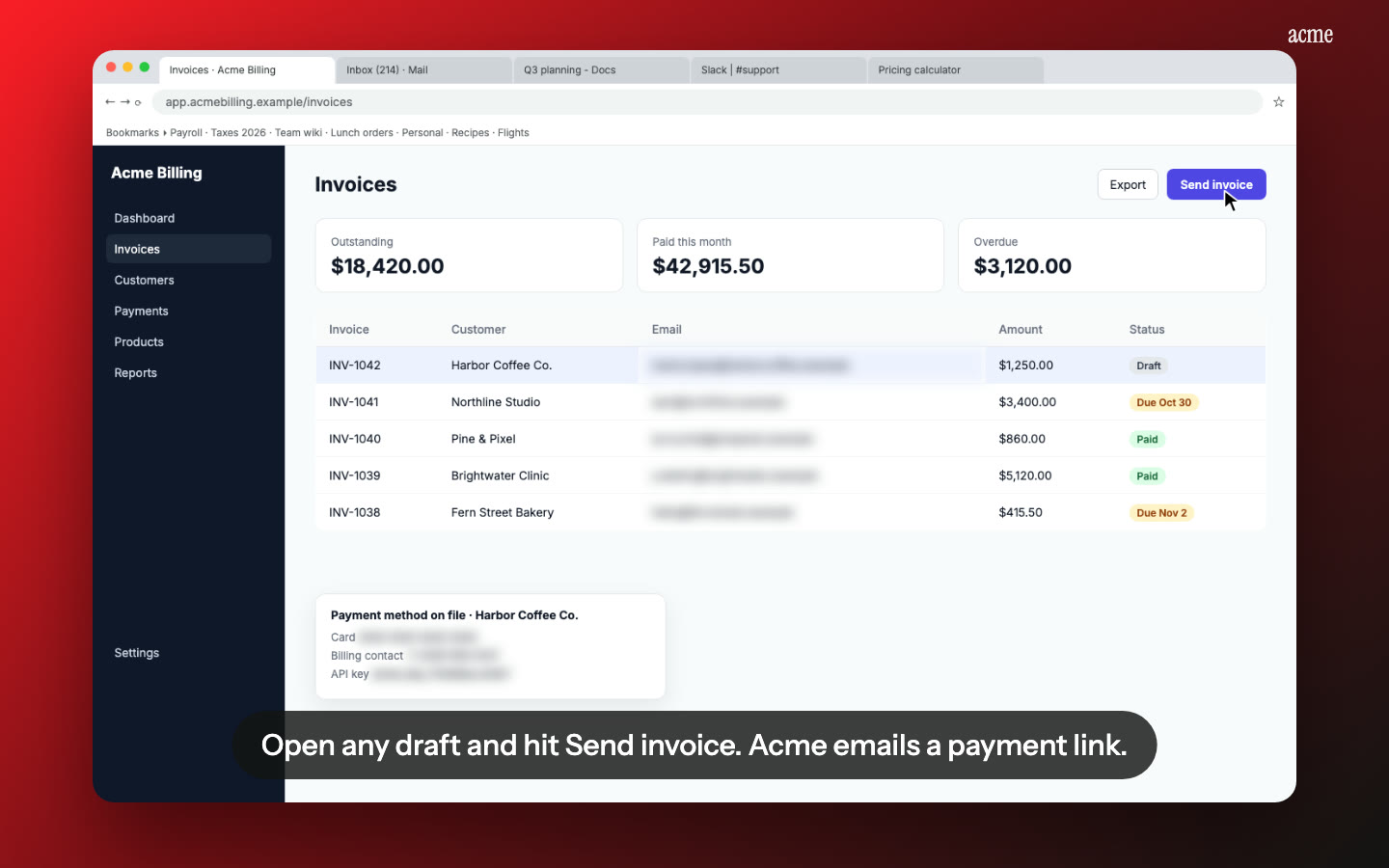
It hides what shouldn't be seen. Emails, phone numbers and API keys on screen are found and blurred before anyone watches.
One recording, every format
From the same recording you get a landscape video, a 60-second short, a square cut for LinkedIn and X feeds, and vertical cuts for Reels and Shorts. Each one is its own MP4 to download.
A link that does the selling
Every video gets a share page with chapters, and an embed code for your site. Add a button, like "Start free trial" or "Book a demo", that shows under the video and on the last frame. The Stats tab shows how many people watched, how far they got, where they stopped and how many clicked the button. Your own views aren't counted.
Pricing
Your first video is free, up to a minute, with a small watermark. After that a video is $9, up to 15 minutes, with no watermark, 10 re-renders and the shorter cuts. If you ship often, Pro is $19 a month for 10 videos. See pricing.
Questions
How long should a product demo be?
For a landing page, 60 to 90 seconds. For an investor or sales email, two to three minutes. Our guide to making a product demo video covers what to show.
Do I have to talk while I record?
No. Record in silence and Nook writes the narration from what's on screen. Or talk normally, and choose whether to keep your voice or replace it.
Can I put it on my website?
Yes. Copy the embed code from the Publish tab, or download the MP4 and host it yourself.
Can I update it when the product changes?
Edit the script, swap the voice or change the effects and re-render. For a new screen, record that part again and make a new video.
Make your demo video
Upload the recording you already have. Your first video is free, then $9 per video.
Start free