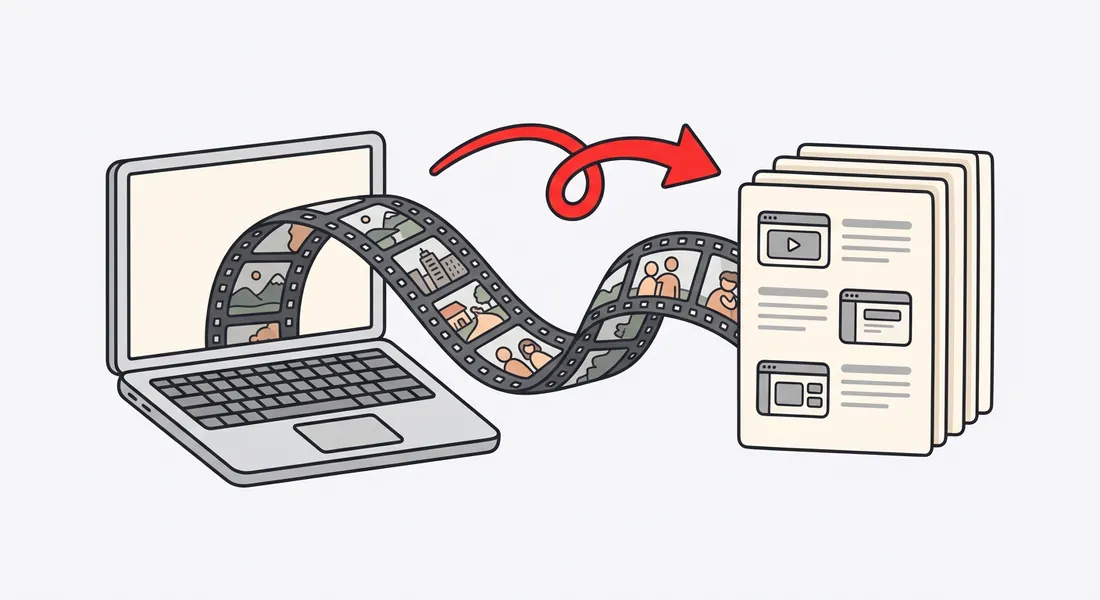
Video and article, from the same recording
Some customers want to watch. Others want to skim the steps while they click. Most help centers end up with one or the other, because making both doubles the work.
Nook makes both from one screen recording:
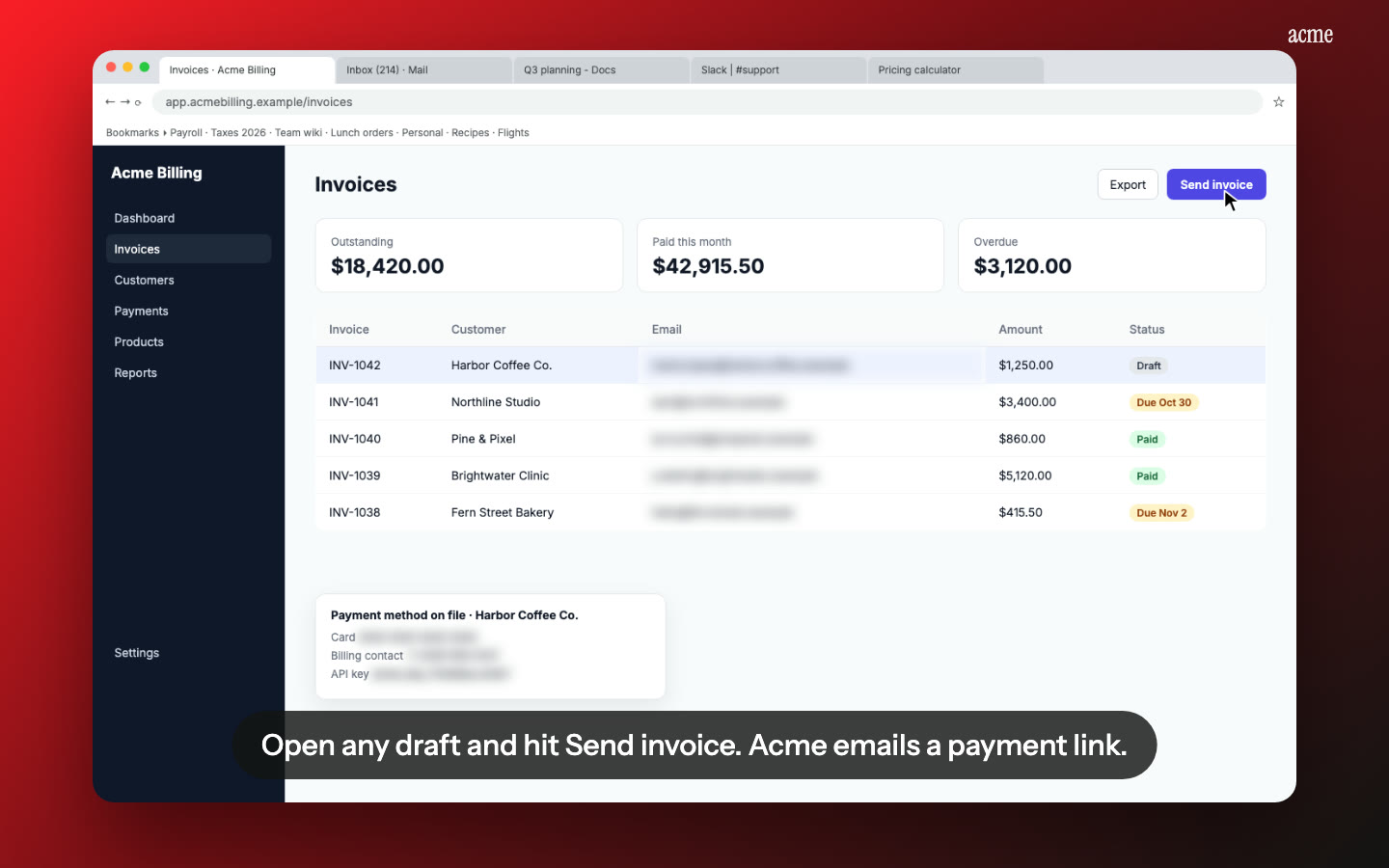
- A narrated video with captions, zooms on each click, and chapters for each step.
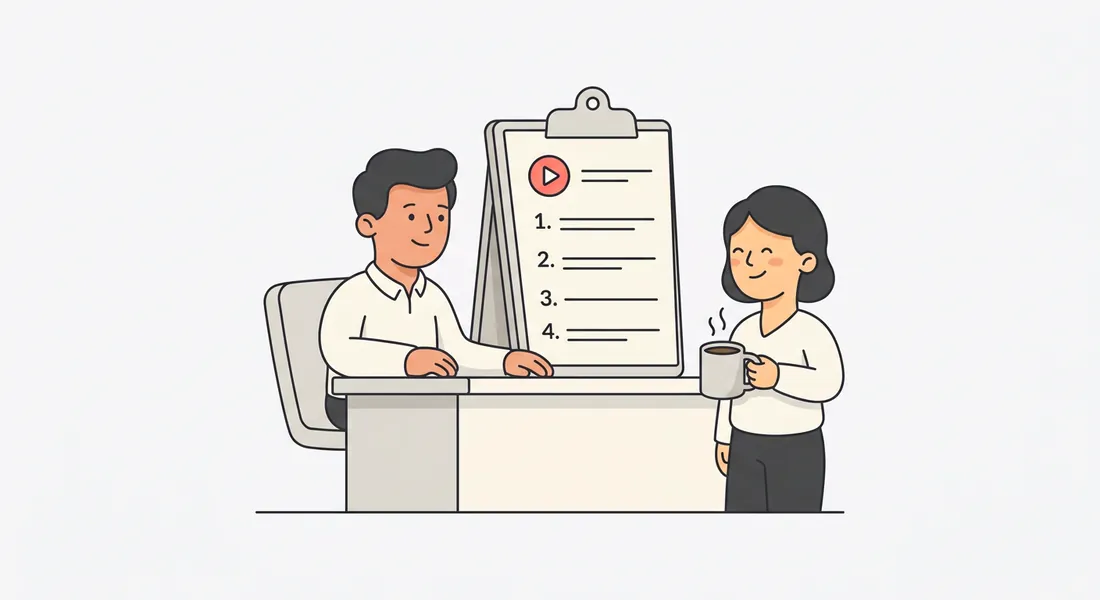
- A written guide with a heading, a short instruction and a screenshot for every step. Copy it as Markdown, or download it as PDF or Word.
Fits the help center you already have
Every video has an embed code, so it goes anywhere that accepts one: your docs site, a Notion page, or a help center article. Paste the written steps underneath. Customers who'd rather read can skip the video, and the article still answers their question.
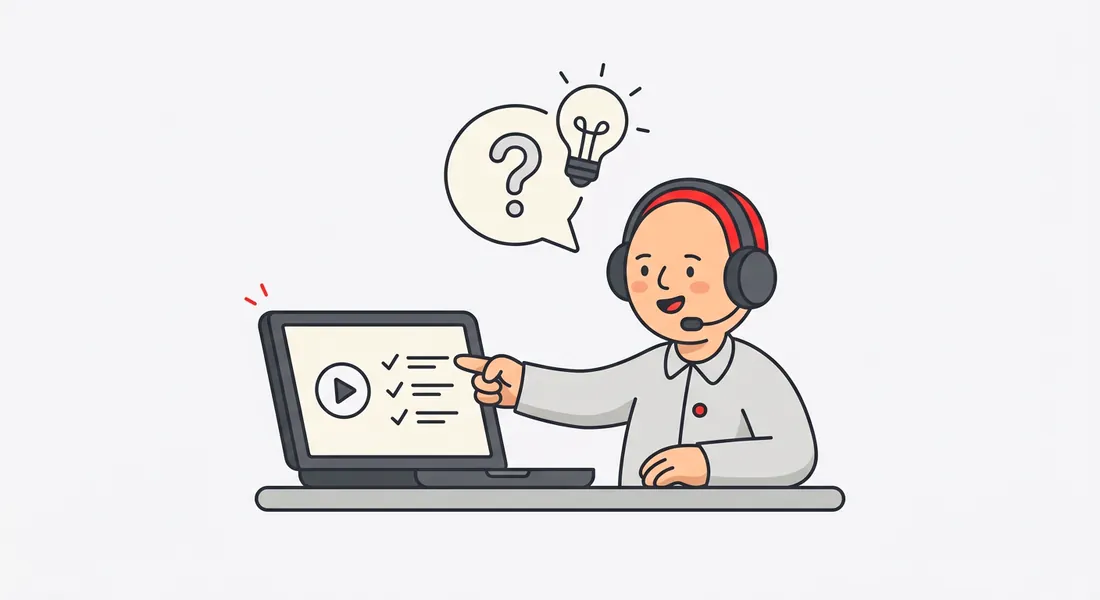
You can also skip the help center and send the share link straight in a support reply. It has chapters, so the customer can jump to the step they're stuck on.
Less work when the product changes
Product screens change, and help videos go stale. With Nook, a stale video doesn't mean re-editing. Record the flow again and Nook rebuilds the video and the guide in a few minutes. For wording changes, edit the script and re-render.
Built for help content
- Captions on every line, so it works with the sound off.
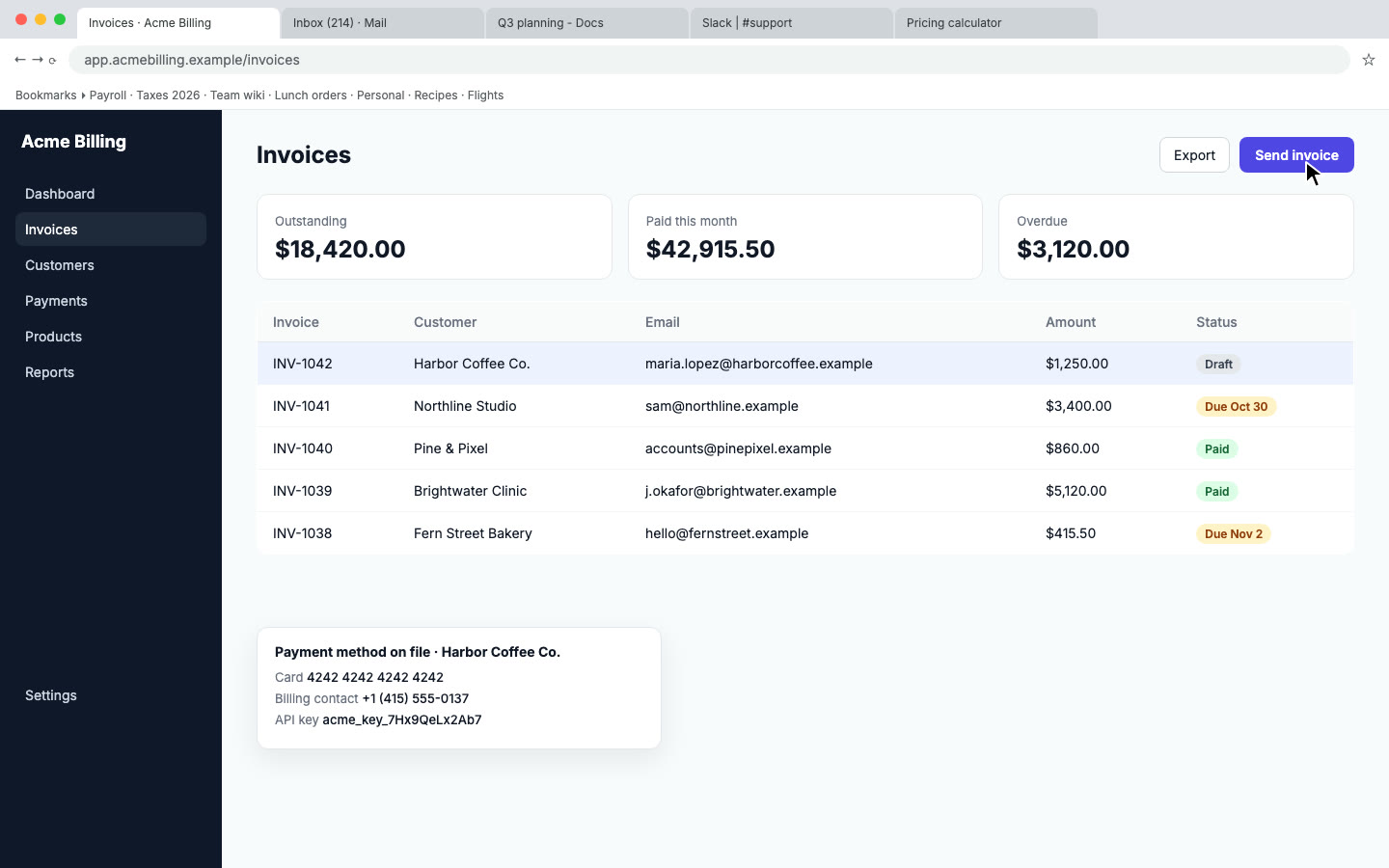
- Private data blurred. Customer emails, phone numbers and API keys in your recording are found and blurred.
- Your brand. Your logo, accent color and an intro card.
- Pronunciation fixes. Tell Nook how to say your product's name once, and every video says it right.
- Other languages. Translate the video and the guide into Spanish, French, Portuguese, Italian, Hindi, Japanese or Chinese, each with a native voice. See translated demo videos.
- See what works. The Stats tab shows views and where people stop watching, so you know which step confuses them.
Pricing
Your first video is free. After that it's $9 per video, or Pro at $19 a month for 10 videos, and Studio is $49 for 30. Pro includes every language. See pricing.
Questions
Which help centers does it work with?
Any that let you embed a video or an iframe, or link to a page. Nook doesn't connect to your help center directly. You paste the embed code or the link.
Can I edit the written steps?
Yes. Edit the heading and text for every step before you copy or download the guide.
Can I make a video without my voice?
Yes. Pick AI voice for a clear narrated video, or Captions only for a silent video with text on screen.
What should I record first?
Start with the five questions your team answers most. One short video per task is easier to find and to keep current than one long tour.
Make a help video
Upload the recording you already have. Your first video is free, then $9 per video.
Start free