The deal moves when you're not in the room
Most buying decisions involve people who never joined your demo call. Your champion has to explain your product to their manager, their IT team and finance, usually from memory. A clear video does that explaining for them.
A walkthrough that doesn't look rushed
A quick screen recording with "um, let me just find it" undersells your product. Nook tidies it up:
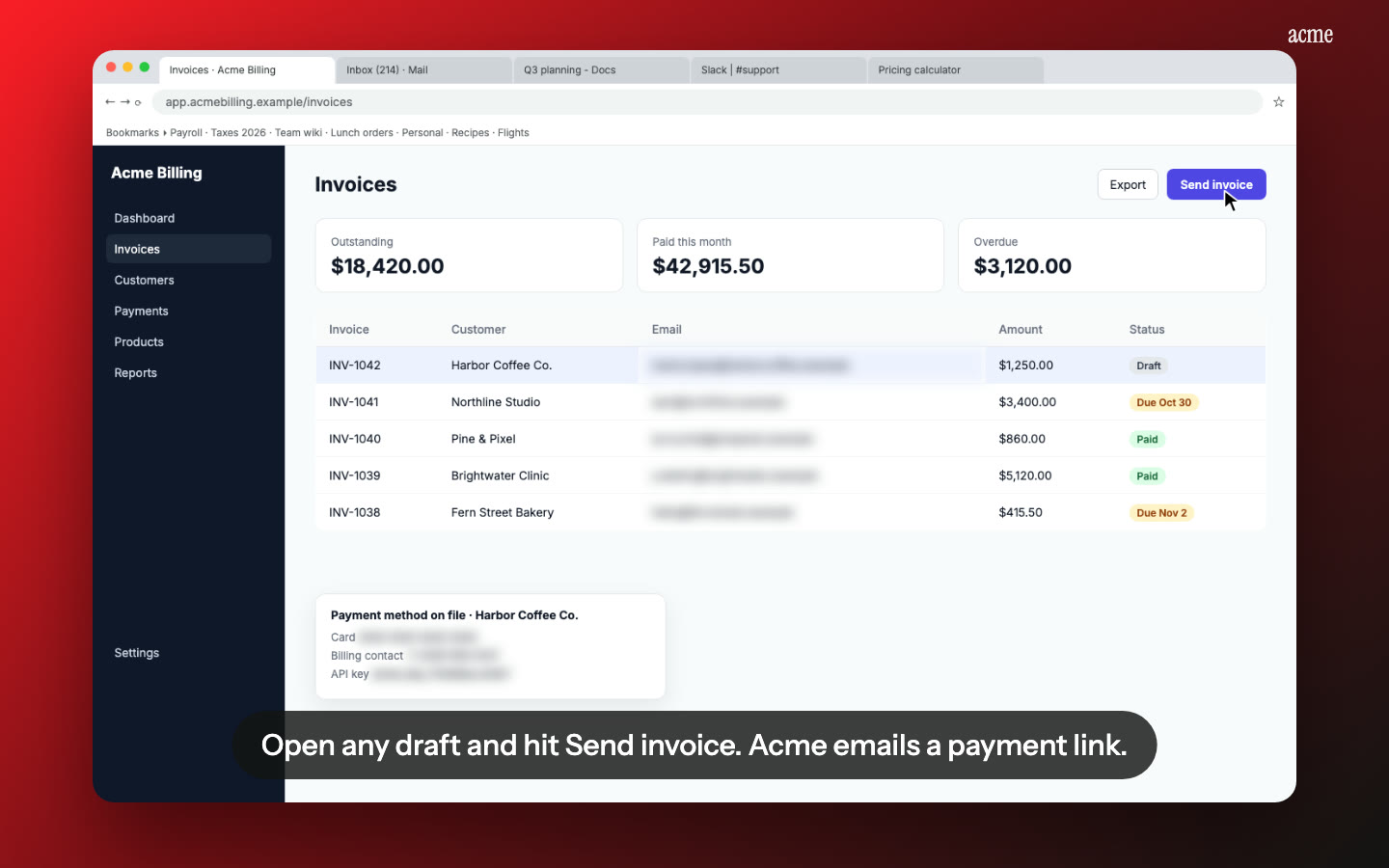
- A clear script. Nook turns what you said, or what's on screen, into short sentences for each step. Keep your own voice, or use an AI voice.
- No dead time. Page loads and pauses are cut out.
- Zooms on every click, so small buttons are readable on a laptop.
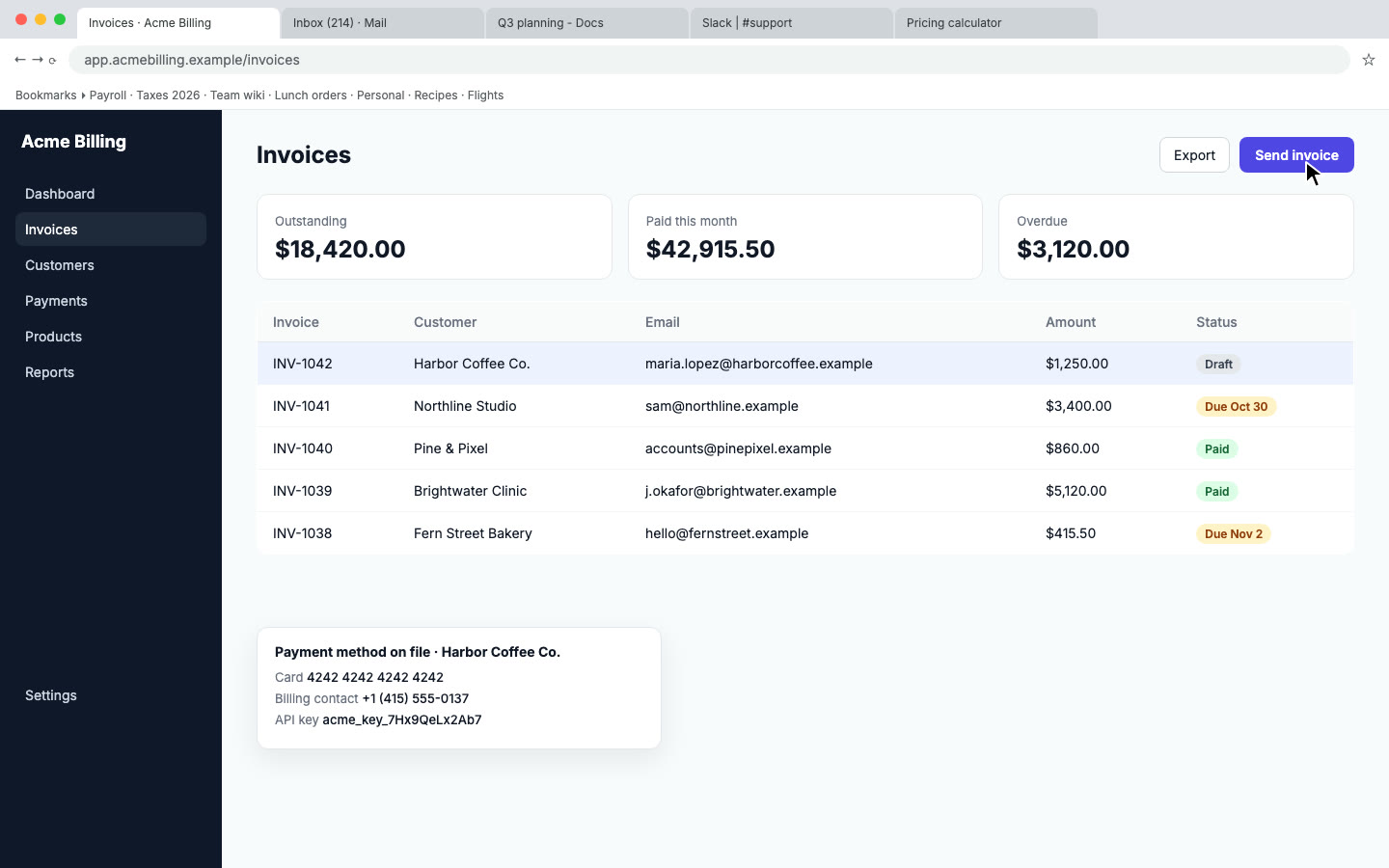
- Their data stays private. If you demo on a real account, emails, phone numbers and API keys on screen are blurred.
- Chapters, so the finance person can jump straight to billing.
Know what happened after you hit send
The Stats tab on each video shows:
- How many times it was viewed, and by how many people.
- How far people watched on average, and how many finished.
- Where viewers stop, in 10% steps, so you know if they lost interest at the setup screen.
- Where views came from, and how many clicked your button.
Your own views don't count. Stats show what happened on a video, not who watched it, so for a big deal, make a video just for that prospect.
A next step on every video
Add a button such as "Book a call" or "Start your trial" with your link. It shows under the video and on the last frame, on the share page and in the embed.
Share it the way the deal needs
- Anyone with the link, for prospects who'll forward it around.
- Password protected, for a demo of an unreleased feature.
- Expiring links that stop working after 1, 7, 30 or 90 days, for pricing walkthroughs or trials.
- Their language. Translate the video into Spanish, French, Portuguese, Italian, Hindi, Japanese or Chinese for buyers abroad.
Pricing
Your first video is free. After that it's $9 per video, or Pro at $19 a month for 10 videos, and Studio is $49 for 30. See pricing.
Questions
How is this different from sending a Loom?
A Loom is your raw recording. Nook edits it: a written script, a clean voice, cut pauses, zooms and blurred data. You also get a written step-by-step guide your prospect can share.
Can I see who watched?
You see views, people, how far they got and button clicks, but not names. To know whether one prospect watched, make a video just for them.
How long should a sales video be?
Two to four minutes for one workflow. If it runs longer, split it into a few short videos and send them together in a kit.
Can my prospect download it?
They watch on the share page. You can download the MP4 and the guide as PDF or Word and attach them yourself.
Make a sales demo
Upload the recording you already have. Your first video is free, then $9 per video.
Start free