Why a call isn't enough
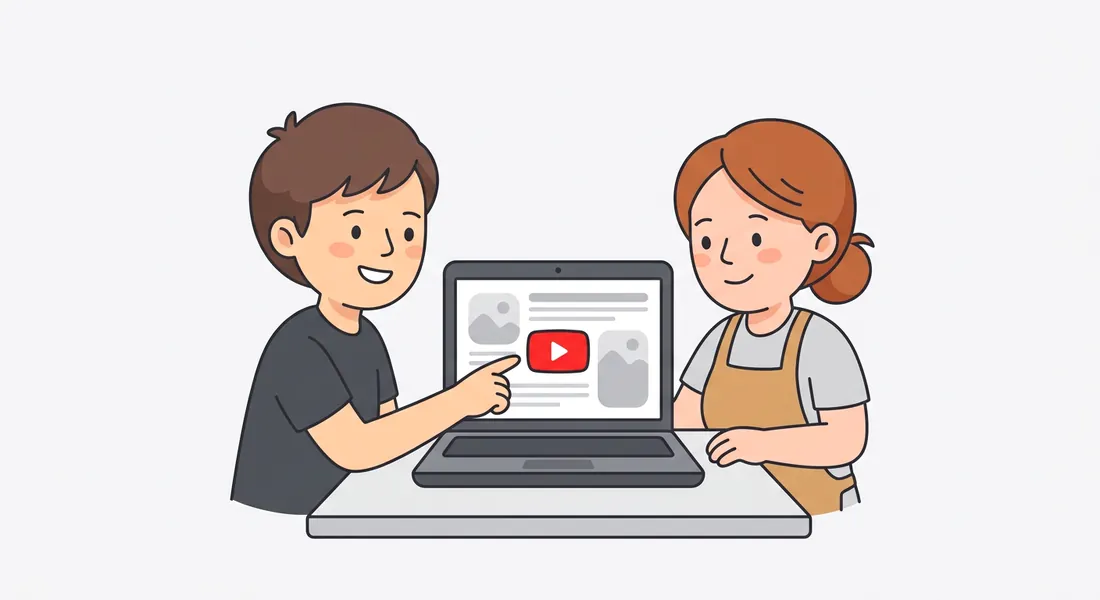
A handover call goes well, and three weeks later your client can't remember how to add a blog post. Or they hire someone new who wasn't on the call. A short video they can rewatch, plus written steps they can skim, answers those questions before they reach your inbox.
Recording the walkthrough is easy. Making it clear is the slow part: cutting the pauses, saying it properly, adding captions, writing the steps down. That's what Nook does for you. Our guide on how to make a client handover video has a full script template.
What your client gets
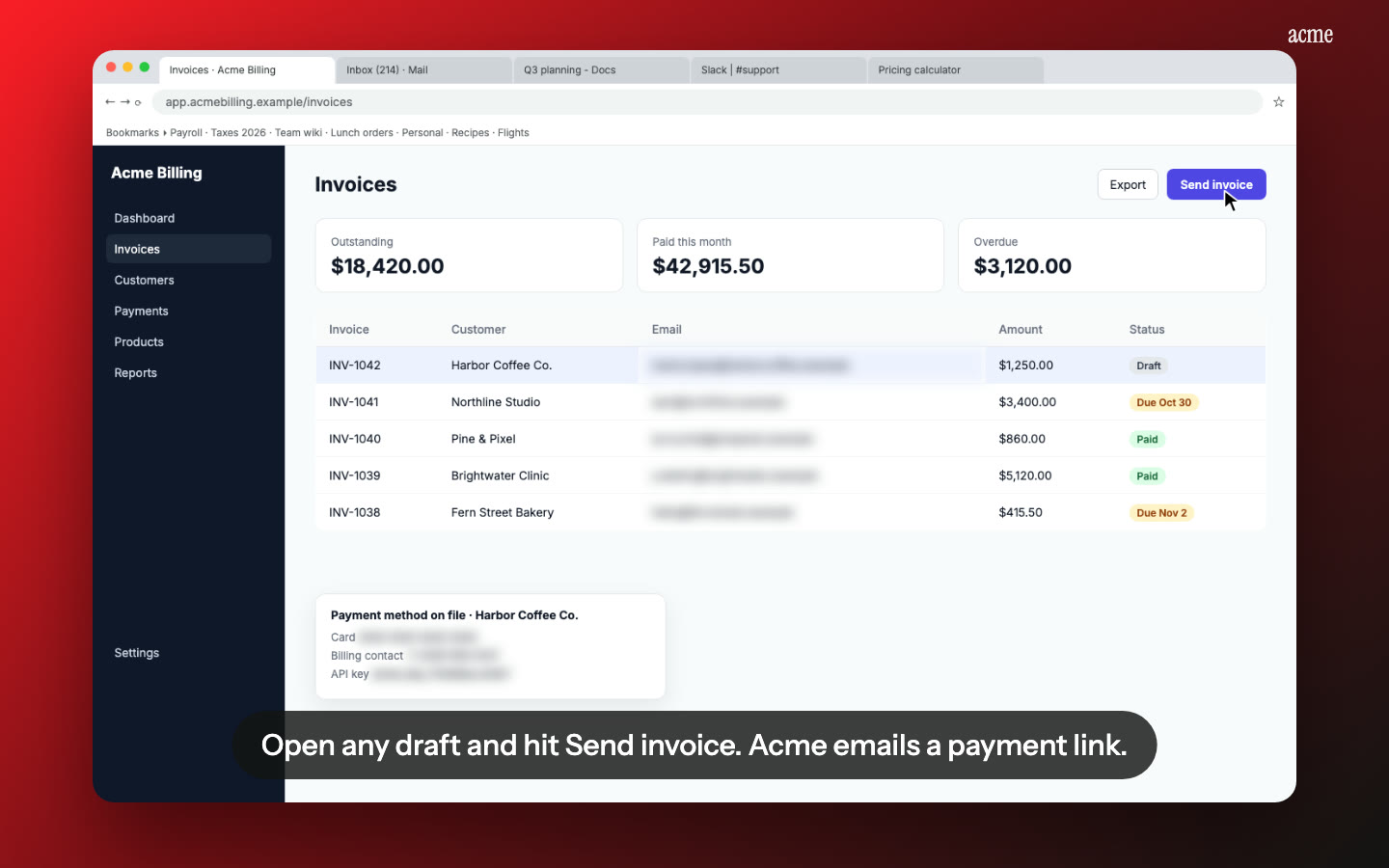
A narrated walkthrough. Nook turns what you said into a short, clear script and reads it with a natural voice, with captions on every line. Your "so, um, if you just click over here" becomes one plain sentence.
A written guide they can keep. A heading, a short note and a screenshot for each step. Send it as a PDF or Word file, or paste the Markdown into their Notion.
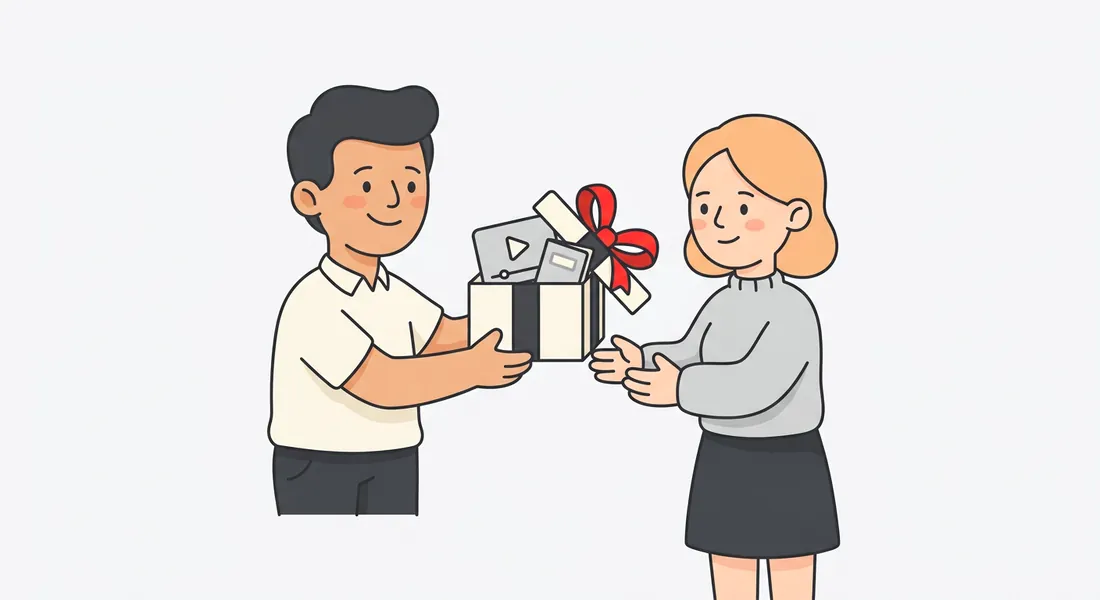
Your branding. Your logo, your accent color, and intro and outro cards with your studio's name, so the handover looks like part of your work.
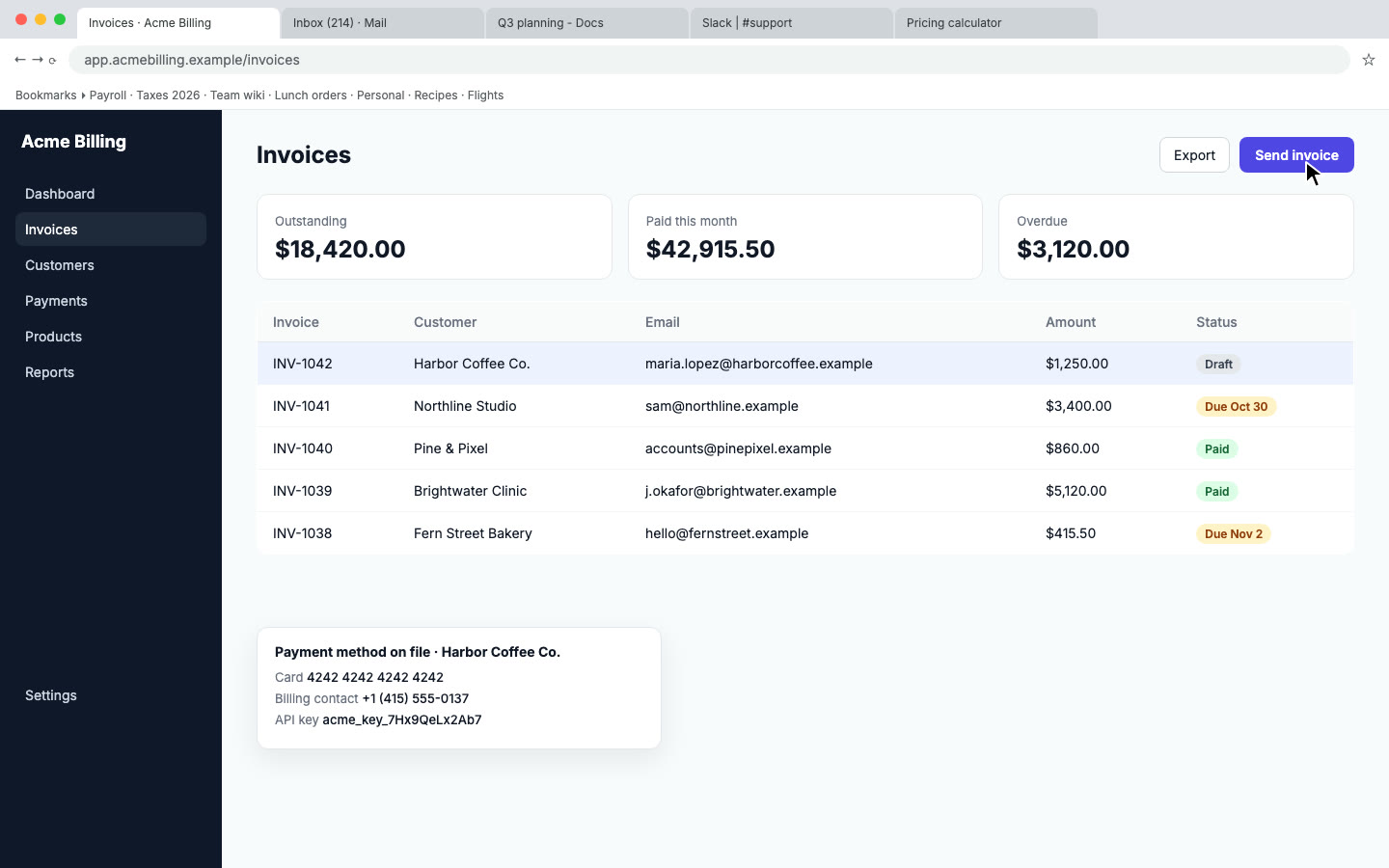
Their data stays private. Customer emails, phone numbers and API keys that show up on screen are found and blurred.
Their language, if needed. Translate the video and guide into Spanish, French, Portuguese, Italian, Hindi, Japanese or Chinese, each with a native voice.
Works with whatever you built on
Nook doesn't connect to Webflow, WordPress, Shopify, Squarespace or anything else. You record your screen with any recorder, and Nook works from the video. So it fits any platform, CMS or tool you set up for a client.
Handover videos worth making
- Logging in and finding their way around.
- Editing text and swapping images on a page.
- Adding a blog post, CMS item or product.
- Publishing changes, and undoing a mistake.
- Updating SEO titles and descriptions.
- Where form submissions and leads go.
Short videos, one task each, are easier to find and easier to update than one long tour. Our step-by-step guide post shows how to structure the written side.
Make it part of your package
Nook costs $9 per video, up to 15 minutes, with no watermark. Add a handover video to every project, or offer a set of task videos as a paid extra. If you hand over several sites a month, Pro is $19 a month for 10 videos. Your first video is free. See pricing.
Questions
Does it work with Webflow, WordPress and Shopify?
Yes. Nook works from any screen recording, so it doesn't matter what the site is built on.
Can I put my agency's branding on it?
Yes. Add your logo and accent color, and an intro and outro card with your name and a line like "Questions? Email us".
Do I have to narrate?
No. Talk if it's easier, and Nook tidies it up. Or record in silence and Nook writes the narration from what's on screen.
How does my client get it?
Send the share link, which has chapters they can jump between, or download the MP4 and the guide and put them in their shared folder or client portal.
Make a handover video
Upload the recording you already have. Your first video is free, then $9 per video.
Start free