Why SOPs go unwritten
Everyone agrees processes should be documented. Nobody has a free afternoon to take 30 screenshots, crop them and write each step. So the process lives in one person's head until they're on holiday.
With Nook, documenting a process takes as long as doing it once.
What you get from one recording
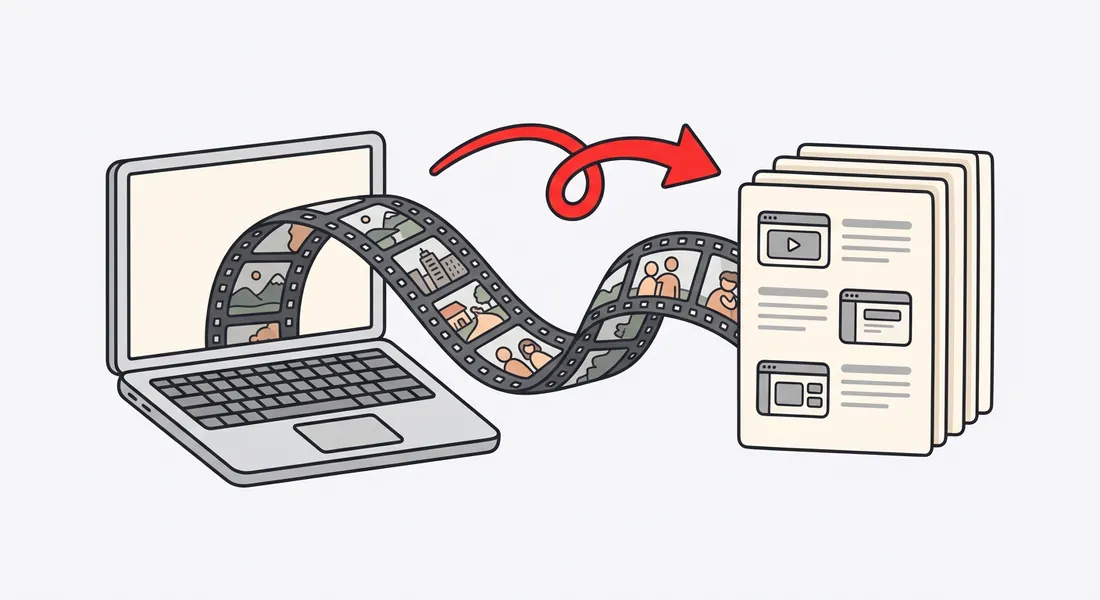
A written SOP. A heading, a short instruction and a screenshot for each step. Copy it as Markdown into Notion or Confluence, or download it as Word or PDF.
A training video. Narrated with captions and zooms on each click, with chapters so people can jump to the step they need.
Your voice, or not. Keep your own narration, tidied up and with the silences cut, or let Nook write a clear script and read it with an AI voice.
Good processes to record
- Month-end close or invoicing in your accounting tool.
- Setting up a new customer in your CRM.
- Publishing a blog post or newsletter.
- Running payroll or approving expenses.
- Handling a refund or an escalated ticket.
- Setting up a laptop, the VPN or the password manager.
- Everything a departing teammate does that nobody else knows.
A training pack for new hires
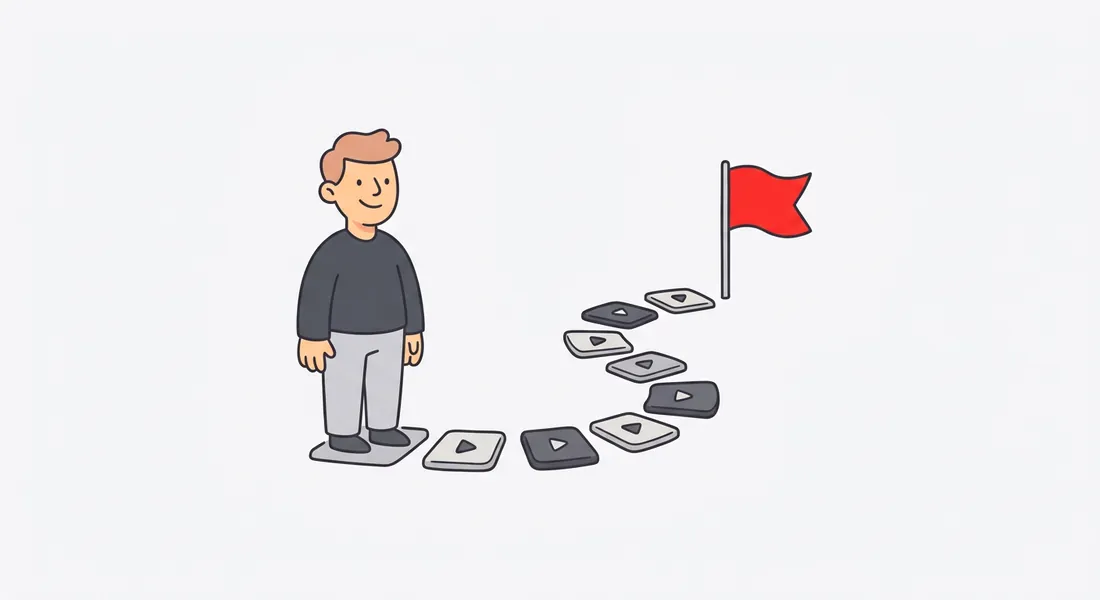
Group related videos into a kit: one page with the videos in order, a note on each and your logo. Send new hires one link on day one, instead of a dozen docs and a calendar full of shadowing.
Keep internal things internal
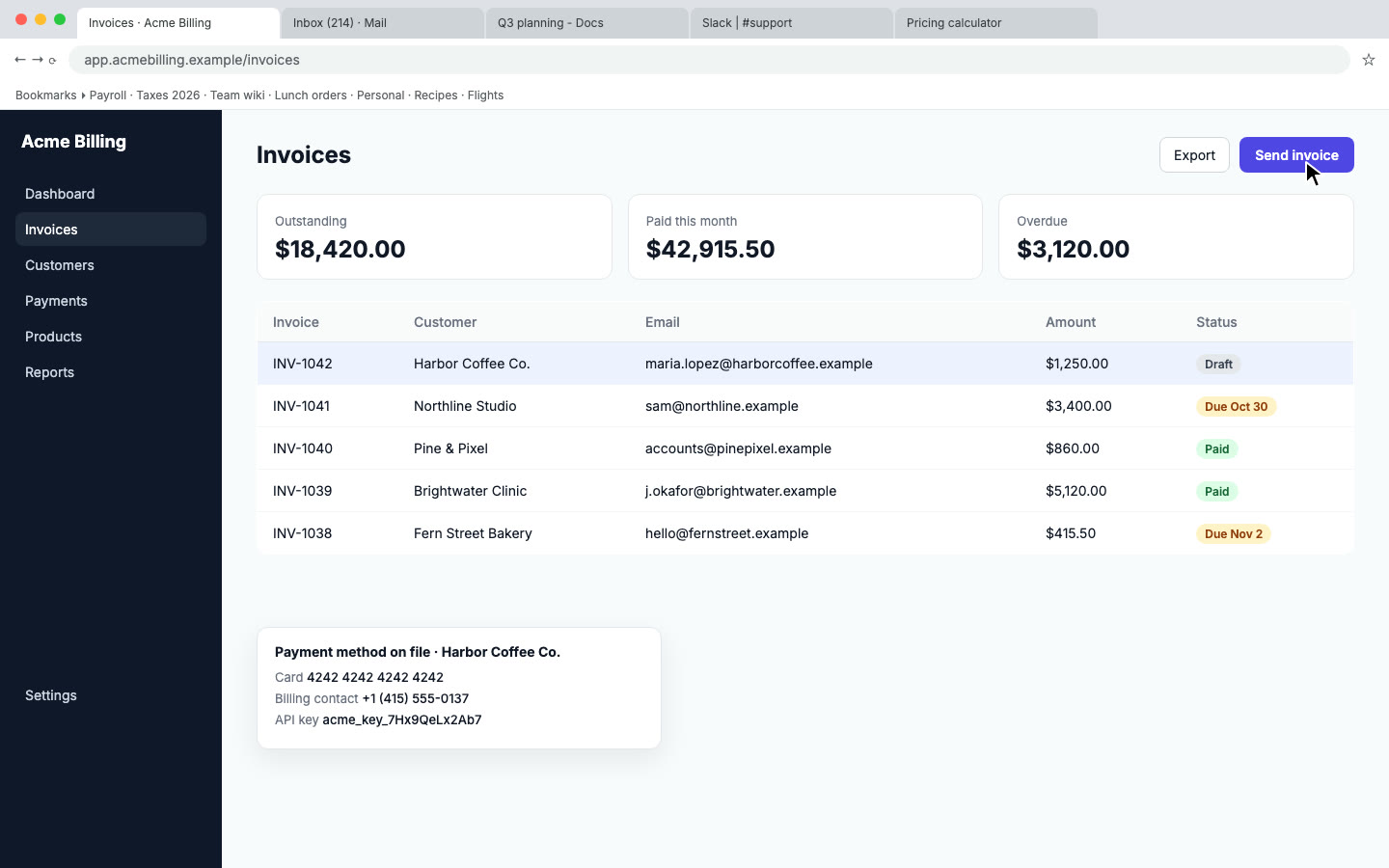
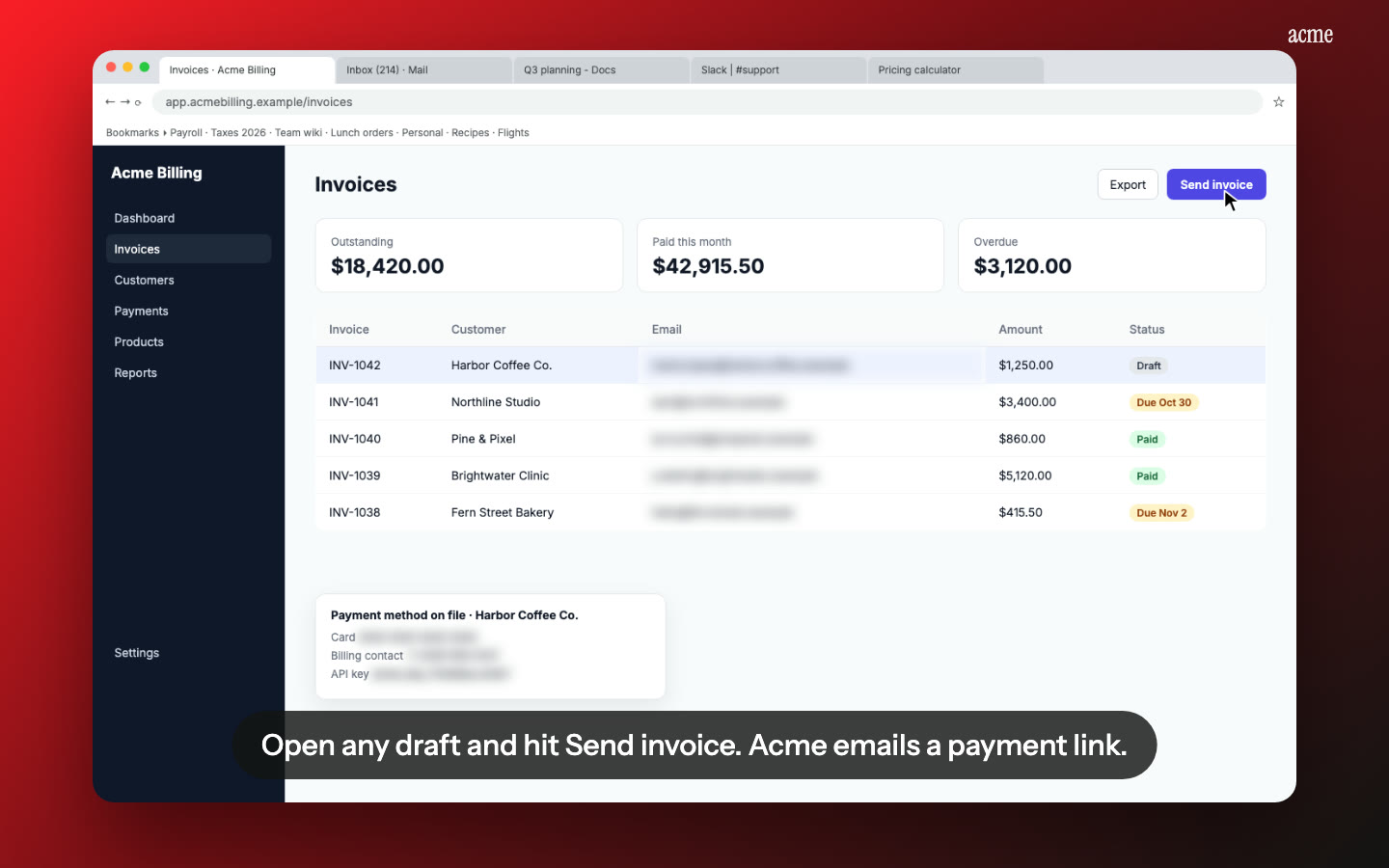
- Private data blurred. Emails, phone numbers, card numbers and API keys on screen are found and blurred.
- Password or private links. Make a video watchable by anyone with the link, only with a password, or only by you.
- Links that expire. Set a share link to stop working after 1, 7, 30 or 90 days.
Pricing
Your first video is free. After that it's $9 per video, up to 15 minutes. Documenting a lot of processes? Pro is $19 a month for 10 videos, and Studio is $49 for 30. See pricing.
Questions
Does it connect to Notion or Confluence?
Not directly. Copy the guide as Markdown and paste it in. Headings, steps and screenshots carry across.
How long can a recording be?
Up to 15 minutes. Shorter is better for SOPs: one task per video makes it easier to find and update.
What if the process changes?
Edit the steps and re-render, or record the changed part again as a new video.
Can a team in another country use it?
Yes. Translate the video and the written steps into Spanish, French, Portuguese, Italian, Hindi, Japanese or Chinese, each with a native voice. See translated demo videos.
Make an SOP video
Upload the recording you already have. Your first video is free, then $9 per video.
Start free