Who asks for a video
Requirements change, so always check the official page before you submit. Here's what each platform's documentation said in October 2026.
| Platform | Video needed? | What it should show |
|---|---|---|
| Shopify app review | Required | App setup and every feature, in English or with English subtitles |
| Meta App Review | Required | Every permission and feature you request, from logged out to logged in |
| Google OAuth verification | Required for sensitive and restricted scopes | The full flow, the complete consent screen and how each scope is used |
| HubSpot app certification | Required | At least three minutes: install, set up, use, disconnect and uninstall |
| Google Play permission declarations | Some permissions | The feature, the in-app disclosure and the permission prompt |
| Pinterest API Standard access | Required | Your app completing an action with the API, including sign-in |
| LinkedIn API Standard tiers | Some APIs | The workflows that use the API |
| Zoom App Marketplace | Test plan required, video optional | How to test the app |
| Slack Marketplace | Strongly recommended | The app working in a real Slack workspace |
| Product Hunt | Optional | Your product, as a YouTube link |
Our guide to app review demo video requirements goes through each one with links to the official pages.
What reviewers have in common
Reviewers watch your video to learn how to test your app. They want the whole flow without gaps, English they can follow, and every permission or scope you ask for shown in use. Rambling narration, skipped steps and leaked test data are what make a video hard to approve.
Where Nook helps
Clear English, whatever your accent. Talk while you record or record in silence. Nook writes a short English line for each step from what you said or what's on screen, and reads it with a natural voice.
English captions on every line, for reviewers who watch with the sound off.
Written test instructions for free. Every video comes with a step-by-step guide: a heading, a note and a screenshot for each step. Paste it into your submission or export it as PDF, Word or Markdown.
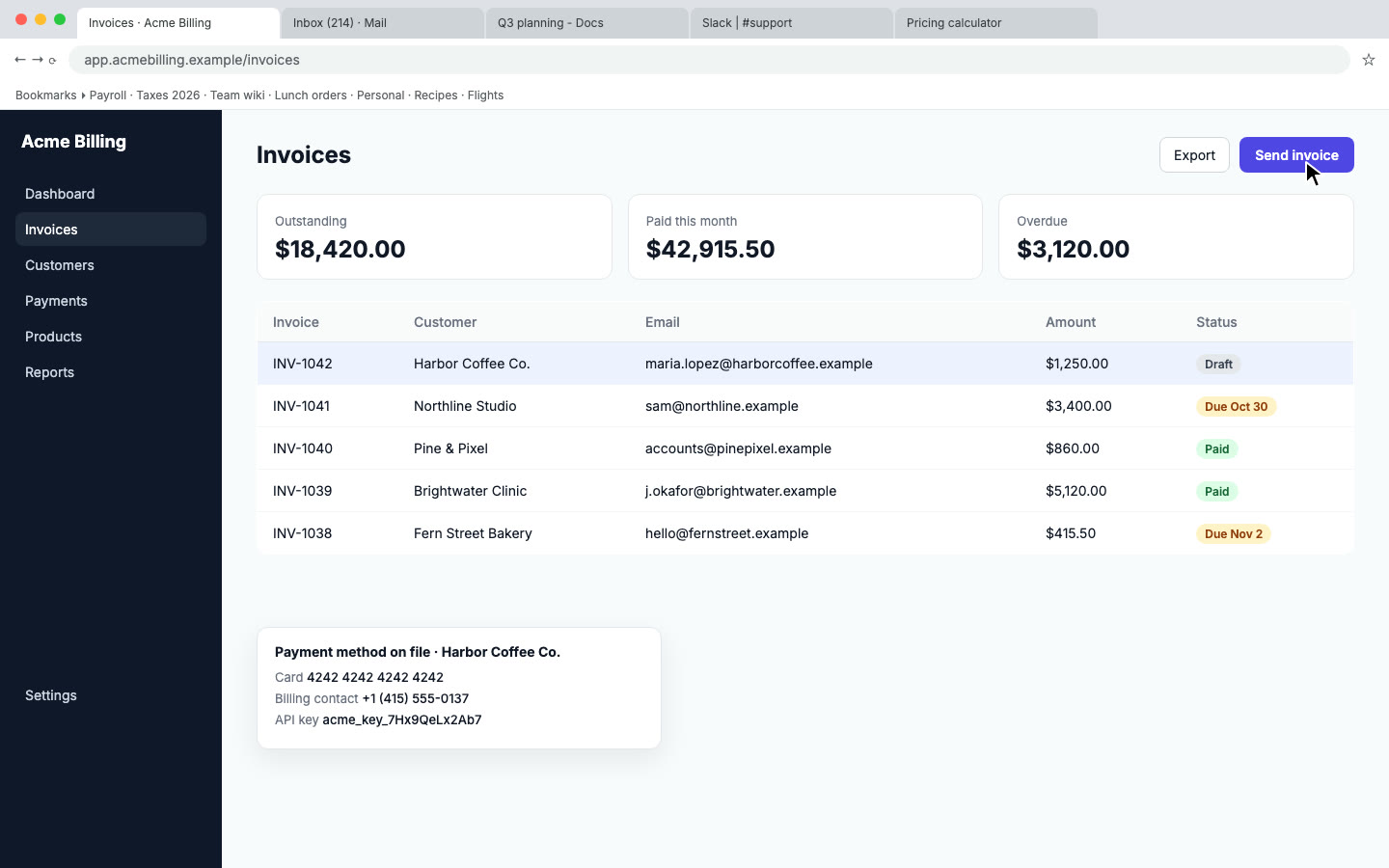
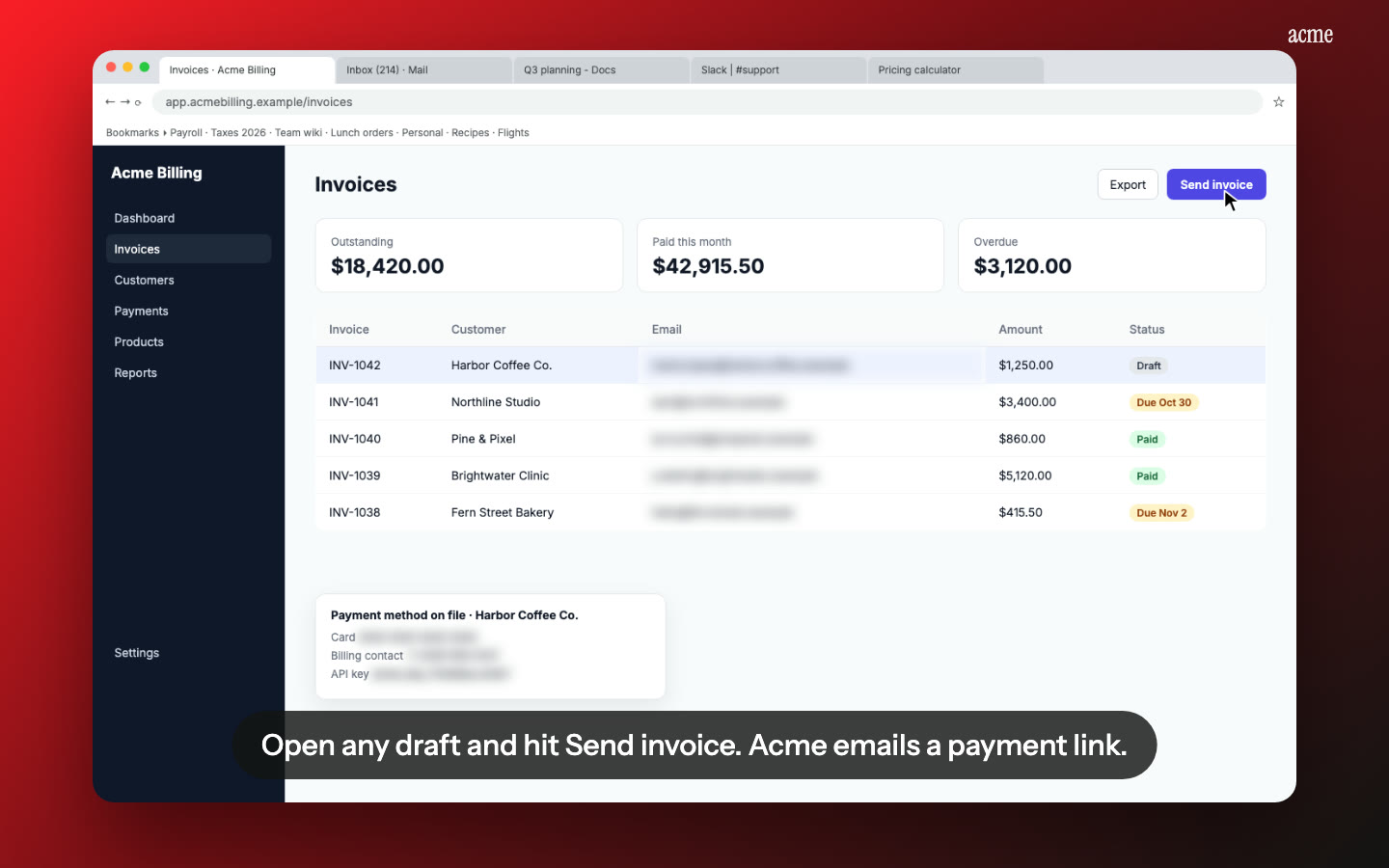
Test data stays private. Nook flags emails, phone and card numbers and API keys and blurs them. Check each flag before you download, so nothing the reviewer needs, like an app name or a list of scopes, gets hidden.
Change one line, not the whole recording. If a reviewer asks for a clearer explanation, edit that line and re-render.
When it's ready, download the MP4 and upload it wherever the platform asks: YouTube, Google Drive or the submission form.
Pricing
A review video is $9, up to 15 minutes, with no watermark and 10 re-renders. Your first video is free, up to 1 minute. If you submit to several platforms, or ship updates often, Pro is $19 a month for 10 videos. See pricing.
Questions
Will a platform accept a video made with Nook?
Reviewers judge what your video shows, not the tool that made it. Record the complete flow each platform asks for. Nook makes it clear and easy to follow, but it can't add steps you didn't record.
Can Nook upload to YouTube for me?
No. Download the MP4 and upload it yourself, as unlisted or public, whatever the platform asks for.
How long can the video be?
Up to 15 minutes on a paid video. The free video is limited to 1 minute, which is too short for most reviews.
Make your review video
Upload the recording you already have. Your first video is free, then $9 per video.
Start free