What Google asks for
Google's demo video requirements say the video must show:
- "The end-to-end flow of your app including the OAuth grant process."
- "The complete OAuth Consent Screen."
- The app you submitted, with its name and branding.
- The features that use each requested scope.
Also: "The consent screen must also show the same exact scopes you are requesting." Set the language selector on the consent screen to English. If you have more than one consent flow, show each one.
Narration is optional, but Google says "Voice or text narration highlighting the points above can greatly help facilitate our review." You send the video as a YouTube, Google Drive or otherwise accessible link.
Where Nook helps
The narration Google recommends. Nook writes a clear English line for each step, from what you said or what's on screen, and reads it with a natural voice. Every line is also a caption.
Point out each scope as it's used. Edit any line to name the scope a step uses, for example "This uses the Gmail read-only scope to import your invoices."
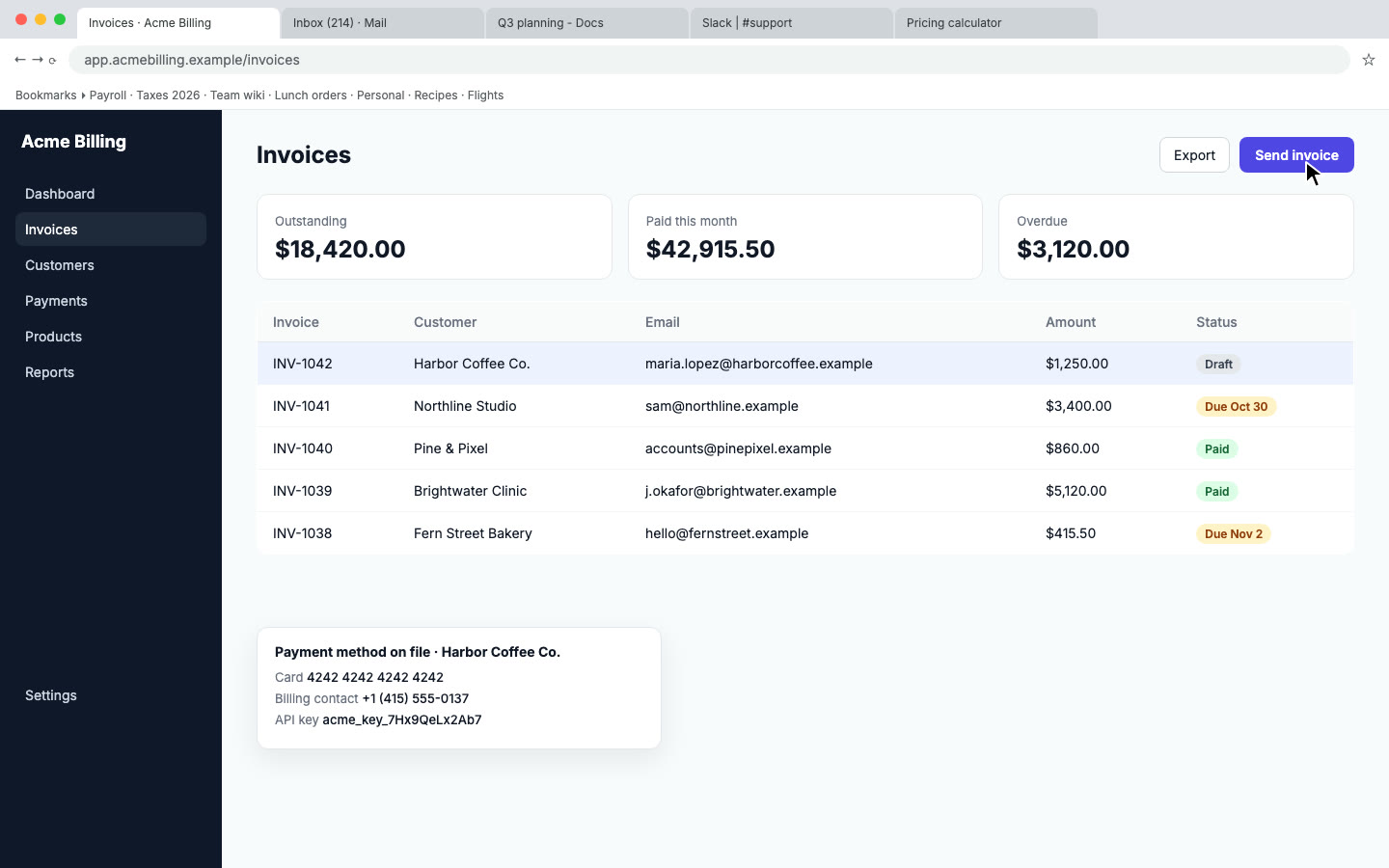
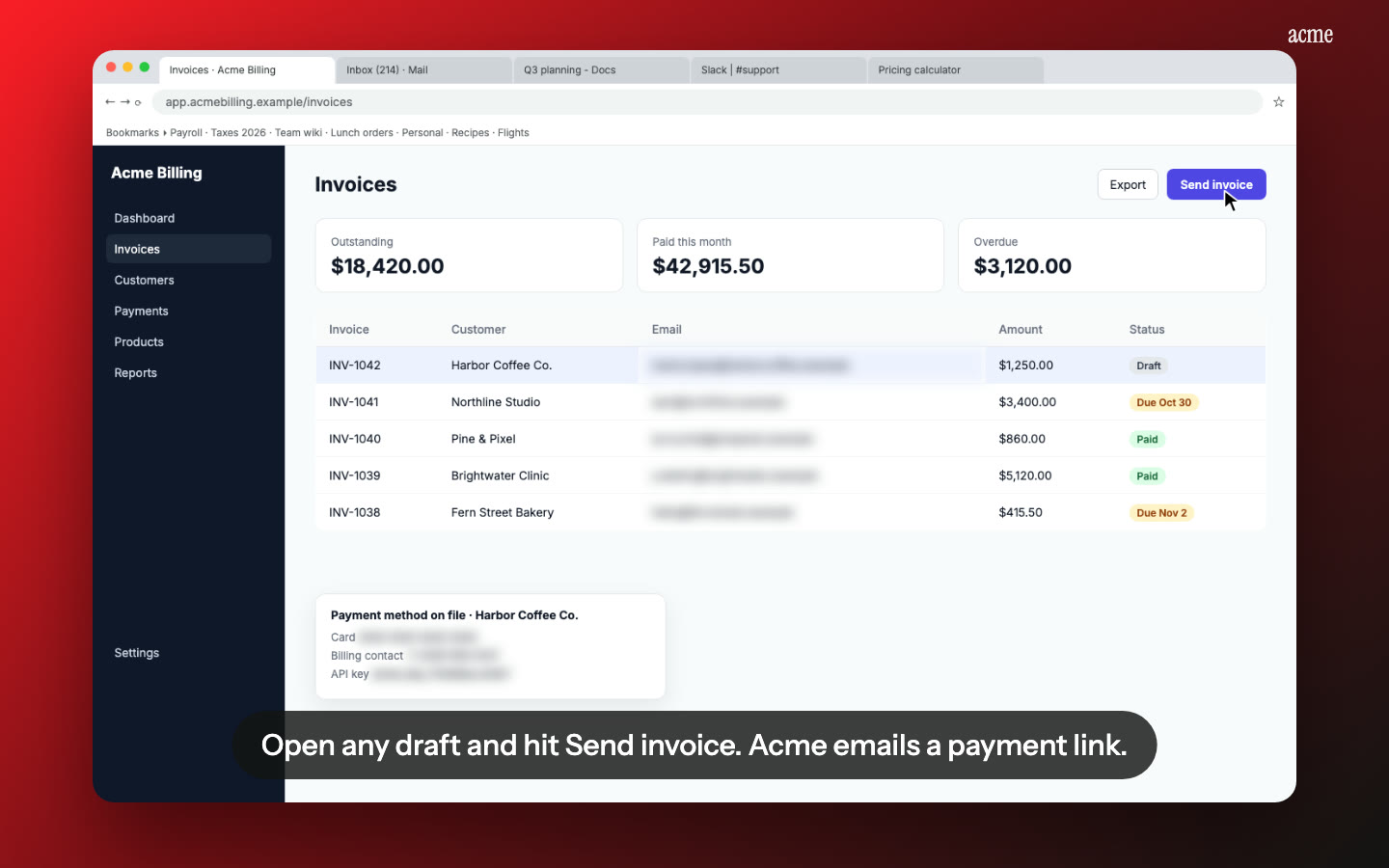
Keep the consent screen readable. Nook flags emails, phone numbers and API keys on screen for blurring. Check every flag on the consent screen step, so the app name, account and scopes stay visible.
Download and share. Download the MP4, upload it to YouTube or Google Drive, and reply to the verification email with the link.
How it works
- Record in a test account: open your app logged out, sign in with Google, show the full consent screen with every scope, then use each feature that needs a scope.
- Upload to Nook and check the script it writes.
- Download the MP4 and share the link with Google.
Pricing
$9 per video, up to 15 minutes, no watermark. First video free, up to 1 minute. See pricing, or compare other platforms on our app review videos page.
Questions
Will the blur hide my scopes or client details?
Not unless you choose to blur them. Nook shows each flagged item, and you can mark any of them as not sensitive. If you turned on auto-blur in Settings, check the consent screen step before you download.
Does Google need narration?
No, it's optional. Google says voice or text narration can help its review, and Nook gives you both.
Can Nook upload the video to YouTube?
No. Download the MP4 and upload it as the verification email asks.
Make your verification video
Upload the recording you already have. Your first video is free, then $9 per video.
Start free