What Product Hunt asks for
Product Hunt's launch guide lists the video as optional. Its help center says "For videos, only YouTube links are supported." Use the full YouTube link, not a shortened one, and don't set the video to private.
Where Nook helps
Sounds like a launch, not a ramble. Nook writes a short script from what you said or what's on screen, and reads it with a natural voice. Every line is also a caption, for people scrolling with the sound off.
Your brand on it. Add your logo, your accent color, and intro and outro cards with your product's name and website.
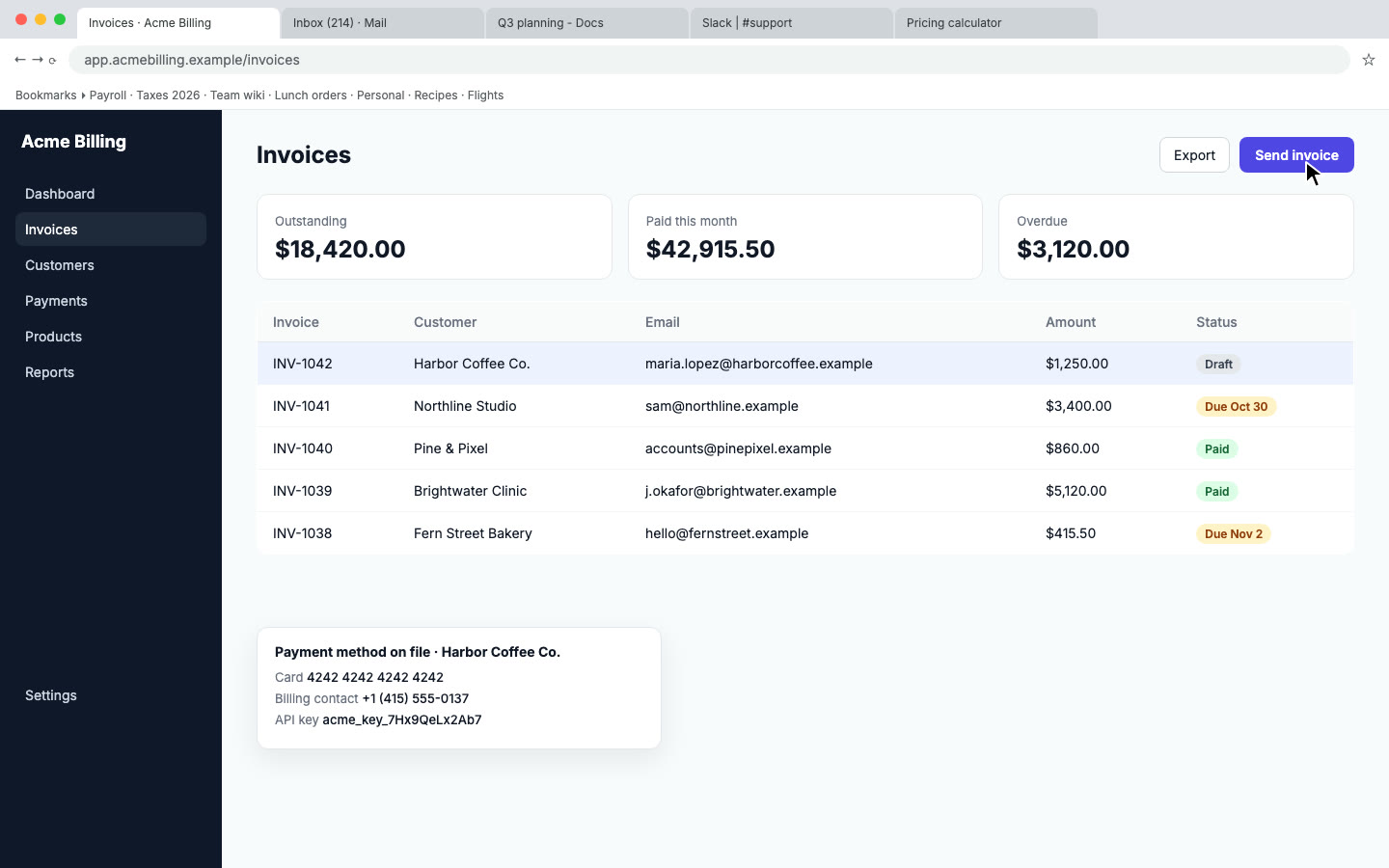
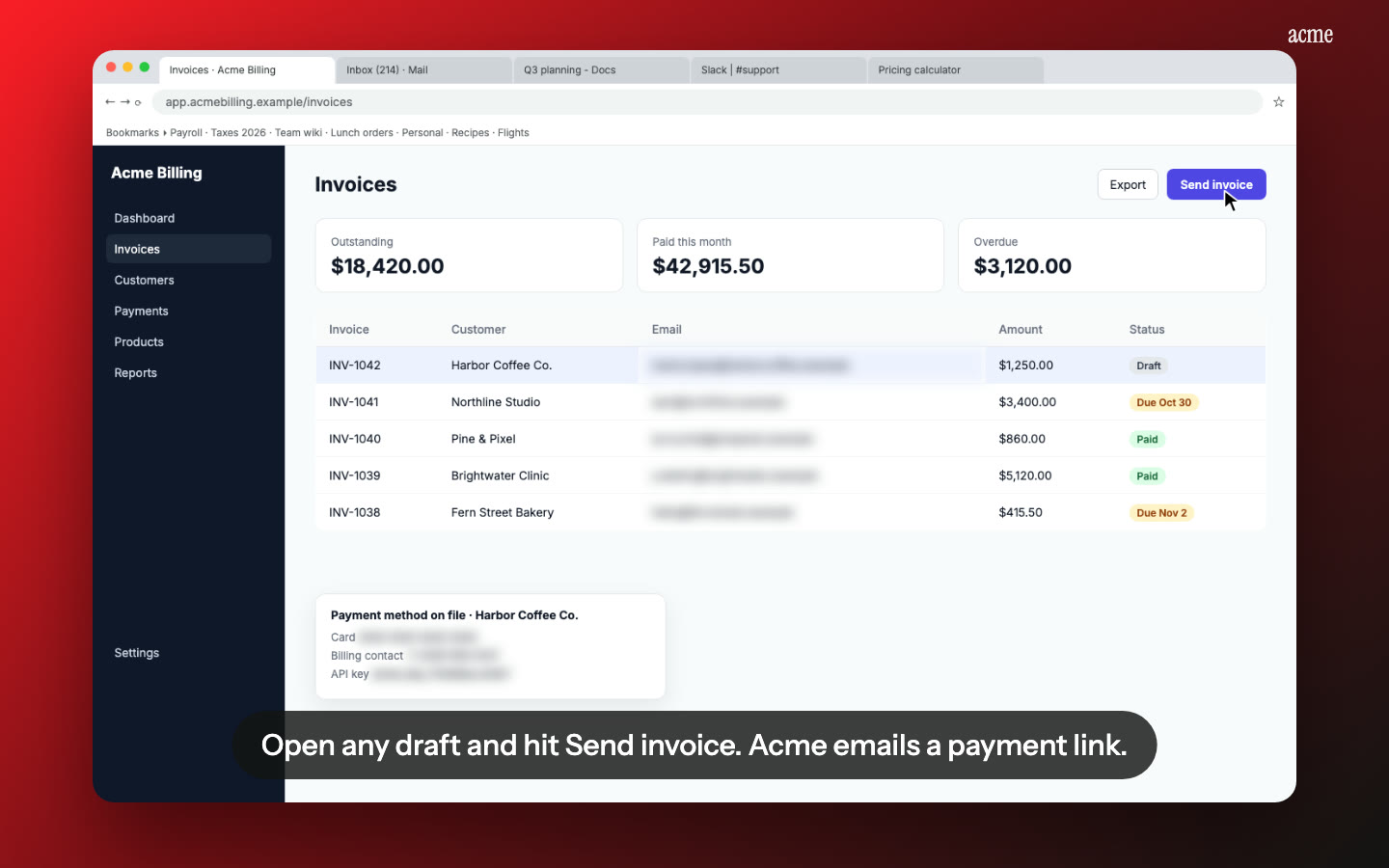
A clean frame. Your recording sits in a framed layout, and private data on screen, like emails and API keys, is blurred.
Reuse it everywhere. The same video works on your landing page, in your launch email and in your docs. You also get a share page with chapters.
How it works
- Record the two or three things your product does best, start to finish.
- Upload to Nook, check the script, and pick a voice and pace.
- Download the MP4, upload it to YouTube, and paste the full link into your launch.
Pricing
$9 per video, up to 15 minutes, no watermark. Your first video is free, up to 1 minute, with a watermark. See pricing. For tips on keeping it short and clear, read how to make a product demo video.
Questions
How long should a launch video be?
Product Hunt doesn't set a length. Short is easier to watch. Our guide on demo video best practices covers length by use case.
Can Nook post it to YouTube for me?
No. Download the MP4 and upload it to YouTube yourself, then add the link to your launch.
Make your launch video
Upload the recording you already have. Your first video is free, then $9 per video.
Start free