What HubSpot asks for
HubSpot's certification guide is direct: "The team will not review your app unless you submit a demo video that meets all requirements." The video must:
- "Be at least three minutes long."
- "Include audio (preferred) or text descriptions."
- Describe your app's purpose and common use cases.
- Show how a new user installs, sets up and uses the app, how it works inside HubSpot, and how to disconnect and uninstall it, including what happens to their data.
You submit it as a YouTube URL. And: "Promotional sales and marketing videos will be rejected."
Where Nook helps
Audio, without recording your voice. Nook writes a clear script for each step, from what you said or what's on screen, and reads it with a natural voice. Every line is also a caption, so you cover audio and text at once.
Instructional, not promotional. Nook's narration describes what happens on screen, step by step, which is what HubSpot asks for.
Easy to fix. Forgot to explain what uninstalling does to data? Edit that line and re-render, no new recording.
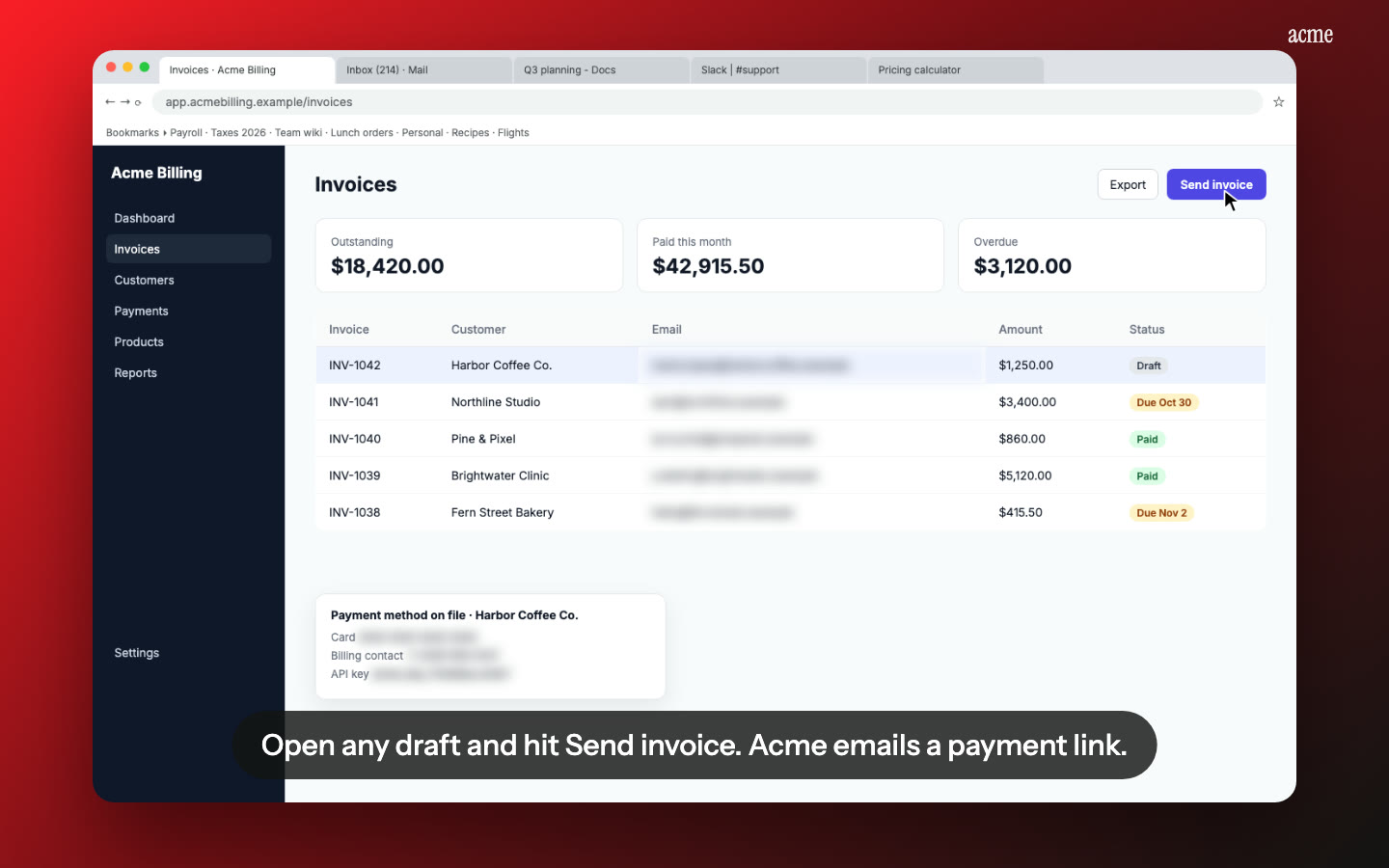
Test data stays private. Contact emails and phone numbers in your HubSpot test portal are flagged and blurred.
How it works
- Record the whole journey in a test portal: install, connect, set up, use the main features, then disconnect and uninstall. Keep it over three minutes.
- Upload to Nook and check the script.
- Download the MP4, upload it to YouTube and paste the link into your application.
Pricing
A HubSpot demo needs a paid video, since the free one stops at 1 minute. $9 per video, up to 15 minutes, no watermark, 10 re-renders. See pricing, or compare other platforms on our app review videos page.
Questions
Will Nook make my video at least three minutes?
Not automatically. The final length depends on your steps and the narration. Check it before you submit, and if it's under three minutes, switch the pace to Relaxed or record more of the setup.
Can I use the same video for my listing?
HubSpot's listing has its own demo video section. The certification video is meant to be instructional, so decide whether you want a shorter one for the listing.
Make your HubSpot demo
Upload the recording you already have. Your first video is free, then $9 per video.
Start free