What Meta asks for
Meta's screen recording guide says your submission needs screen recordings that show how to test every permission and feature you request. A missing recording can get the submission rejected.
The guide also asks you to:
- Show the whole login flow, from logged out to logged in.
- Set your app's interface to English if you can.
- Add "captions and tool-tips" when the interface isn't in English or isn't self-explanatory.
- As an optional tip: "Record in high-resolution, ideally 1080 or better."
It doesn't set a length or file format. Check the submission form when you submit.
Where Nook helps
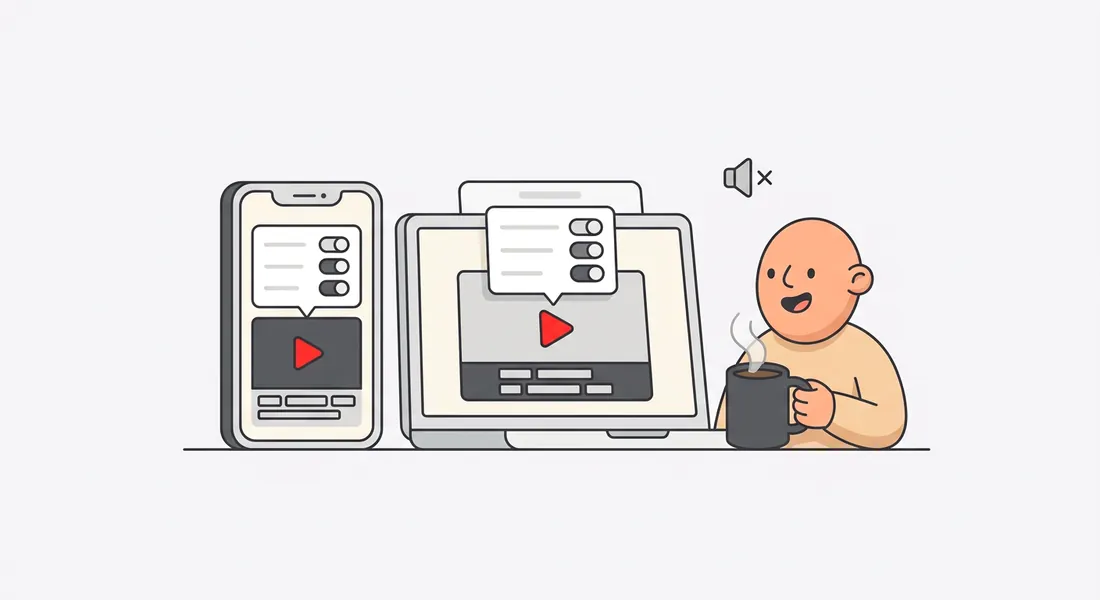
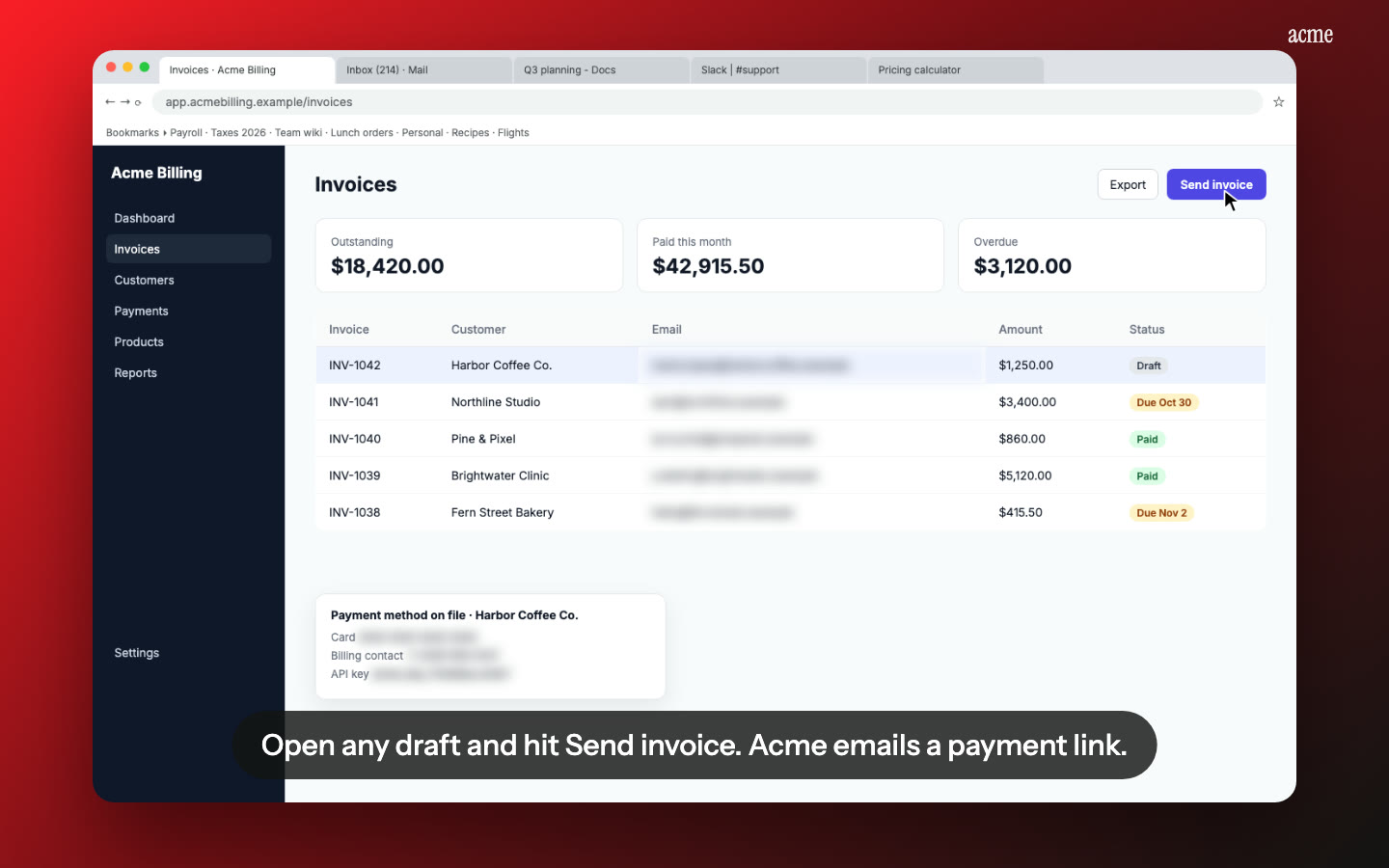
Captions that explain each step. Nook writes one clear English line for every step of your recording, from what you said or what's on screen, and shows it as a caption. That's the "captions and tool-tips" Meta suggests, without editing anything yourself.
A narrated version too. Every caption is also read aloud by a natural voice, if you want to use the same video for your help docs.
One video per permission, or one for all. Record each permission as its own short video, or record one full flow and name the permission each step uses in its caption.
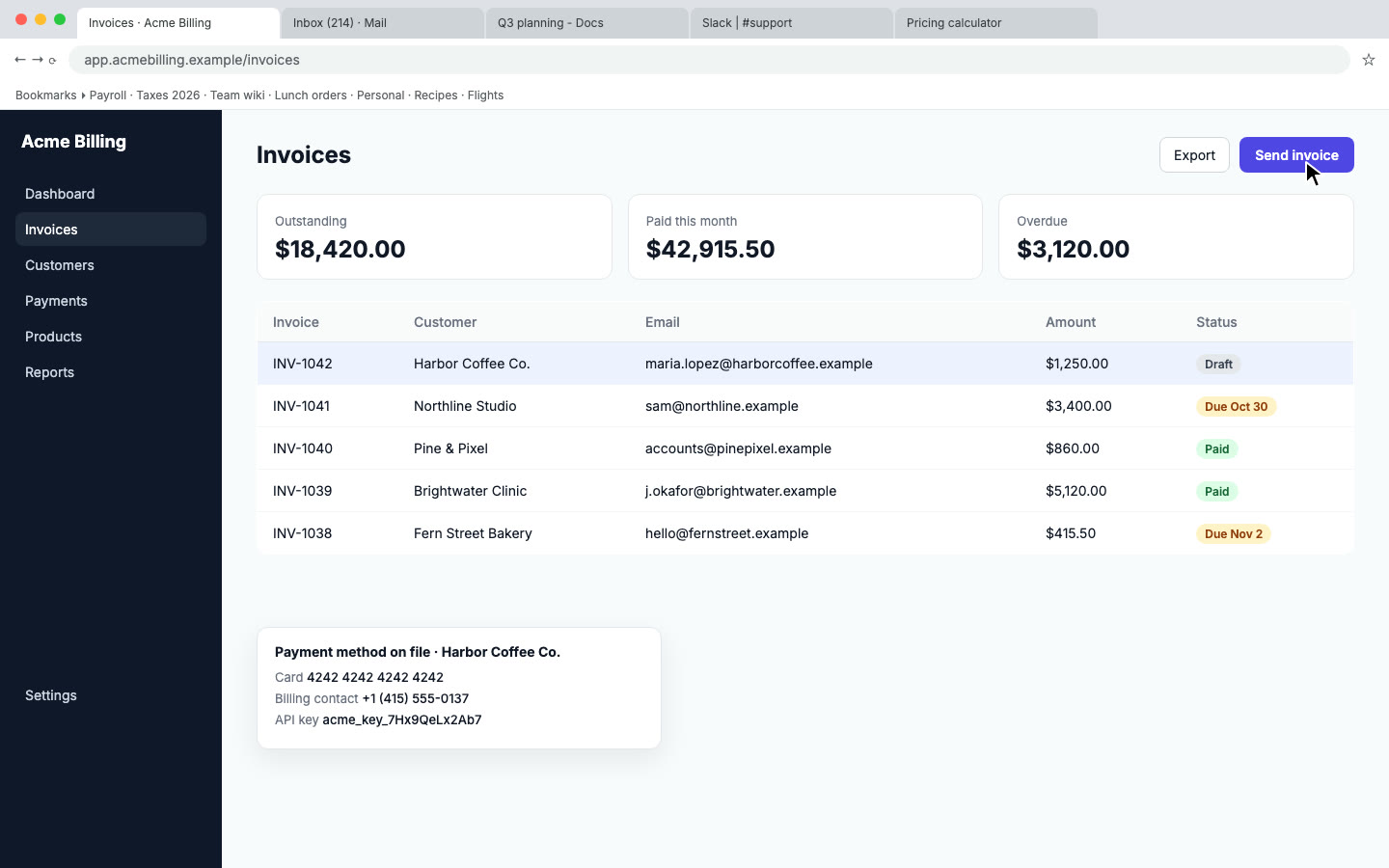
Test data stays out of the video. Emails, phone numbers and access tokens on screen are flagged and blurred. Check each flag so you don't hide something the reviewer needs to see.
How it works
- Record your app with a test user: log in from the logged-out state, then use each permission and feature you request.
- Upload to Nook. It splits the recording into steps and writes a caption for each.
- Check the wording, then download the MP4 and attach it to your submission.
Pricing
$9 per video, up to 15 minutes, no watermark. First video free, up to 1 minute. Submitting many permissions or apps? Pro is $19 a month for 10 videos. See pricing, or compare other platforms on our app review videos page.
Questions
Does Meta accept videos made with Nook?
Meta reviews what the recording shows. Make sure every permission and the full login flow are in it. Nook makes the recording clearer, it doesn't change what you recorded.
Can I turn off the voiceover?
Not yet. Reviewers can watch with the sound off, and the captions carry the explanation on their own.
My app isn't in English. Does that matter?
Meta asks you to switch the interface to English if possible. If you can't, captions explaining each step help, and Nook writes those in English.
Make your Meta screencast
Upload the recording you already have. Your first video is free, then $9 per video.
Start free