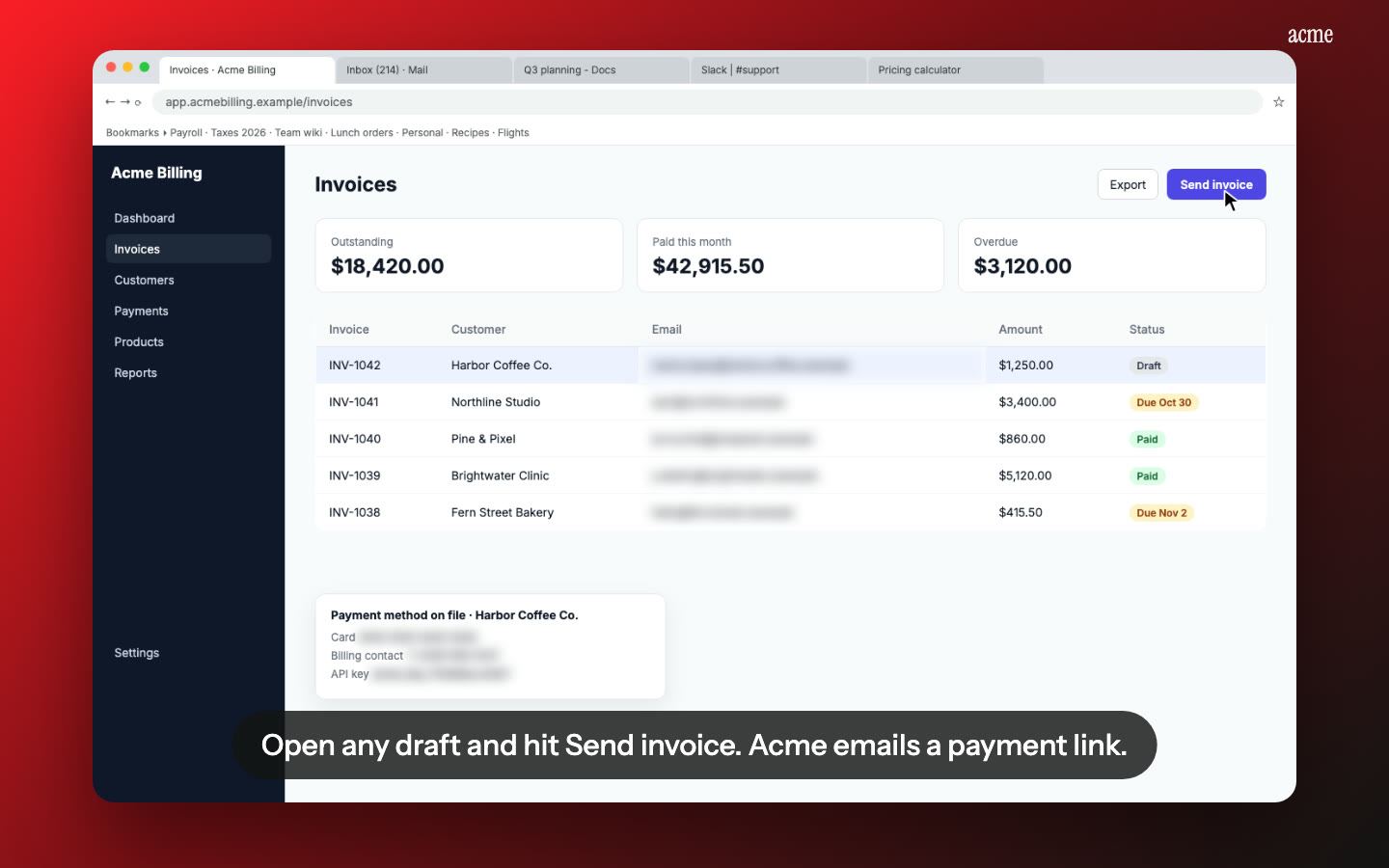
Nook makes a product launch video from a screen recording you already have. You upload the recording, pick a kind such as Product launch or Feature update, and Nook writes headlines and a voiceover, adds music and lays them over your own clicks. The result is a 15 to 60 second video of your real product, made without a designer or a video editor.
What you get
A short marketing video in Nook's Demo video format. Big headlines carry the story, an AI voice reads the script, music runs underneath, and the footage is your actual interface doing the actual job. There are no stock clips and no mock-ups, so what people see is what they'll get when they sign up.
Each kind of video sets its own length (15, 30, 45 or 60 seconds) and its own size. Once a video is finished, you can make the other sizes with one button: 16:9 for your site and YouTube, 9:16 for Reels, Shorts and TikTok, and 1:1 for LinkedIn and X.
Pick the kind of launch video
The kind decides the length, the size, the tone of the script and how it ends.
Marketing
- Product launch. What your product does and why it helps. For your homepage and launch posts.
- Feature update. One new thing, shown fast. For a changelog post or a "we just shipped" update.
- Social ad. A hook in the first two seconds, one benefit, then a call to action.
- Product Hunt launch. Why you built it, written in the makers' voice. See Product Hunt demo videos for what Product Hunt accepts.
- Problem → solution. The old way first, then your product doing it better.
- How-to teaser. The result first, then where to learn more.
Sales
- Sales demo. A buyer's problem solved, ending with a prompt to book a call. See sales demo videos.
For your customers
- How-to and Welcome videos for people who already signed up.
How it works
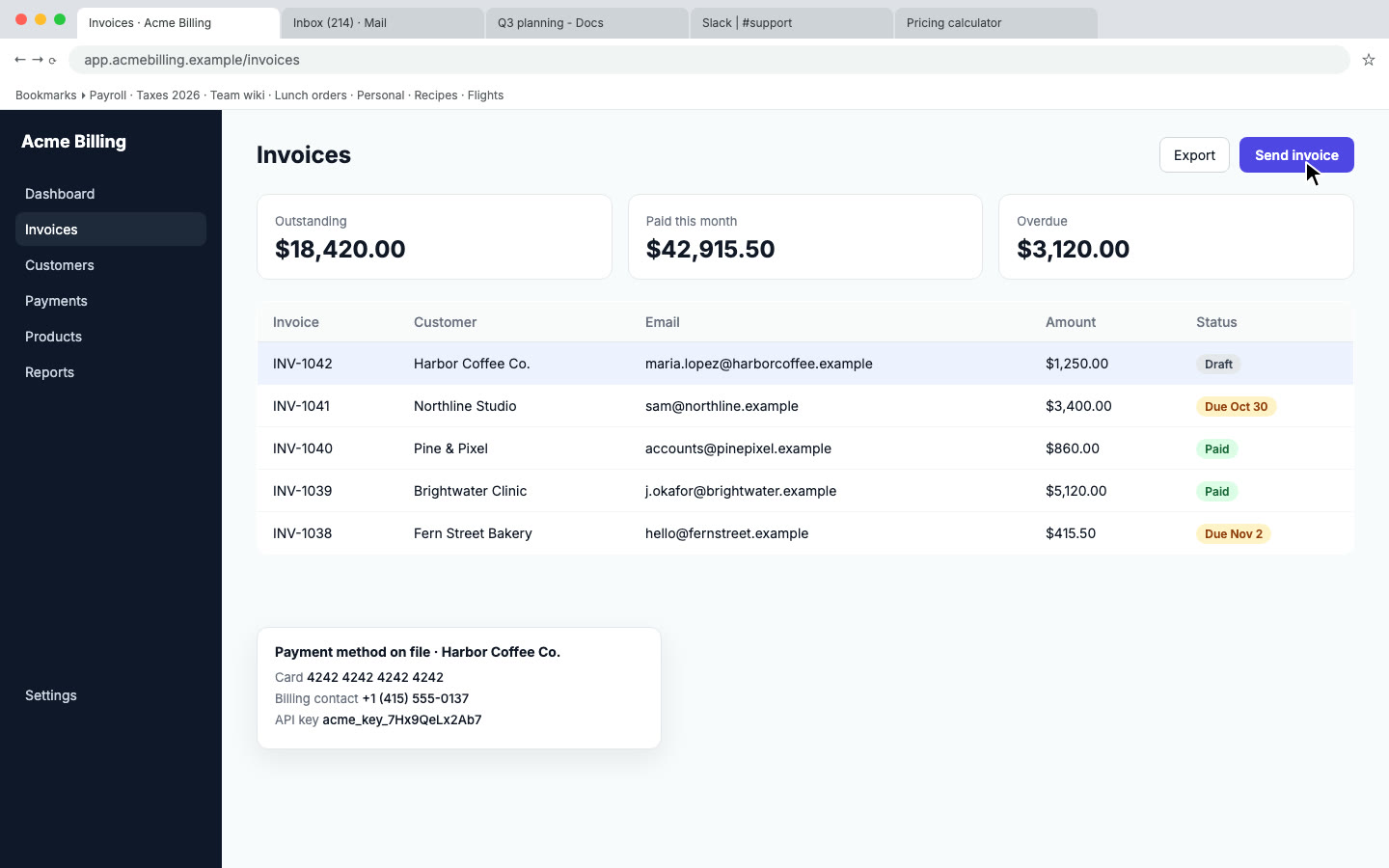
- Record one workflow. Use any screen recorder. Show the one result your product is best at, start to finish. Talk if you like, or stay silent.
- Upload it. MP4, MOV or WebM, up to 600 MB and up to 10 minutes on paid plans (15 on Business). If you talked, Nook uses your words. If you were silent, a vision model reads the screen and works out what happened.
- Pick the kind. Demo video is the main choice after uploading. Choose Product launch, Feature update, Social ad or another kind.
- Pick a look. Six decorations, each with a preview, plus your logo and colors.
- Render, then fix the words. Read the headlines and voiceover. You can change them while the video is still rendering, or afterwards, and render again.
- Make the other sizes. One button per size, from the same script.
Our guide to making a product launch video covers the structure in detail: a hook, a promise, three to five scenes and one call to action. For recording advice, see screen recording tips.
Launch video without a designer: what changes
| Hiring a designer or editing it yourself | With Nook | |
|---|---|---|
| Footage | Screen captures, often re-recorded, or animated mock-ups | The recording you already have |
| Headlines and script | Written by you, then timed by hand | Written for you, every word editable |
| Voiceover | Your voice and retakes, or paid voice talent | AI voices in 15 languages |
| Music | Found, licensed and cut by hand | Added for you |
| Sizes | Re-edited for each aspect ratio | 16:9, 9:16 and 1:1 with one button each |
| Changes later | Reopen the project | Edit the words and re-render |
Honest limits
- No motion-graphics timeline. You change the words, the kind and the look, not keyframes. There's no custom animation.
- No stock footage library. Every scene comes from your recording. If your product isn't built yet, Nook can't make a launch video for it.
- Not a brand film. If you want a fully bespoke animated video with custom illustration and choreographed motion, hire a motion designer. Nook is for the common case: a clear, short video of your real product, ready the day you launch.
- The recording sets the ceiling. Slow, deliberate clicks in a tidy account give a better video than a rushed take full of test data.
- The AI voice isn't your voice. If you talked while recording, Nook uses your words in the script, but the narration is an AI voice.
The same recording gives you more
A launch video sells the result in under a minute. Some viewers want to see how it works. From the same upload you can also make a narrated step-by-step walkthrough, a click-through demo people can try at their own pace and a written guide. See product demo videos, interactive demo vs video and screen recording to guide.
Pricing
Your first video is free, up to 3 minutes, with a watermark and a share link only. A single video is $4. Starter is $9 a month for 4 videos, Pro is $19 a month for 8 and Business is $49 a month for 16. You pay by video, not by seat. Prices are 30% lower in many countries, and tax is added at checkout. A presenter avatar is available on Business, on up to 7 videos a month. See pricing.
Questions
What is a product launch video?
A 15 to 60 second marketing video that shows what your product does, why it helps and what to do next. It goes at the top of your site, on Product Hunt and in launch posts on X and LinkedIn.
Can I make a SaaS launch video from a screen recording?
Yes. Upload the recording and choose the Product launch kind. Nook writes headlines and a voiceover, adds music and puts them over your own clicks.
How do I make a feature announcement video?
Record just the new feature, then pick the Feature update kind. It shows one new thing, fast, and is sized for a short post.
Do I need a designer or video editor?
Not for a short launch video of your real product. If you need a fully custom animated brand film, a motion designer is still the right choice.
Which sizes do I get for Product Hunt, X and LinkedIn?
Each kind starts in its own size. From a finished video you can make 16:9, 9:16 and 1:1 with one button each. Product Hunt takes YouTube links, so download the 16:9 version and upload it to YouTube first.
Do I have to talk while recording?
No. If you stay silent, a vision model reads the screen. If you talk, Nook uses your words for the script.
Can I change the headlines after it's made?
Yes. Edit any headline or voiceover line and render again. You can also edit the words while the first render is still running.
Can I make it in another language?
Yes. Narration is available in 15 languages.
How much does it cost?
The first video is free, up to 3 minutes, with a watermark. A single video is $4, and plans start at $9 a month for 4 videos.
Make your launch video
Upload the recording you already have. Your first video is free. Plans start at $9 a month for 4 videos.
Start free