What Zapier asks for
Zapier's integration publishing requirements run through eight sections, from prohibited integrations to the submission process. The video sits in section 7, Support, under "Application has a valid test account." The requirement says the test account must be non-expiring, must use the address integration-testing@zapier.com, and must let Zapier staff change the password. Then:
- "Ensure all necessary features are enabled for testing Zap steps (triggers and actions)."
- "Include any required paid features and avoid trial limitations."
- "Provide a demo video or detailed documentation for any complex features."
- Supply the credentials to log in and configure the account, "avoiding super admin access or internal-only features."
So a video is one of two accepted ways to explain a complex feature, and it isn't asked for at all if nothing in your app needs explaining. Section 5 separately requires that your API has "clear, accurate, up-to-date, documentation" with links in your submission.
The test account matters beyond review. Zapier says it lets support staff "view your app's interface for troubleshooting" once the integration is live. A video of how the account is set up helps them too.
Where Nook helps
Video and documentation from one recording. Nook makes a narrated video and a written step-by-step guide from the same upload. Send the video link, attach the guide as PDF or Markdown, and you've covered "a demo video or detailed documentation" twice over.
Explain the complex part plainly. Record the feature that needs explaining: a custom field mapping, a webhook setup, a multi-step authentication, a workspace setting a trigger depends on. Nook writes a short line for each step and reads it. Edit any line to say why the step matters, for example "This setting has to be on, or the New Order trigger stays silent."
Both sides of the Zap. Record your app and the Zap editor in one take, so the reviewer sees the action in your product and the result in Zapier. Nook's chapters mark where one ends and the other starts.
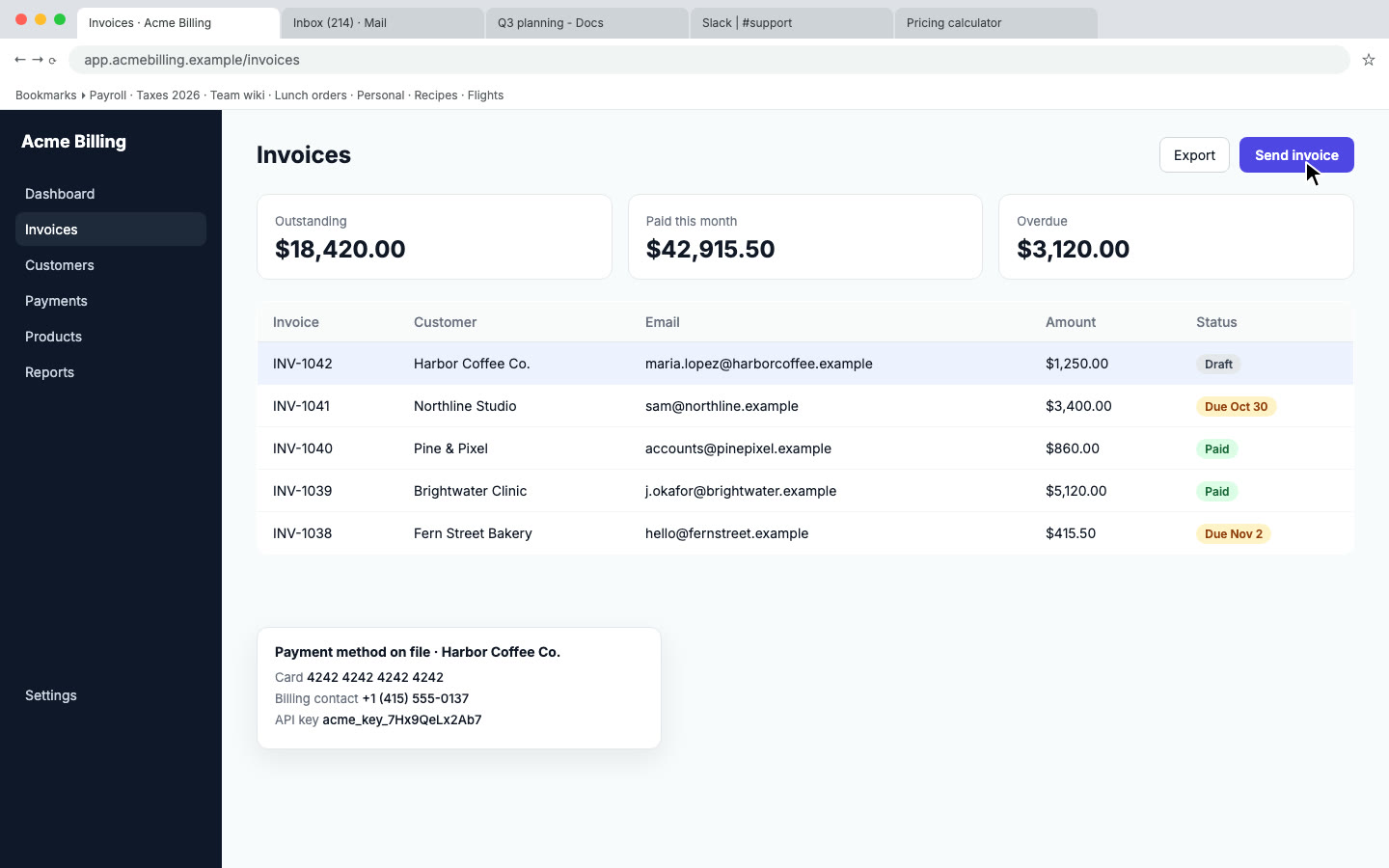
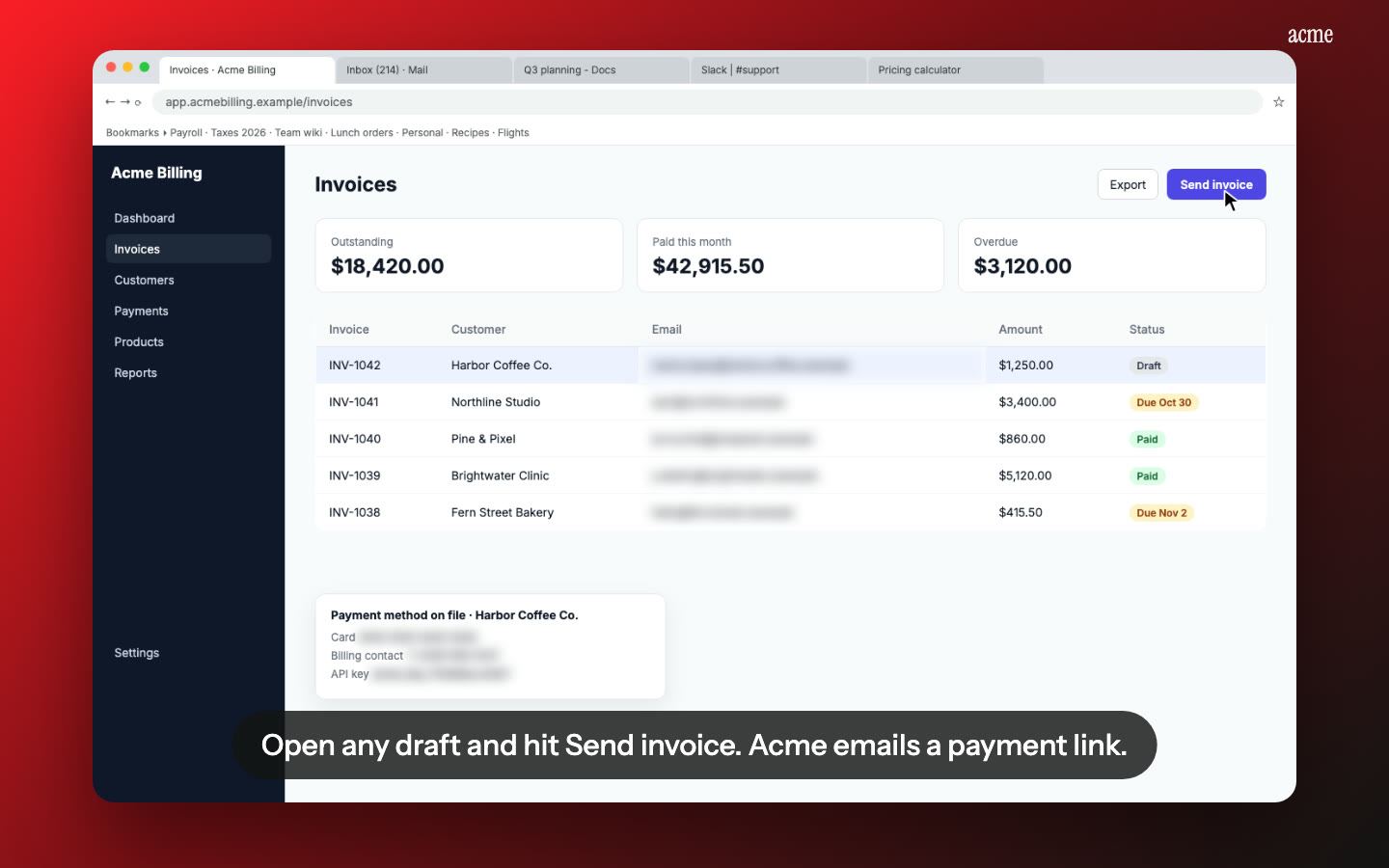
Credentials out of the video. Nook flags API keys, emails and tokens on screen and blurs them. Put credentials in the submission form, where Zapier asks for them, not in the video.
How it works
- Record in the test account you'll hand over: log in, enable the features your triggers and actions need, then run through the complex feature end to end, including a test Zap if it helps. Use any screen recorder, talking or silent.
- Upload to Nook. It splits the recording into steps, writes the script and the guide. Check the wording.
- Download the MP4 and the guide, and add the link and the file to your publishing submission alongside the account details.
Nook doesn't record and doesn't submit to Zapier. It takes the recording you already have and makes it easy to follow.
Pricing
Starter is $9 a month for 4 videos, each up to 10 minutes, no watermark, with 3 re-renders per video. The written guide comes with every video. Your first video is free, up to 3 minutes, with a watermark. Publishing on several platforms? Pro is $19 a month for 8 videos. See pricing, or compare other platforms on our app review videos page.
Questions
Does Zapier require a demo video?
Not for every integration. The requirement is "a demo video or detailed documentation for any complex features." If your triggers and actions are plain, a working test account may be enough. If something needs explaining, you choose video or docs, and Nook gives you both.
Does Zapier accept a video made with Nook?
Zapier reviews whether the feature is explained, not the tool that made the video. Record the whole feature, including the setting a reviewer could miss. Nook makes the recording clear, it can't add steps you didn't record.
What format should the documentation be in?
Zapier's requirements don't specify one. Nook exports the guide as PDF, Word or Markdown, each with a screenshot per step.
Can Nook help with the API documentation requirement?
No. Section 5 asks for documentation of your API endpoints, which is reference material you write yourself. Nook's guide covers how to use the app's features, which is what section 7 asks for.
Make your Zapier demo video
Upload the recording you already have. Your first video is free. Plans start at $9 a month for 4 videos.
Start free