What Slack asks for
Slack's Marketplace review process says a short video demo is "required for new submissions and for updates that add functionality or scopes." For a new app, the video should show "the full installation and OAuth flow, set-up process, and end-to-end functionality, including uninstallation."
The same page says what to leave out and what matters:
- "Do not include code editors or terminal output." Reviewers test the product, not the source.
- No marketing intros or outros, and no features still in development.
- The demo should "prioritize completeness over polish."
- It is "separate from any marketing video on your public listing."
For an update to a published app, the video should "demonstrate the new functionality you're adding," and explain how any new scopes are used. You put the video link, together with how to install and test your staging app, in the Testing Information section of the submission.
One more thing to plan for: Slack says "We cannot access any Slack workspaces (even created for testing)." The reviewer installs your app themselves, so the video shows them what to expect, and your test account details let them do it. The preliminary review takes up to 10 business days, and the functional review up to 10 weeks for new submissions, so a video that gets it right first time saves real calendar time.
Where Nook helps
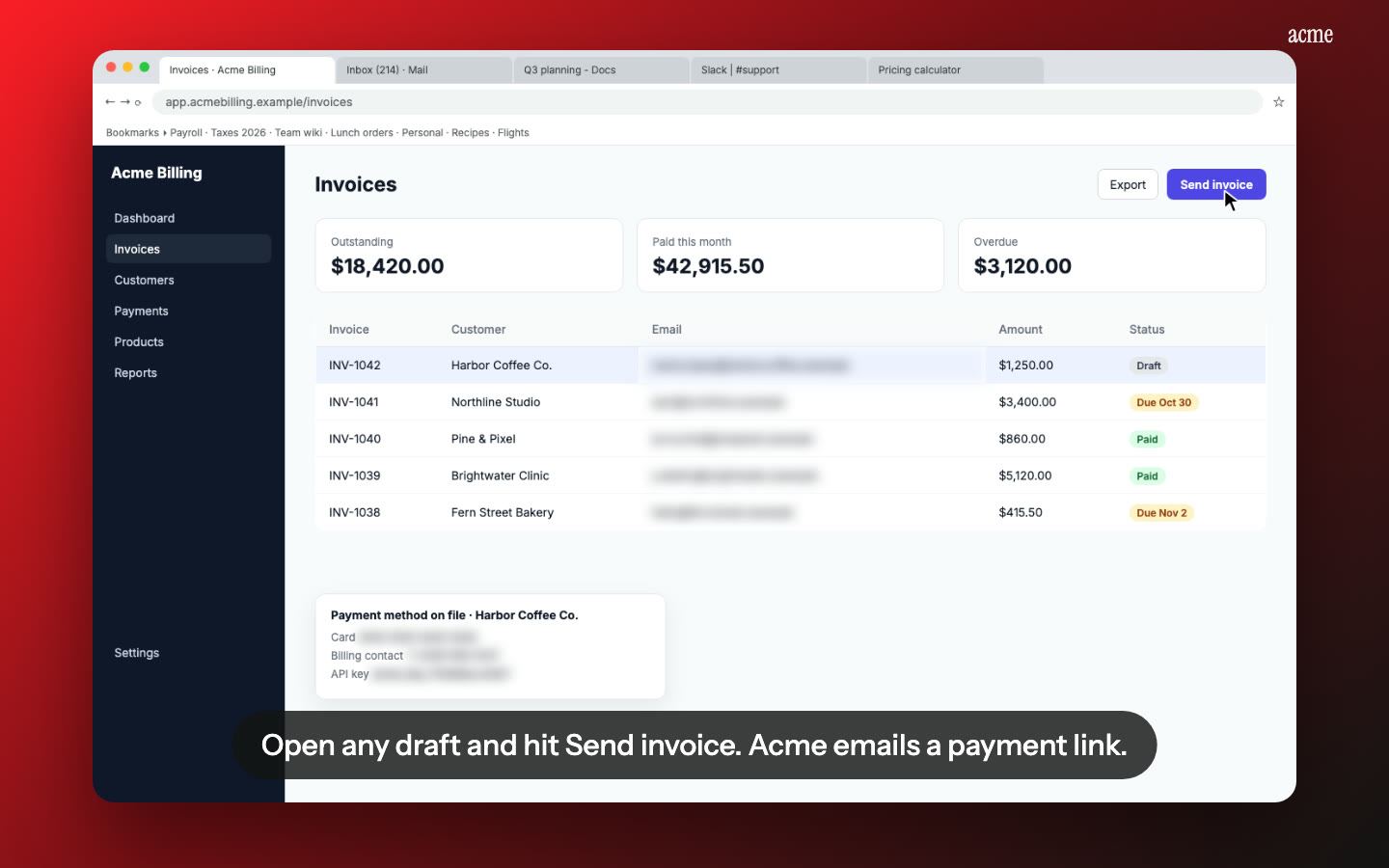
Each step explained, in plain English. Nook splits your recording into steps and writes one short line for each, from what you said or what's on screen. A natural voice reads it, and the same line appears as a caption. "Click Add to Slack, approve the scopes, then pick a channel" reads the same whether the reviewer has sound on or off.
Scopes called out where they're used. Slack asks you to explain how new scopes are used. Edit any line to name the scope a step relies on, for example "This step posts with chat:write to the channel you chose."
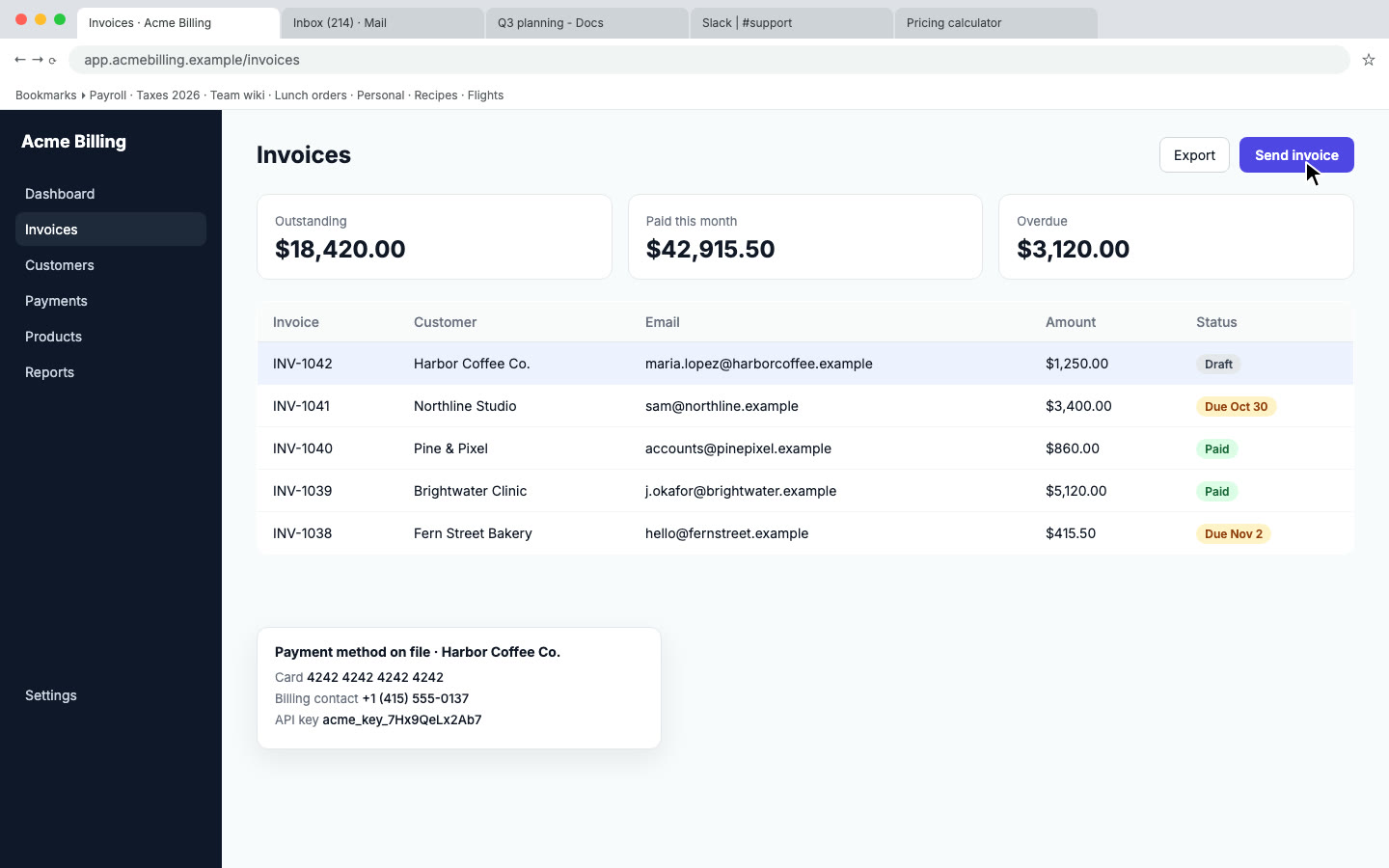
Nothing in the video you didn't mean to show. Nook flags emails, tokens and other private data on screen and blurs them. Check each flag so the app name, the OAuth consent screen and the scope list stay readable.
One flow, start to finish. Your recording should run from install to uninstall. Nook's chapters follow the steps, so the reviewer can jump to the OAuth screen or the uninstall step.
Fix a line without re-recording. If feedback says one screen wasn't clear, edit that line and re-render. Only re-record when the app itself changed.
How it works
- Record in a test workspace with a test account: open the install page, click Add to Slack, approve the OAuth screen, finish setup, use every feature you list, then remove the app. Use any screen recorder. Talk or stay silent.
- Upload the MP4, MOV or WebM to Nook. It writes the script and the captions. Read them and change anything that's off.
- Download the MP4 or copy the share link, and paste it into the Testing Information section with your install instructions.
Nook doesn't record and doesn't submit anything to Slack. It takes the recording you already have and makes it easy to follow.
Pricing
Starter is $9 a month for 4 videos, each up to 10 minutes, no watermark, with 3 re-renders per video. Your first video is free, up to 3 minutes, with a watermark, so it suits a trial run but not the submission itself. Shipping updates often, or submitting to other marketplaces too? Pro is $19 a month for 8 videos. See pricing, or compare other platforms on our app review videos page.
Questions
Does Slack accept a video made with Nook?
Slack reviews what the video shows, not the tool that made it. Record the whole flow Slack lists, from install to uninstall, in one take or several. Nook makes the recording clearer, it can't add steps you didn't record.
Should I include the marketing video from my listing?
No. Slack says the review demo is separate from any marketing video on your listing, and asks you to leave out marketing intros and outros. Keep the review video plain and complete.
Do I need a new video for every update?
Only for updates that add functionality or scopes, according to Slack's review guide. For those, the video should show the new functionality and explain any new scopes.
Can Nook upload the video for me?
No. Download the MP4 or copy the Nook share link, and paste it into the submission form yourself.
Make your Slack review video
Upload the recording you already have. Your first video is free. Plans start at $9 a month for 4 videos.
Start free