What TikTok asks for
TikTok's App Review Guidelines ask for "at least one demo video that shows the complete end-to-end flow" of your integration, and say: "All selected products and scopes must be clearly demonstrated in the video."
The guidelines also say:
- The video should clearly show the user interface and user interactions.
- For a web app, "the domain of the website shown in the demo video matches the website URL you provide."
- "For mobile apps, the demo video should start by showing the app being opened."
- Scopes you don't use should go: "remove them before review. Otherwise, it will delay the review result."
Alongside the video, a first submission needs a written explanation of how each product is used, such as Login Kit, Share Kit, Display API or Content Posting API, with the scopes each one needs. Check the upload limits for the video on the submission form itself, since they aren't spelled out in the guidelines.
Where Nook helps
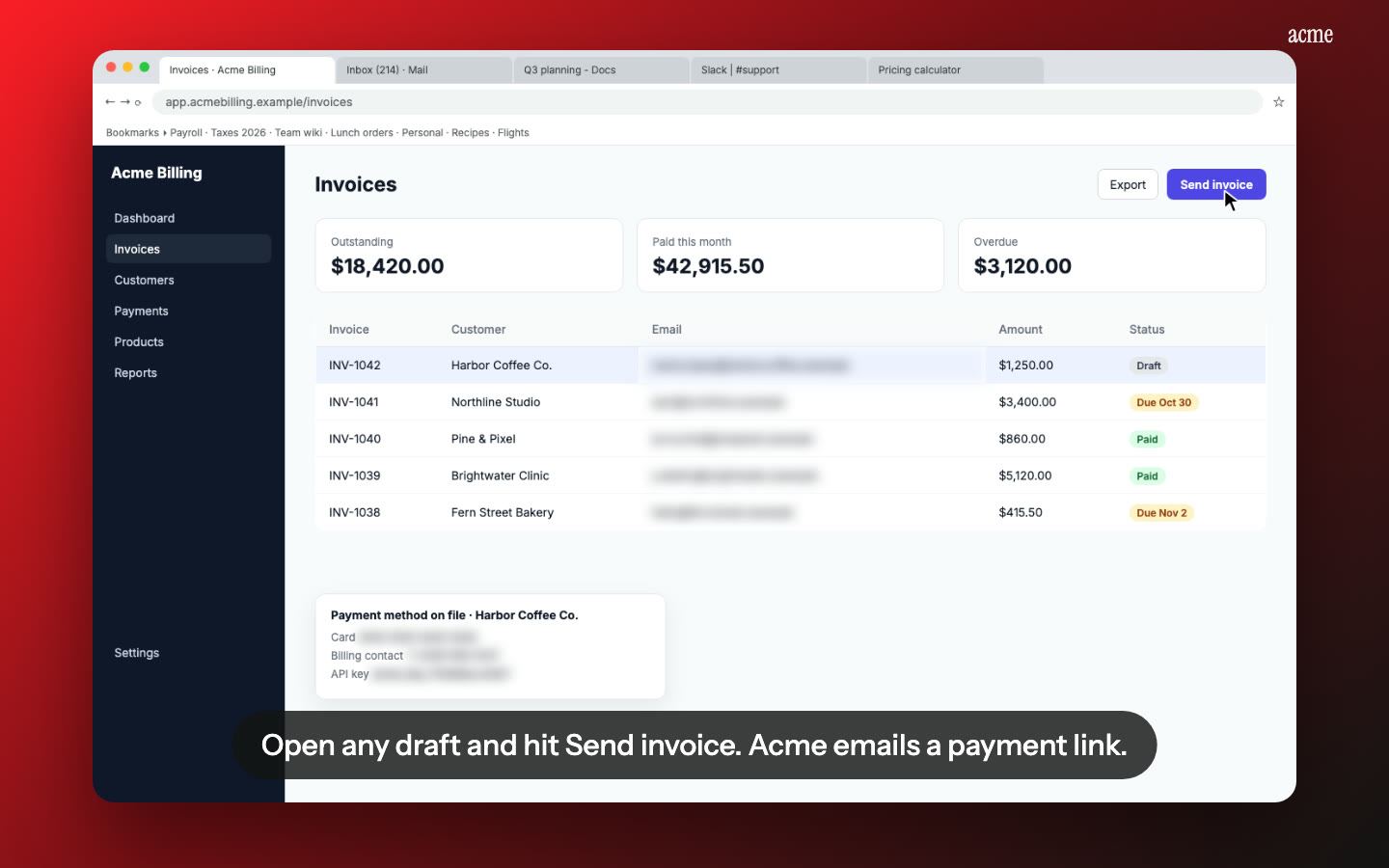
Each scope named where it's used. Nook splits your recording into steps and writes one short line per step. Edit a line to name the scope: "This step uses video.publish to post the clip to the user's account." The reviewer hears it, reads it as a caption, and sees it happen.
The written explanation, drafted for you. Every Nook video comes with a step-by-step guide: a heading, a sentence and a screenshot for each step. It's a good starting point for the product-by-product explanation TikTok asks for. Export it as PDF, Word or Markdown.
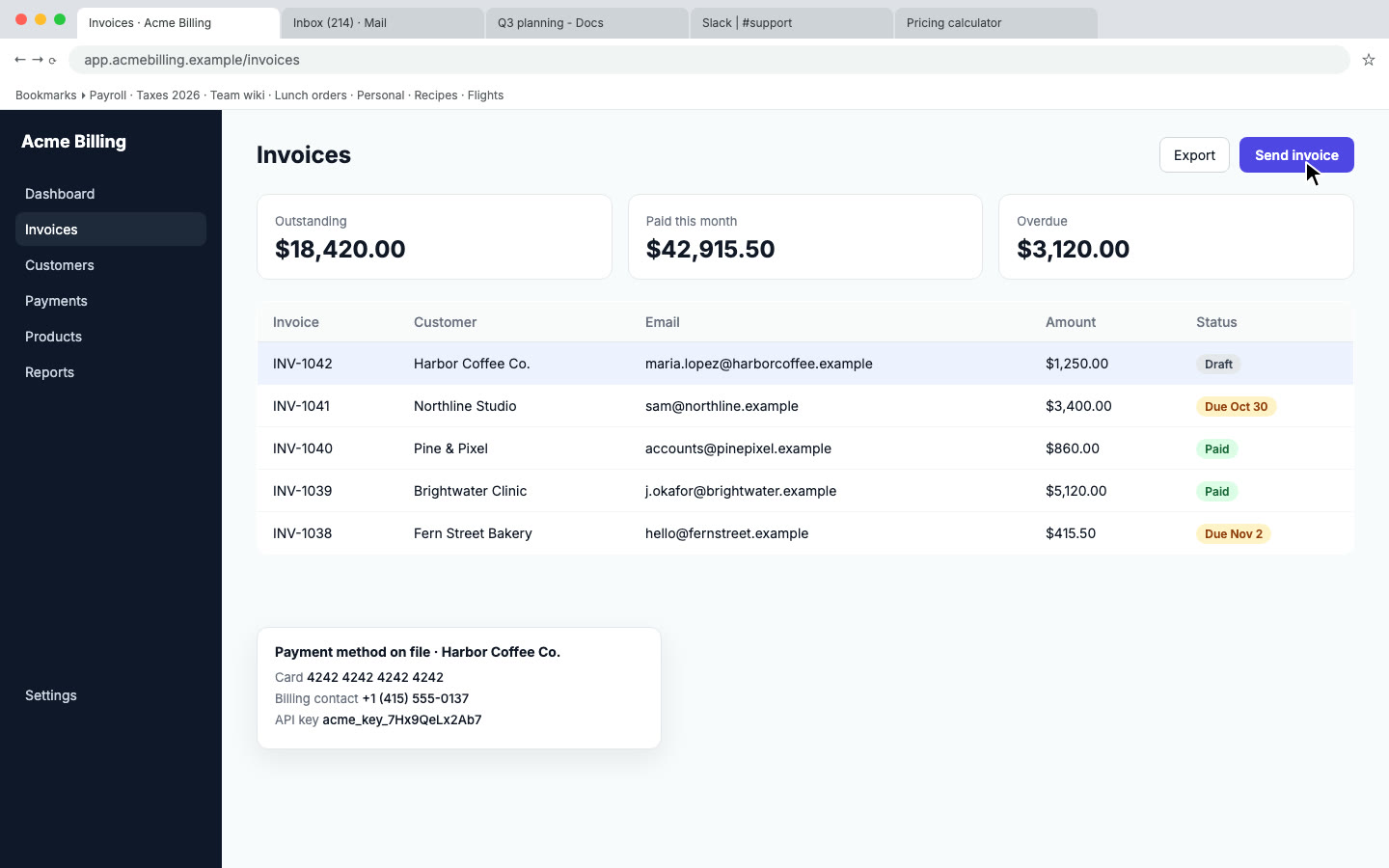
Start where TikTok wants you to start. For a mobile app, begin the recording with the app being opened. For a web app, keep the address bar visible so the domain matches the URL in your submission. Nook flags private data on screen for blurring, so check that the domain isn't flagged by mistake.
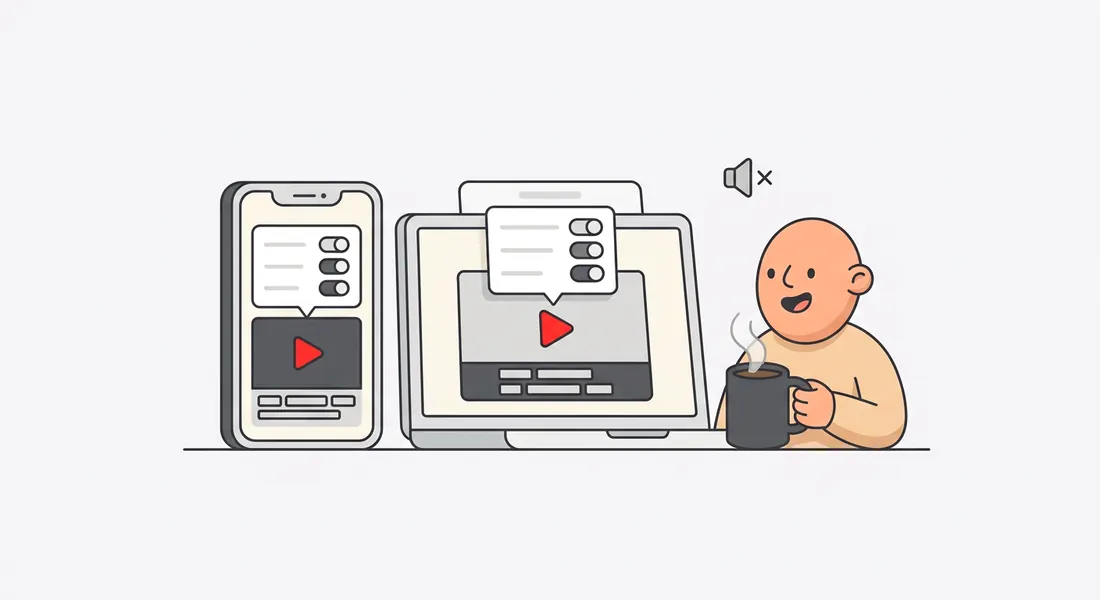
Clear English from any recording. Talk while you record or stay silent. Nook writes the narration from what you said or what's on screen, reads it with a natural voice, and captions it.
Change a line, not the recording. If TikTok asks for a clearer explanation of one scope, edit that line and re-render.
How it works
- Record in a test account: open the app (or load your site at the domain you submitted), log in with TikTok, approve the scopes, then use every feature that relies on a scope. Share, post, read the profile, whatever you request. Use any screen recorder.
- Upload to Nook. It writes the script and the guide. Name each scope in the line where it's used.
- Download the MP4 and upload it to the app review form, with the written explanation.
Nook doesn't record and doesn't submit anything to TikTok for Developers.
Pricing
Starter is $9 a month for 4 videos, each up to 10 minutes, no watermark, with 3 re-renders per video. Your first video is free, up to 3 minutes, with a watermark. If you review several products or update scopes often, Pro is $19 a month for 8 videos. See pricing, or compare other platforms on our app review videos page.
Questions
Does TikTok accept a video made with Nook?
TikTok reviews what the video shows. Make sure every product and scope you selected appears in use, and that the domain or the app opening matches what you submitted. Nook makes the recording easier to follow, it can't add steps you didn't record.
One video or several?
The guidelines ask for at least one video of the complete end-to-end flow. If you request several products, you can record one long flow or one short recording per product. Each Nook video can run up to 10 minutes.
Will the blur hide my domain or the scope list?
Not unless you let it. Nook shows each flagged item, and you can mark anything as not sensitive. Check the login and consent steps before you download.
My interface isn't in English. Does that matter?
The guidelines don't require English. Captions explaining each step still help a reviewer follow along, and Nook writes those in English or in any of 15 languages.
Make your TikTok review video
Upload the recording you already have. Your first video is free. Plans start at $9 a month for 4 videos.
Start free