What Apple asks for
Apple's App Review page, under incomplete information, says: "If some features require signing in, provide a valid demo account username and password." Then: "If features require an environment that is hard to replicate or require specific hardware, be prepared to provide a demo video or the hardware."
The complete review help page goes further on hardware: "Apps with required hardware must provide a video (not a screen recording)" that shows the app running "on a physical Apple device as it pairs and interacts with the hardware."
And the App Review Guidelines, section 2.1, ask you to "include demo account info (and turn on your back-end service!) if your app includes a login," and to put "detailed explanations of non-obvious features" in the App Review notes, "including supporting documentation where appropriate."
So there are three situations:
| Situation | What Apple wants |
|---|---|
| Your app has a login | A demo account that doesn't expire, or an approved demo mode |
| A feature needs an environment reviewers can't replicate | A demo video or a way to replicate it |
| Your app needs specific hardware | A filmed video of a real device pairing with the hardware, or the hardware itself |
Where Nook helps
The hard-to-replicate case. A feature that only works in one region, during a live event, with a partner's back-end data, in a kiosk configuration, behind an enterprise SSO or after a week of use is hard for a reviewer to reach. Record the feature with iOS screen recording in a test account, upload it, and Nook narrates each step: what the reviewer is looking at, why they can't reach it themselves, and what the feature does. Portrait recordings stay portrait at full resolution.
Supporting documentation for non-obvious features. Apple's guidelines ask for explanations of non-obvious features with supporting documentation. Nook gives you a captioned video and a written guide with a screenshot per step. Attach the file or paste the share link in your review notes.
Clear English, whatever your accent. Nook writes a short line for each step and reads it with a natural voice. Every line is also a caption, so the video works with sound off.
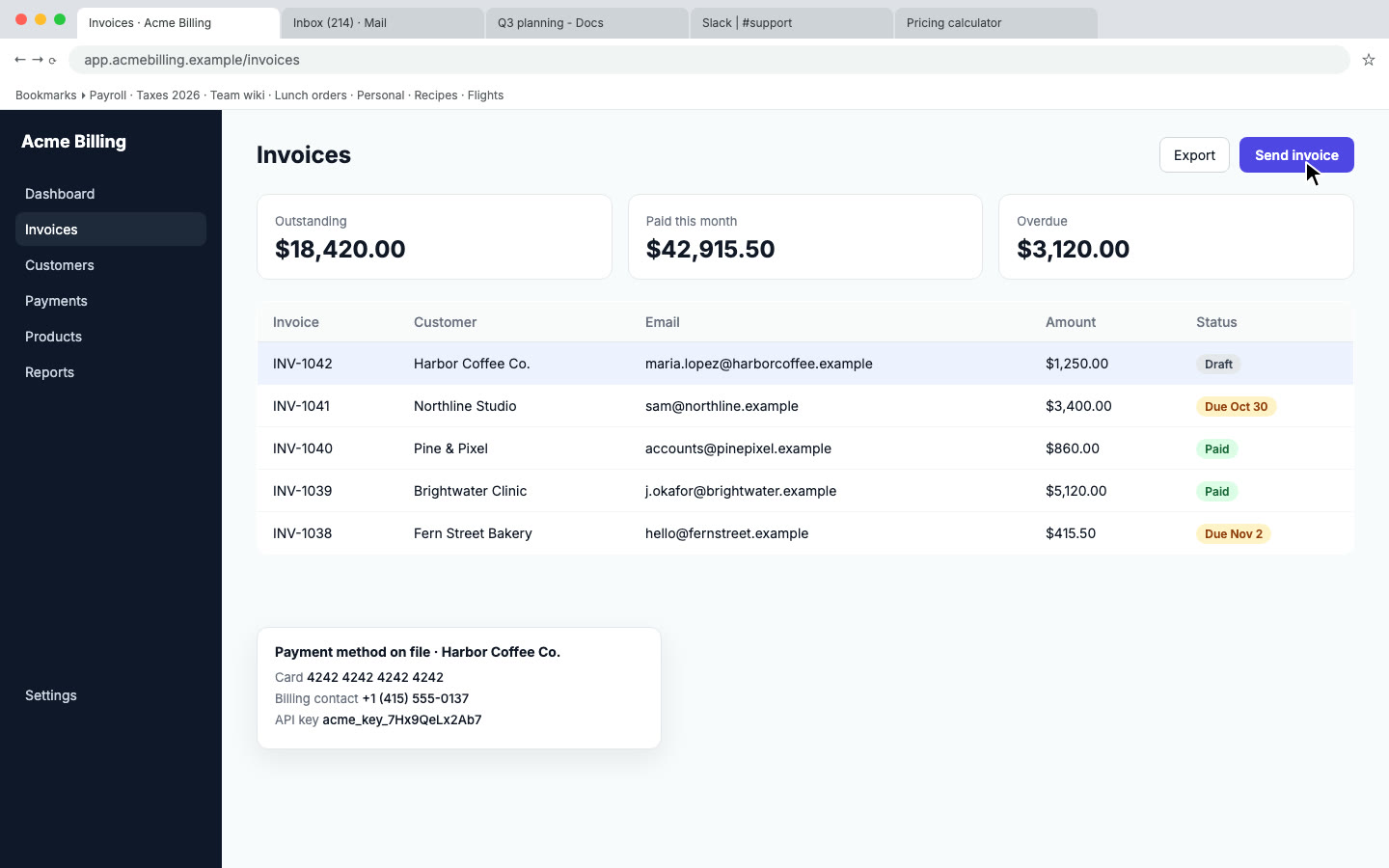
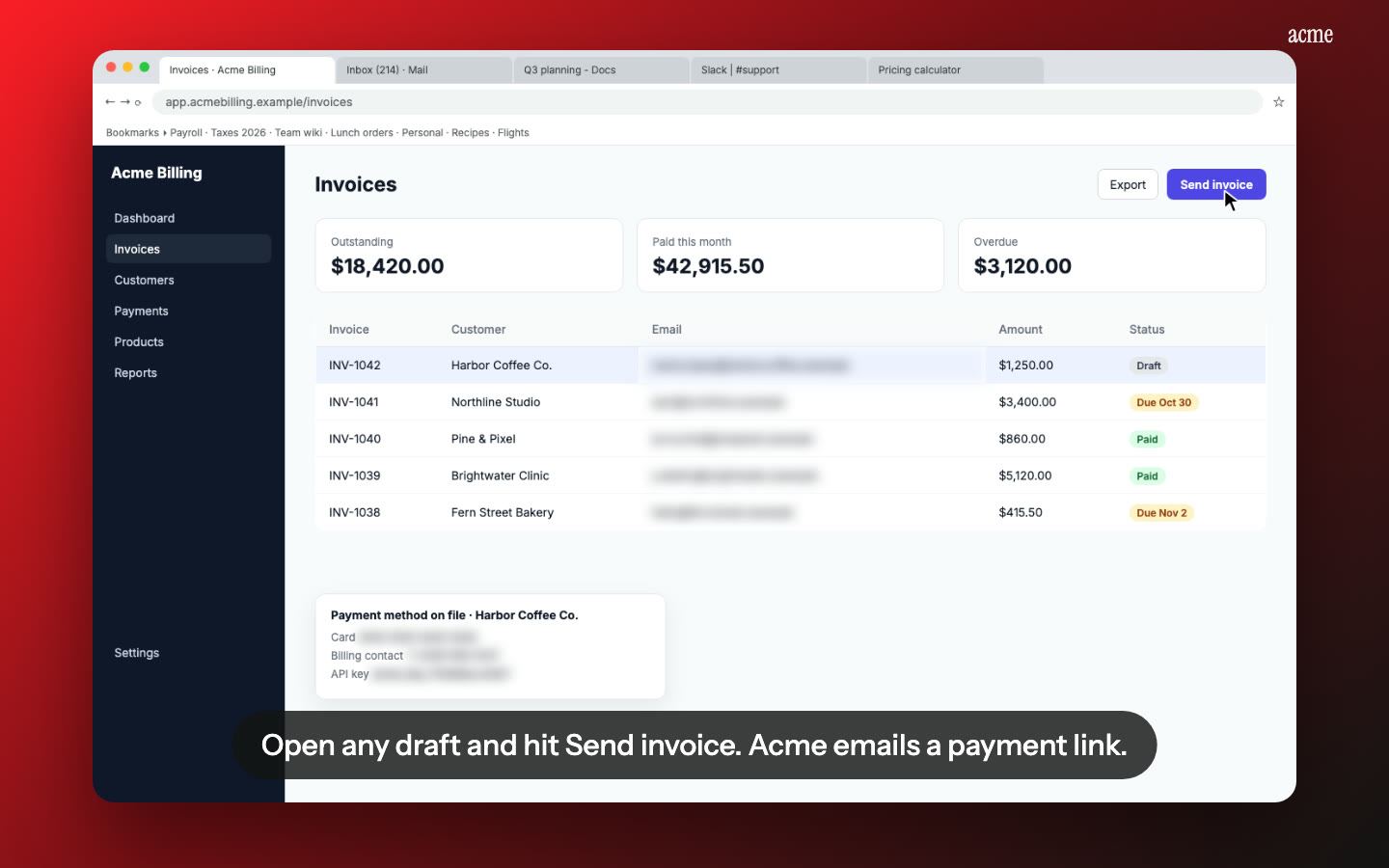
Test data stays private. Nook flags emails, phone numbers and card numbers on screen and blurs them. Check each flag before you download.
Where Nook doesn't help. The hardware video. Apple wants a filmed video, "not a screen recording," of a physical device pairing with your hardware. Nook is built for screen recordings. Film that one with a phone and attach it as it is.
How it works
- Record the feature on a device or simulator, in a test account, from the screen before the feature to the result after it. Use iOS screen recording, QuickTime over a cable, or the simulator's recorder.
- Upload to Nook. It splits the recording into steps and writes the narration and the captions. Edit any line to tell the reviewer what they can't reproduce.
- Download the MP4 and the guide, and add them to App Review Information in App Store Connect: attach the file, or paste the share link in the Notes field, which Apple says holds up to 4000 bytes.
Nook doesn't record, and it doesn't submit anything to App Store Connect.
Pricing
Starter is $9 a month for 4 videos, each up to 10 minutes, no watermark, with 3 re-renders per video. Your first video is free, up to 3 minutes, with a watermark. If you ship updates often and each needs a fresh video, Pro is $19 a month for 8 videos. See pricing, or compare other platforms on our app review videos page.
Questions
Does every app need a demo video for App Review?
No. Apple's pages ask for a demo account or demo mode when the app has a login. A video comes up when a feature needs an environment that is hard to replicate, or when the app needs specific hardware.
Can I use a Nook video for a hardware accessory app?
Not as the hardware video. Apple asks for a filmed video of a real device pairing with the hardware, not a screen recording. You can still use Nook for a screen-recorded walkthrough of the app's other features, as supporting documentation in your notes.
Is this the same as an App Preview?
No. App Previews are the optional short videos on your App Store page, made from screen captures of the app, for customers. The review video goes in App Review Information and is only for the reviewer.
Does Nook keep my iPhone recording in portrait?
Yes. Portrait recordings are kept at their full portrait resolution instead of being squeezed into a widescreen frame.
Make your App Review video
Upload the recording you already have. Your first video is free. Plans start at $9 a month for 4 videos.
Start free