What Atlassian asks for
The video is for your listing, not for approval. Atlassian's app approval guidelines don't mention one. They say "Your listing should reference documentation that describes how to set up and use your app," ask for integration testing credentials when the app connects to a third-party service, and note that "Approvals take 10-15 business days."
The Marketplace app listing principles are where the video comes in: "Video (highly recommended): Keep it under 30 seconds." It should "Show the app solving a real problem, not a marketing montage," because "Users rely on live videos that demonstrate how features work."
The guide to creating a Marketplace listing describes a standout listing as having a demo video that "Starts with a specific problem," "Shows a specific solution," "Walks through the experience" and "Shows the features last." Videos go on the listing as YouTube links.
Where Nook helps
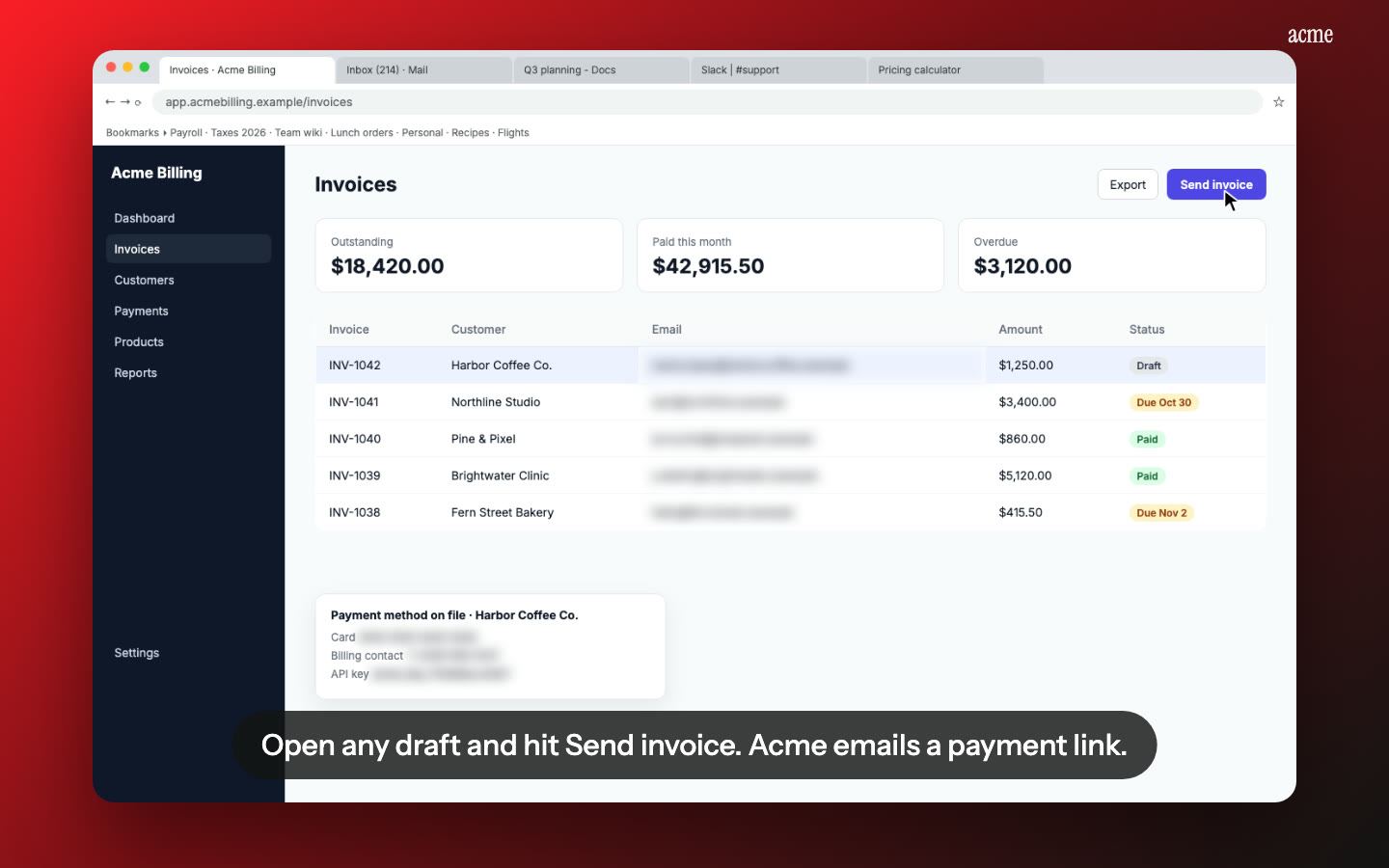
A 30-second video of your real app. Nook's demo video format takes a screen recording of your app and lays short headlines, a voiceover and music over your own clicks, at 15, 30, 45 or 60 seconds. Pick 30. The footage is your actual Jira issue view, Confluence page or Bitbucket pipeline, not a mock-up, which is what "live videos that demonstrate how features work" asks for.
Problem first, features last. Nook's Problem → solution kind opens on the old way, then shows your app fixing it. Edit the headlines so the first one names the specific problem your customer has.
The documentation approval asks for. From the same recording, or a longer one, Nook makes a narrated walkthrough and a written step-by-step guide with a screenshot per step. Export the guide as PDF, Word or Markdown and link it from your listing as the setup and usage documentation.
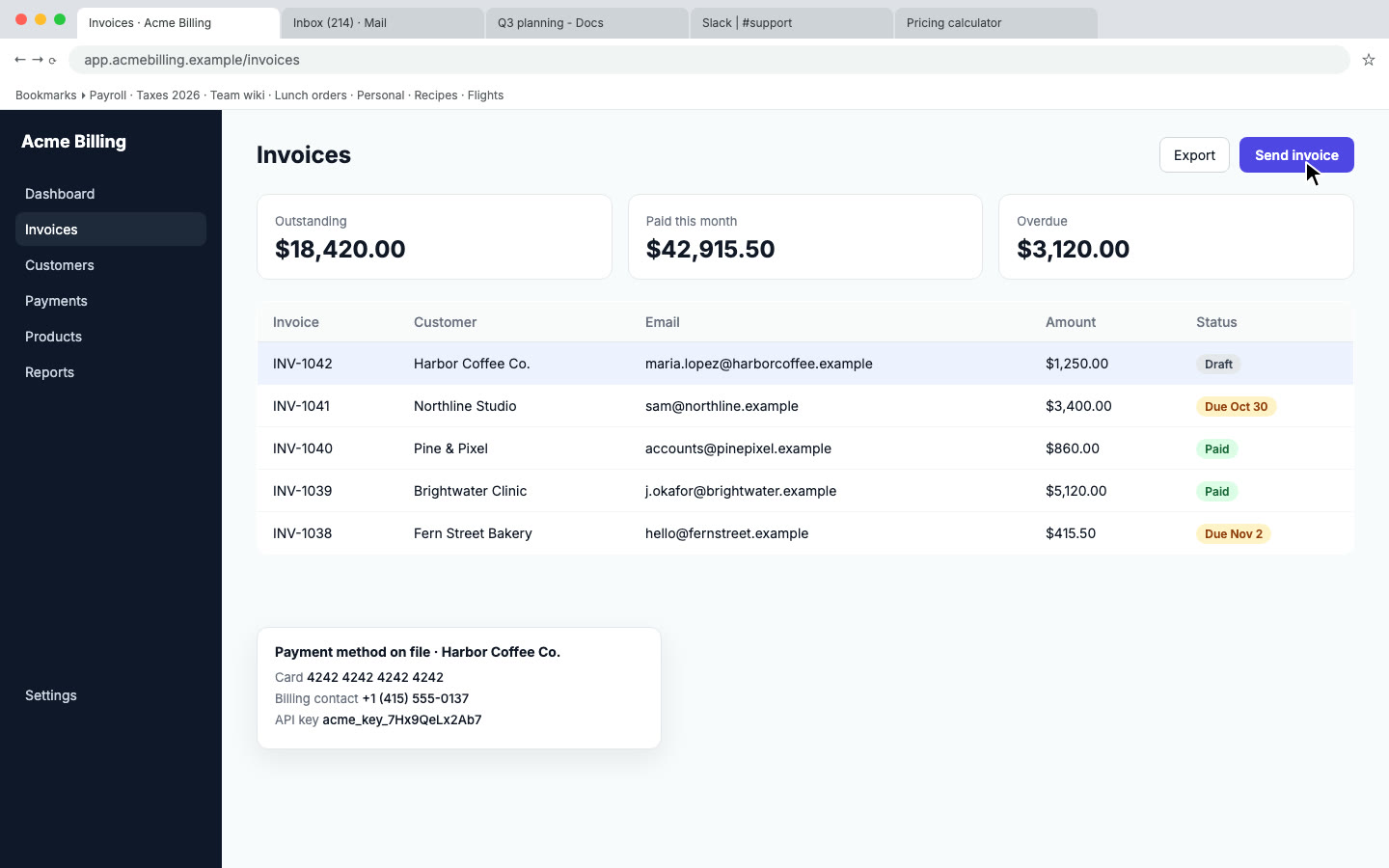
Customer data out of the video. Record in a test site, and Nook flags emails and keys on screen and blurs them anyway.
Change the words, keep the footage. When you rename a feature, edit the headline and re-render. Re-record only when the screens change.
How it works
- Record your app in a test Jira, Confluence or Bitbucket site: one workflow, start to finish, slow clicks, realistic data. Use any screen recorder, talking or silent.
- Upload to Nook. Pick Demo video and the 30-second length for the listing video. Make a second video of the same recording as a walkthrough for the documentation.
- Check the headlines and the script, then download the MP4 and upload it to YouTube. Paste the link into your listing and the guide into your documentation.
Nook doesn't record, doesn't upload to YouTube and doesn't edit your Marketplace listing.
Pricing
Starter is $9 a month for 4 videos, each up to 10 minutes, no watermark, with 3 re-renders per video. Your first video is free, up to 3 minutes, with a watermark and a share link only. Listing several apps or refreshing videos each release? Pro is $19 a month for 8 videos. See pricing, or compare other platforms on our app review videos page.
Questions
Do I need a video to get my Atlassian app approved?
No. The approval guidelines don't require one. They require documentation of setup and use, a privacy policy and the privacy and security tab. Atlassian highly recommends a video on the listing because users rely on it.
Why 30 seconds?
Atlassian's listing principles say to keep the video under 30 seconds and to show the app solving a real problem rather than a marketing montage. Nook's 30-second demo video is built for that length.
Can the same recording serve both the listing and the documentation?
Yes, if the recording covers setup and use. Make one 30-second demo video for the listing and one walkthrough for the documentation. They count as two videos on your plan.
Does Nook upload to YouTube?
No. Download the MP4 and upload it to your YouTube channel, then paste the link into the listing.
Make your Marketplace video
Upload the recording you already have. Your first video is free. Plans start at $9 a month for 4 videos.
Start free