What YC asks for
YC's page on the application video is direct: "The video should be 1 minute long and should contain nothing except the founders talking." Then: "This is not the place to submit a demo or promotional video." And: "If you have a demo for your product, there is a separate place in the application for that."
So there are two things, and they are different:
| Founder video | Product demo | |
|---|---|---|
| What it is | The founders, on camera, talking | A link to your product or a video of it |
| Length | 1 minute | Not specified |
| What YC wants | To hear how the founders communicate | To see how the product works |
| Nook's part | None | Yes, if your demo is a video |
YC's how to apply page describes how a partner reads an application and includes "I'll check out the demo." It also says "we're much more likely to interview people who submit a video," meaning the founder video. Record that one yourself, with every founder in it, and don't read a script.
Where Nook helps
A short demo of the real thing. If the reader can't sign up and use your product in two minutes, send a video of it. Nook turns a screen recording into a 30 to 60 second demo video with headlines and a voiceover, or into a 2 to 3 minute narrated walkthrough. Both are your actual product doing its actual job. No mock-ups and no stock footage.
The point in the first five seconds. Edit the opening headline to say what the product does and for whom. A partner scanning hundreds of applications should know what they're looking at before the first click.
Clear narration without a recording booth. Talk while you record or stay silent. Nook writes a short line per step from what you said or what's on screen and reads it with a natural voice. Captions on every line, for anyone watching on mute.
A link that just plays. Nook gives you a share page with the video and chapters. Paste that link into the demo field. No password, no sign-in, no download.
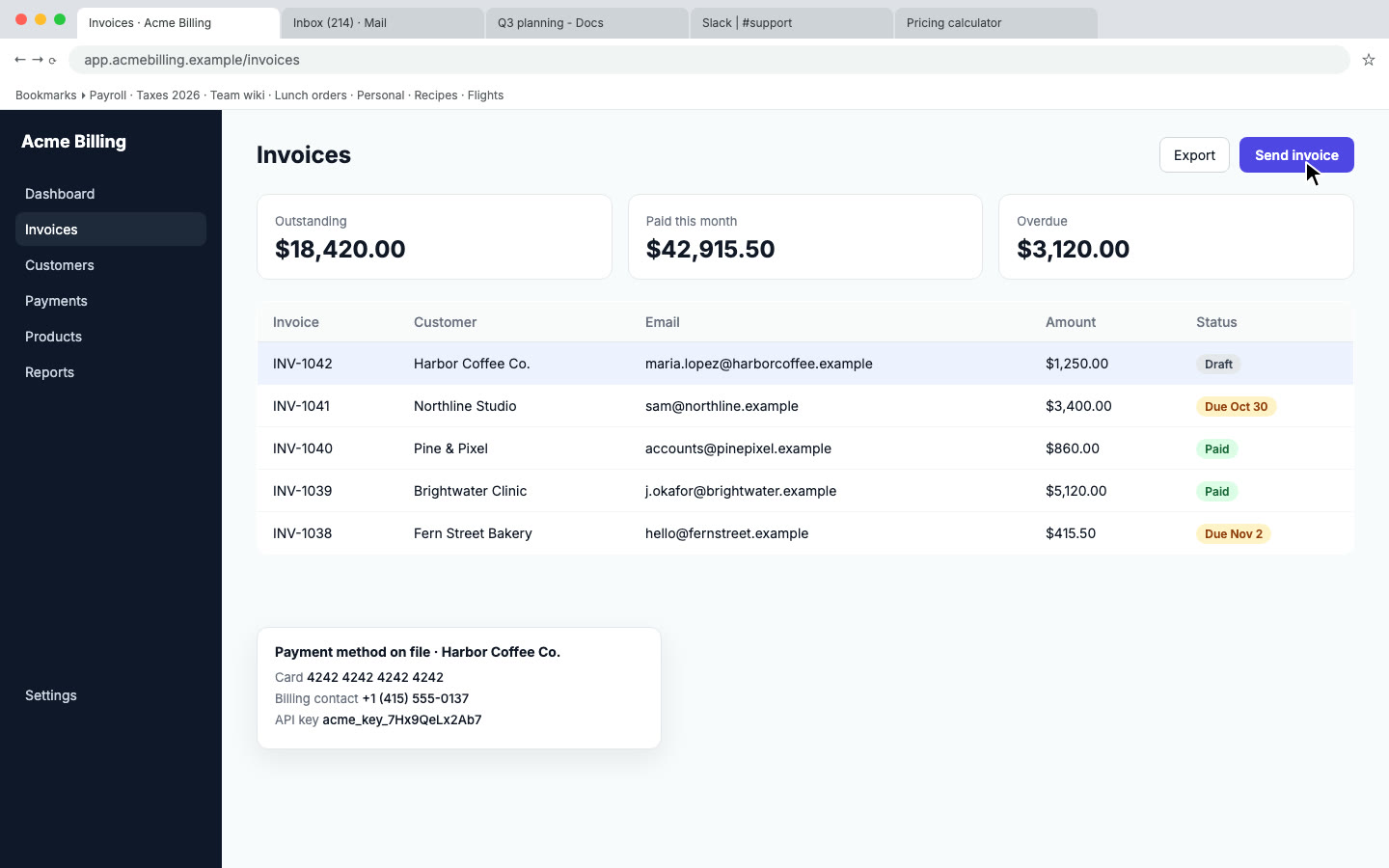
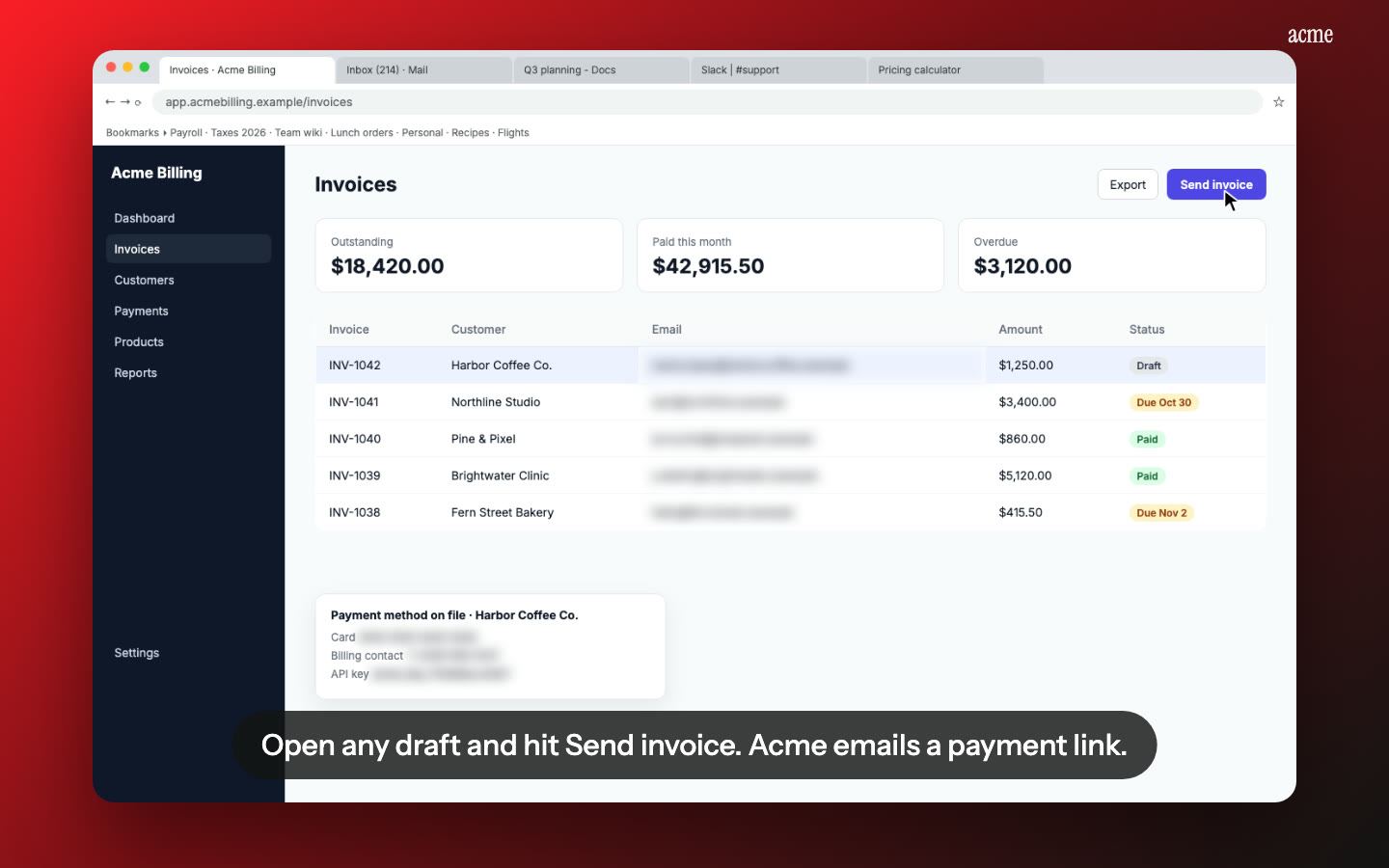
Private data out of the frame. Recording in your own account? Nook flags emails, card numbers and keys on screen and blurs them.
How it works
- Record one real workflow in your product, from the user's problem to the result. Two to three minutes is plenty. Use any screen recorder.
- Upload to Nook. Pick Demo video for a 30 to 60 second cut with headlines, or Walkthrough for a narrated step-by-step. Read the script and fix any line that's off.
- Copy the share link into the demo field of your application, or download the MP4 and host it where you like.
Nook doesn't record, and it has nothing to do with the founder video.
Pricing
Your first video is free, up to 3 minutes, with a watermark and a share link, which is enough for an application. A single video without the watermark is $4. Starter is $9 a month for 4 videos if you also want a launch video and a help video from the same recording. See pricing. Launching elsewhere too? See Product Hunt demo videos and investor demo videos.
Questions
Can Nook make the founder video?
No. YC asks for the founders talking on camera, nothing else. Nook works from screen recordings of software. Film the founder video on a laptop or phone.
Should the demo be a link to the product or a video?
If a reader can use the product right away without setup, link to the product. If it needs data, a login or an onboarding, a short video shows more in less time. You can also do both: link to the product and mention the video in the application.
How long should the demo video be?
YC doesn't set a length for the demo. Shorter is safer. A 30 to 60 second demo video shows the main job, and a walkthrough of two or three minutes shows how it works.
Can I use the free video?
Yes. The free video has a watermark and a share link, and plays without a sign-in. If you'd rather have no watermark, a single video is $4.
Make your demo video
Upload the recording you already have. Your first video is free. Plans start at $9 a month for 4 videos.
Start free