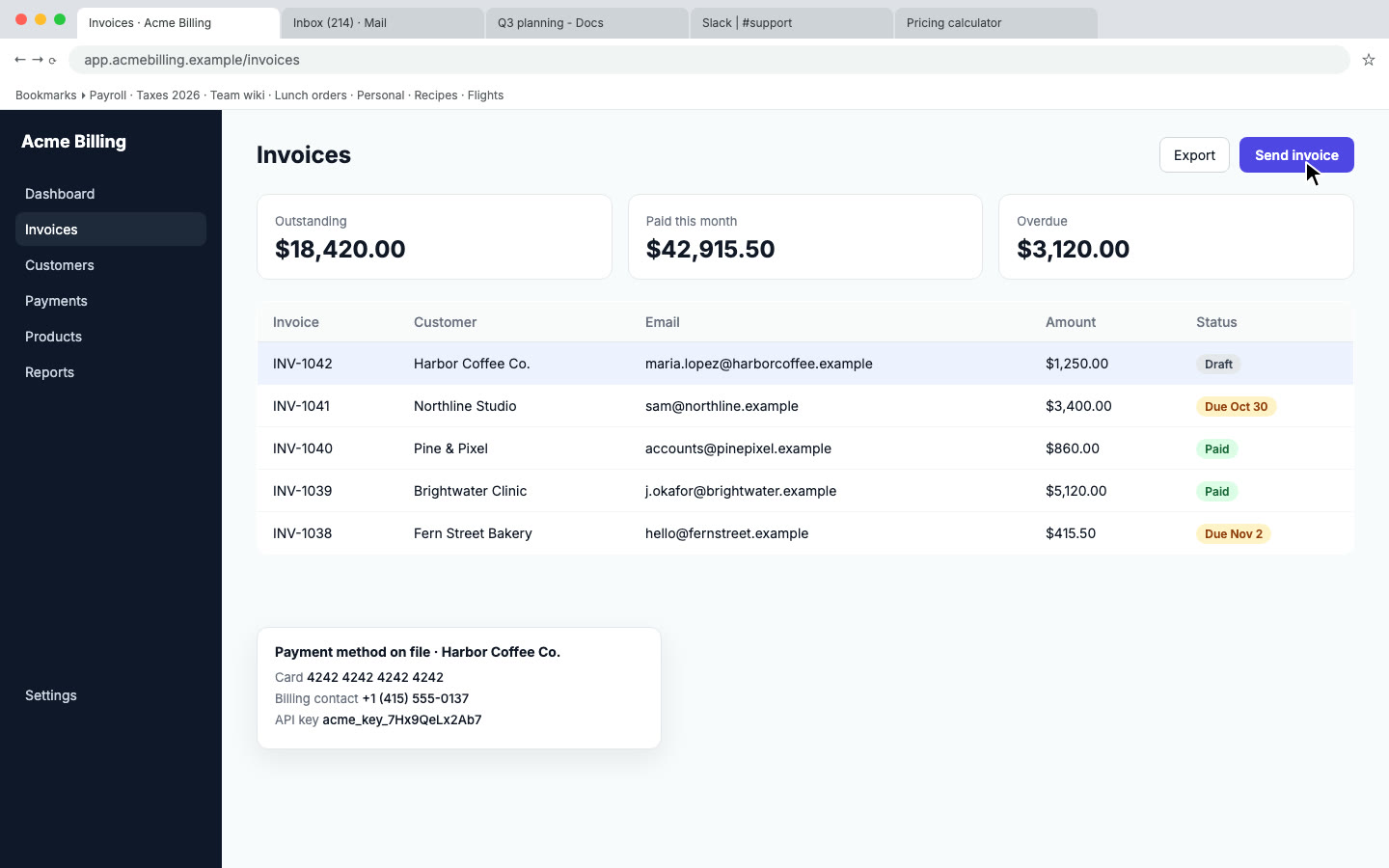
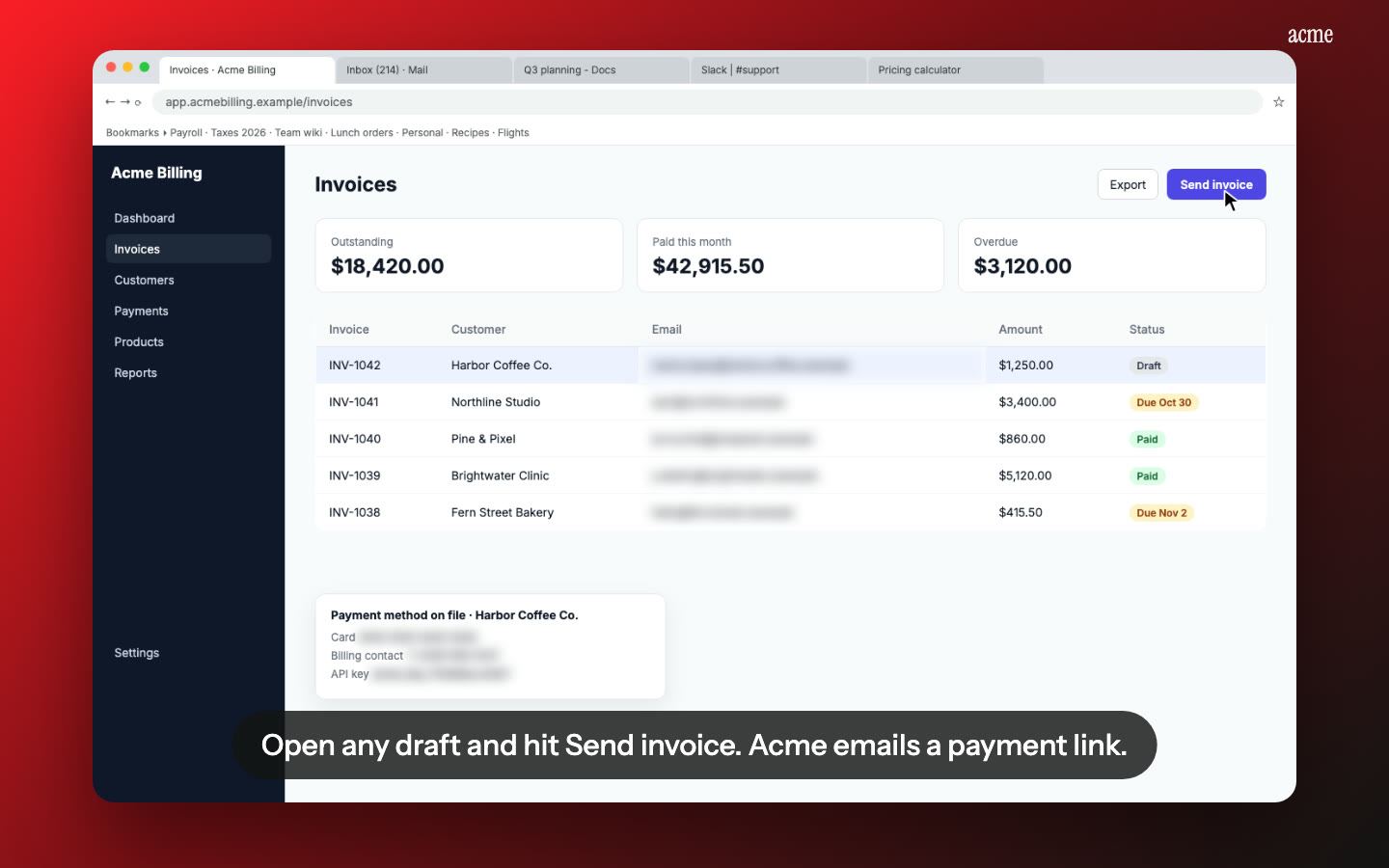
Nook makes an investor demo video from a screen recording you already have. You upload the recording, pick the Demo video format, and Nook writes headlines and a voiceover, adds music and puts them over your real product in use. For the investors who want to see how it works, the same recording becomes a narrated walkthrough with chapters.
What investors watch
An investor reading a deck or an update email gives a demo a minute, often less, and usually on mute. They want to see the product is real, understand what it does for whom, and see one thing that is hard to do without it. A screen recording with your cursor wandering and a two-minute preamble doesn't get there. A video with a clear first headline, four or five scenes of the product doing its job and captions on every line does.
There are two moments and two videos:
| Moment | Video | Length |
|---|---|---|
| Deck, update email, intro message | Demo video: headlines, voice, music over your clicks | 30 to 60 seconds |
| Diligence, data room, follow-up question | Walkthrough: narrated step by step, with chapters | 2 to 5 minutes |
Both come from the same recording.
What you get
The short one. Nook's Demo video format runs 15, 30, 45 or 60 seconds. Big headlines carry the story, an AI voice reads the script, music runs underneath, and every frame is your actual product. It comes in 16:9 for the deck and a website, and you can make 9:16 and 1:1 with one button each for a post. Pick the Product launch kind for a general demo, or Problem → solution to show the old way first.
The long one. The Walkthrough format splits the recording into steps and narrates each one: what the user is doing and why it matters. Chapters on the share page let an analyst jump to the part they asked about. The written guide, with a screenshot per step, goes in the data room as a PDF.
Monthly updates. Shipped something this month? Record the new feature, pick Feature update, and drop a 30-second video into the update email. The same product, the same look, every month.
Private data blurred. You'll be recording in a real or realistic account. Nook flags emails, card numbers and API keys on screen and blurs them. Check each flag before you share.
Other languages. Investors in another market? Narration is available in 15 languages, each as its own MP4.
How it works
- Record one workflow. Pick the thing your product does that a slide can't show. Start on the right screen, click slowly, finish on the result. Talk if you like, or stay silent and Nook reads the screen.
- Upload the MP4, MOV or WebM.
- Pick the format. Demo video for the deck, Walkthrough for the data room. Pick a look, add your logo.
- Read the words and fix them. Edit any headline or line. Make the first headline say what the product does and for whom.
- Share. Copy the share link into the deck or the email, or download the MP4 and drop it in the data room. The share page plays without a login.
Our guide to making a product demo video covers the structure: one job, one user, three to five scenes, one line about what happens next.
Honest limits
- Nook doesn't record. You bring the screen recording. Any recorder works: QuickTime, OBS, Zoom, a Loom download.
- It's your product, not a pitch film. No stock footage, no animated market map, no talking-head intro. If the product isn't built yet, Nook can't demo it.
- The AI voice isn't your voice. If you talked while recording, your words shape the script, but a synthetic voice reads it. Pro can clone your voice.
- The recording sets the ceiling. Tidy account, realistic data, slow clicks. A rushed take full of test rows gives a rushed video.
- No metrics overlays. Nook puts headlines and captions on the video, not charts. Keep the traction slide in the deck.
Pricing
Your first video is free, up to 3 minutes, with a watermark and a share link only. A single video is $4. Starter is $9 a month for 4 videos, Pro is $19 a month for 8 and Business is $49 a month for 16. You pay by the video, not by the seat, so a cofounder can make the next update's video on the same plan. See pricing.
Questions
What is an investor demo video?
A short video of your real product doing its main job, made for a deck, an update email or a data room. It shows the product is real and what it does, in about a minute.
How long should a demo for a pitch deck be?
30 to 60 seconds for the deck or the email. Keep a longer narrated walkthrough, two to five minutes, for investors who ask how it works.
Can I put the video in the deck itself?
Most deck tools embed an MP4 or a link. Download the 16:9 MP4 for an embedded clip, or paste the share link on the slide. For a PDF deck, use the link.
Do I need to talk while recording?
No. If you stay silent, a vision model reads the screen and writes the script. If you talk, your words shape it.
Can I update the video every month?
Yes. Record the new feature, pick Feature update, and reuse your logo and look. Each video counts against your monthly videos.
Applying to an accelerator?
The demo field on a YC application takes a link. See YC application demo video.
Make your investor demo
Upload the recording you already have. Your first video is free. Plans start at $9 a month for 4 videos.
Start free